DoNotPay vs Legal Robot
In the battle of DoNotPay vs Legal Robot, which AI Legal tool comes out on top? We compare reviews, pricing, alternatives, upvotes, features, and more.
Between DoNotPay and Legal Robot, which one is superior?
Upon comparing DoNotPay with Legal Robot, which are both AI-powered legal tools, The upvote count shows a clear preference for DoNotPay. DoNotPay has attracted 8 upvotes from aitools.fyi users, and Legal Robot has attracted 3 upvotes.
Feeling rebellious? Cast your vote and shake things up!
DoNotPay

What is DoNotPay?
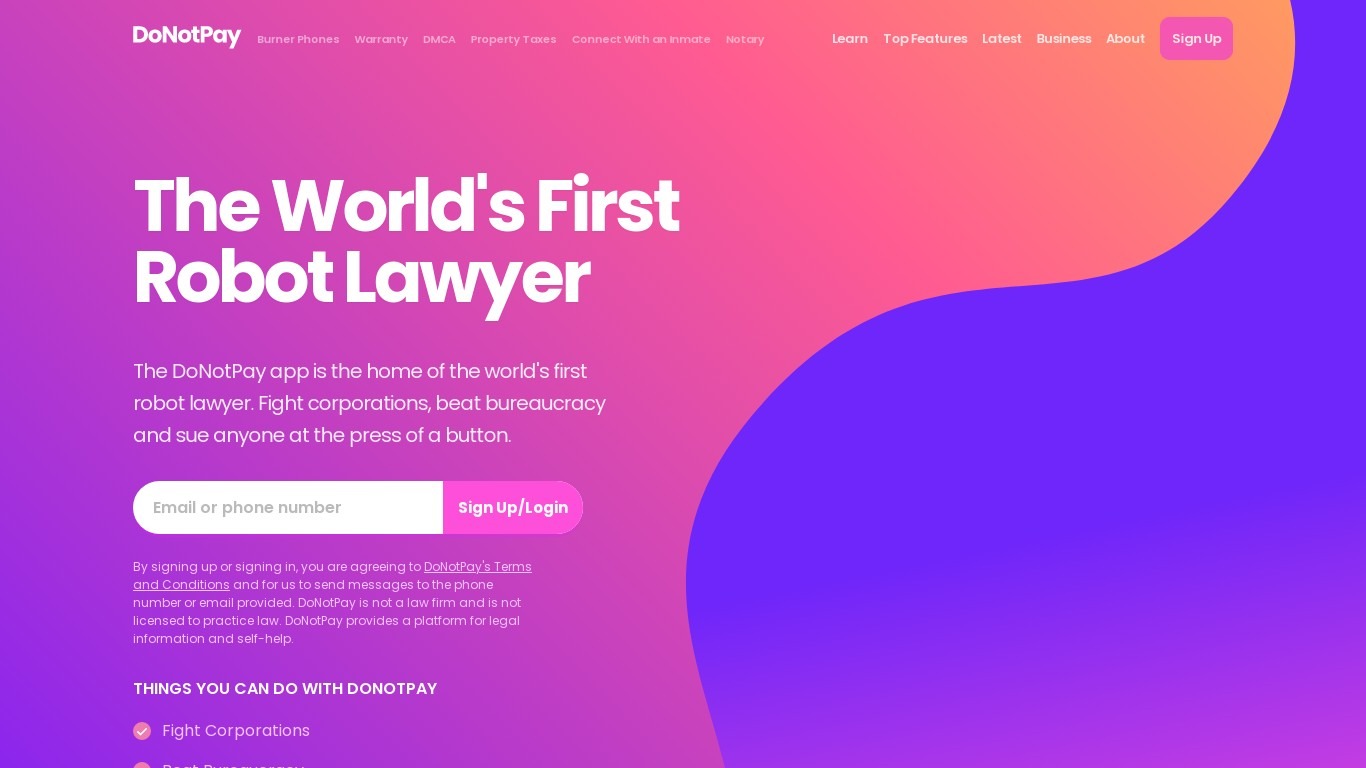
DoNotPay helps consumers fight corporations, recover money, and beat bureaucracy with more than 100 automated self-help tools on donotpay.com. You can cancel subscriptions, appeal parking tickets, file small claims paperwork, find unclaimed money, and block spam robocalls from one account. Its Free Trial Card issues a virtual card that auto-declines charges when a trial period ends.
Unlike traditional legal clinics, DoNotPay automates document generation and filing workflows for everyday disputes rather than pairing you with a licensed attorney. The company states it is not a law firm and does not provide legal advice, which keeps costs lower but means outcomes depend on your situation and jurisdiction.
Consumers dealing with unfair fees, subscription traps, robocalls, or DMV paperwork are the core audience. People who need licensed counsel for complex litigation should hire a lawyer. DoNotPay fits renters, travelers, and busy households who want templated legal tools and consumer advocacy on demand.
Legal Robot
What is Legal Robot?
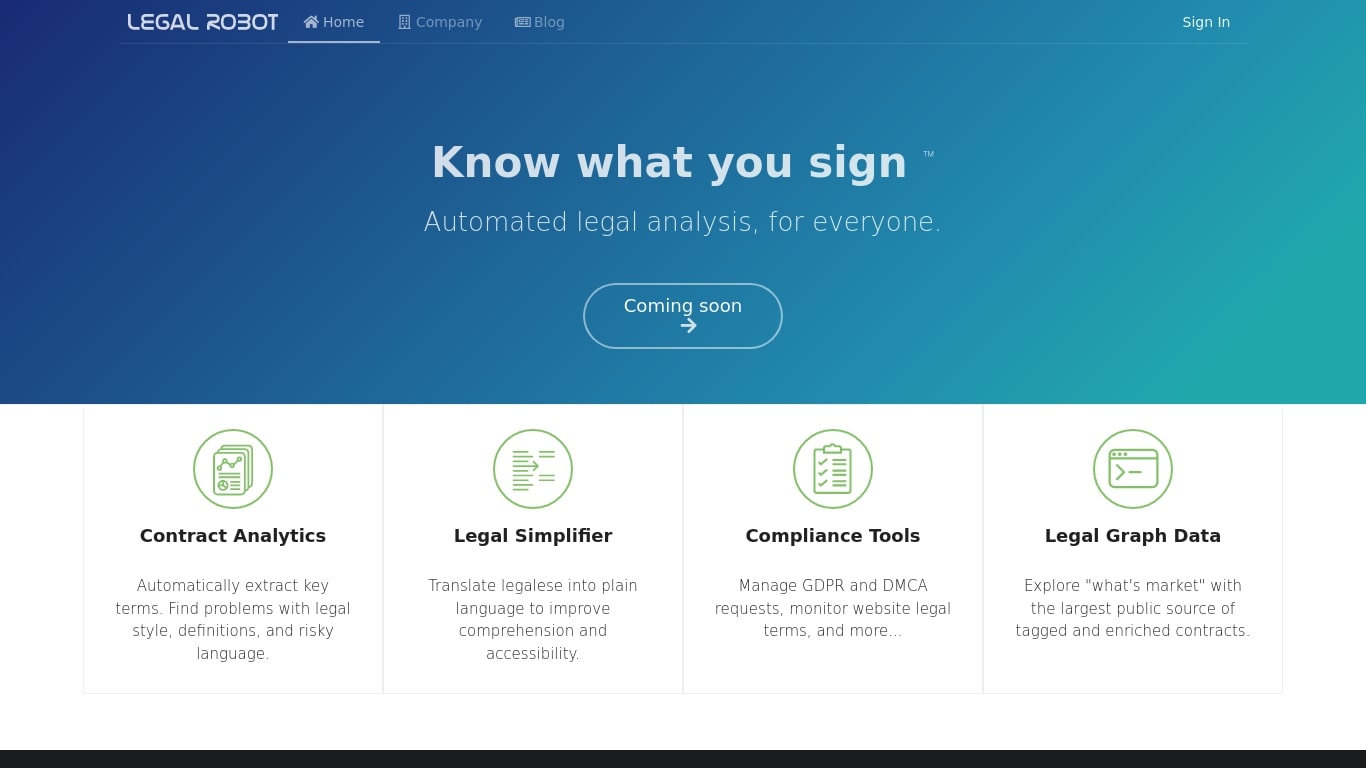
Legal Robot reads legal documents and flags risky language, unclear definitions, and style problems before you sign. Its Legal Simplifier turns dense legalese into plain English, and compliance helpers cover GDPR and DMCA requests. A Legal Graph Data layer lets you compare contract language against a large tagged corpus.
Most contract review tools send your files to a remote server. Legal Robot runs analysis on your device, encrypts the results with a key only you hold, and stores the ciphertext in your own cloud account. That local-first model targets teams who cannot upload sensitive agreements to a vendor cloud.
Legal Robot was trained on English-language contracts from the US, Canada, UK, and Australia under common law. The FAQ states it does not provide legal advice, only automated comparisons and linguistic statistics. New sign-ups currently show a Coming soon label on the homepage, so access may be limited even though the product pages remain live.
It fits small business owners, in-house counsel, and contract managers who need a first pass on agreements before involving an attorney. Support is email-only at [email protected], and the company lists a Vallejo, California address on its site.
DoNotPay Upvotes
Legal Robot Upvotes
DoNotPay Top Features
More than 100 consumer tools spanning legal, financial, and bureaucratic tasks
Free Trial Card virtual card auto-declines charges after free trials end
Subscription cancellation chatbot can contact customer service on your behalf
Burner phone numbers for signups that require SMS verification
Robocall compensation and spam text fighting tools with documented payout paths
Mailing service sends letters with proof of mailing tracked in one dashboard
Small claims, parking ticket appeals, and bill negotiation templates built in
Legal Robot Top Features
Contract Analytics extracts key terms and flags risky language, style issues, and weak definitions
Legal Simplifier translates legalese into plain language for faster comprehension
Compliance Tools handle GDPR and DMCA requests and monitor website legal terms
Legal Graph Data compares your contract language against a large tagged public corpus
On-device analysis keeps sensitive documents off Legal Robot servers before encryption
Deep Learning models trained on English contracts from the US, Canada, UK, and Australia
DoNotPay Category
- Legal
Legal Robot Category
- Legal
DoNotPay Pricing Type
- Paid
Legal Robot Pricing Type
- Paid