dopepics.io vs AI Image Upscaler on AI Image Enlarger
In the clash of dopepics.io vs AI Image Upscaler on AI Image Enlarger, which AI Photo Editing tool emerges victorious? We assess reviews, pricing, alternatives, features, upvotes, and more.
When we put dopepics.io and AI Image Upscaler on AI Image Enlarger head to head, which one emerges as the victor?
Let's take a closer look at dopepics.io and AI Image Upscaler on AI Image Enlarger, both of which are AI-driven photo editing tools, and see what sets them apart. dopepics.io stands out as the clear frontrunner in terms of upvotes. dopepics.io has been upvoted 7 times by aitools.fyi users, and AI Image Upscaler on AI Image Enlarger has been upvoted 6 times.
Not your cup of tea? Upvote your preferred tool and stir things up!
dopepics.io
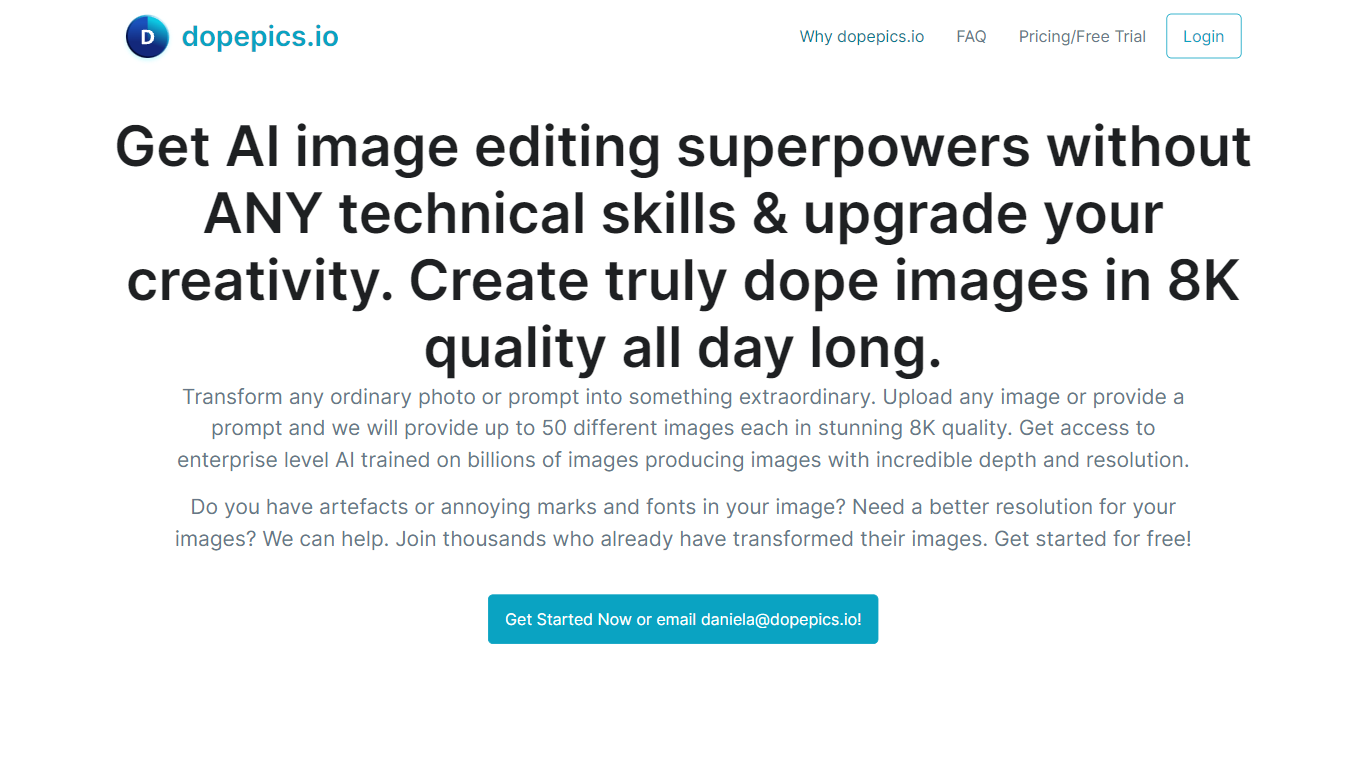

What is dopepics.io?
dopepics.io lets you upload a JPEG, PNG, or WebP photo up to 4 MB, describe the edit you want, and get an AI-transformed image back without creating an account first. Free samples process at 512px with a light watermark, while Pro unlocks higher resolution exports, commercial licensing, and multi-image packs.
Most photo editors expect you to learn layers and masks. dopepics.io is prompt-driven: you drop an image, optionally type what should change, and the site runs Flux-based models to restyle or upscale the shot. That trade-off favors quick social posts and presentation slides over pixel-level manual control.
Photographers, influencers, and marketers are the target audience. The homepage advertises royalty-free commercial rights on paid output, unlimited Pro re-runs until you are satisfied, and onsite processing with data deleted within 48 hours. Mighty Media LLC operates the service from Albuquerque, New Mexico, with Stripe checkout and an API available on request.
AI Image Upscaler on AI Image Enlarger

What is AI Image Upscaler on AI Image Enlarger?
This Imglarger photo editing tool enlarges JPG, PNG, or WebP images to 2x or 4x resolution in your browser. You upload a file up to 10 MB and 1024 px wide, pick a scale factor, and the model sharpens edges and textures for 4K screens, product catalogs, or social posts. It handles portraits, AI art, anime frames, and product shots without installing desktop software.
Standard resize tools stretch pixels and leave blurry blocks. Imglarger's upscaler rebuilds detail with a focused workflow: upload, choose 200% or 400%, preview side by side, then download. You give up local batch power on the free tier and must trust cloud processing, though files auto-delete within six hours.
E-commerce teams batch-prepare catalog assets on paid plans. Digital artists upscale Midjourney or Stable Diffusion outputs, and photographers rescue compressed client files before print runs.
dopepics.io Upvotes
AI Image Upscaler on AI Image Enlarger Upvotes
dopepics.io Top Features
Free tier allows 5 watermarked samples per day per network with no signup
Accepts JPEG, PNG, or WebP uploads up to 4 MB processed at 512px on free runs
Pro removes the watermark, raises resolution, and enables commercial use
Uses Flux image models and advertises up to 8K output on paid generations
Unlimited Pro re-runs until you are satisfied per the FAQ refund policy
API access is available by emailing support for application integrations
AI Image Upscaler on AI Image Enlarger Top Features
Upscale images to 200% or 400% with a single upload step
Accepts JPG, PNG, and WebP files up to 10 MB and 1024 px input width
Preview upscaled output beside the original before downloading
Batch upscale multiple images on paid plans starting at $4.99 per month
Processed files are automatically deleted within six hours
Dedicated anime upscaler and enlarger tools live on the same Imglarger site
dopepics.io Category
- Photo Editing
AI Image Upscaler on AI Image Enlarger Category
- Photo Editing
dopepics.io Pricing Type
- Freemium
AI Image Upscaler on AI Image Enlarger Pricing Type
- Freemium