dopepics.io vs Luminar Neo
In the battle of dopepics.io vs Luminar Neo, which AI Photo Editing tool comes out on top? We compare reviews, pricing, alternatives, upvotes, features, and more.
Between dopepics.io and Luminar Neo, which one is superior?
Upon comparing dopepics.io with Luminar Neo, which are both AI-powered photo editing tools, The upvote count shows a clear preference for Luminar Neo. Luminar Neo has received 9 upvotes from aitools.fyi users, while dopepics.io has received 7 upvotes.
Feeling rebellious? Cast your vote and shake things up!
dopepics.io
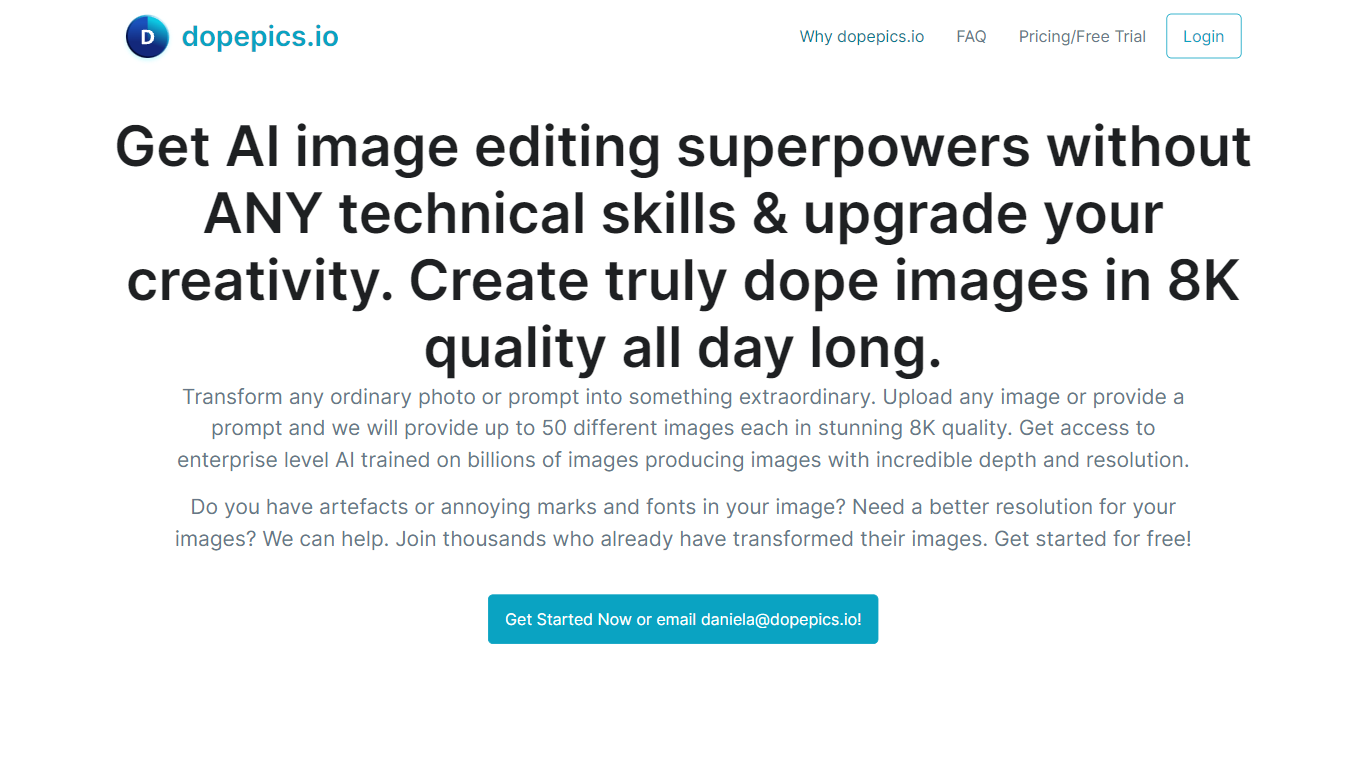

What is dopepics.io?
dopepics.io lets you upload a JPEG, PNG, or WebP photo up to 4 MB, describe the edit you want, and get an AI-transformed image back without creating an account first. Free samples process at 512px with a light watermark, while Pro unlocks higher resolution exports, commercial licensing, and multi-image packs.
Most photo editors expect you to learn layers and masks. dopepics.io is prompt-driven: you drop an image, optionally type what should change, and the site runs Flux-based models to restyle or upscale the shot. That trade-off favors quick social posts and presentation slides over pixel-level manual control.
Photographers, influencers, and marketers are the target audience. The homepage advertises royalty-free commercial rights on paid output, unlimited Pro re-runs until you are satisfied, and onsite processing with data deleted within 48 hours. Mighty Media LLC operates the service from Albuquerque, New Mexico, with Stripe checkout and an API available on request.
Luminar Neo

What is Luminar Neo?
Luminar Neo is a desktop photo editor for macOS and Windows that combines one-click AI adjustments with layer-based manual control. Sky replacement, portrait retouching, generative erase and expand, HDR merge, and noise reduction all live in one app, with optional Lightroom Classic and Photoshop plug-in support.
Where subscription editors lock you into monthly fees, Skylum sells Luminar as a perpetual license with 2 device activations. Generative AI tools and the asset library renew annually, but the core app stays yours after a single purchase, which suits photographers who edit in bursts rather than every day.
Landscape shooters, portrait photographers, and hobbyists use Luminar Neo for batch presets, RAW support across 1000+ cameras, and cross-device handoff from mobile to desktop on higher tiers. An AI Assistant suggests edits in 16 languages and opens the right tool when you ask how-to questions.
dopepics.io Upvotes
Luminar Neo Upvotes
dopepics.io Top Features
Free tier allows 5 watermarked samples per day per network with no signup
Accepts JPEG, PNG, or WebP uploads up to 4 MB processed at 512px on free runs
Pro removes the watermark, raises resolution, and enables commercial use
Uses Flux image models and advertises up to 8K output on paid generations
Unlimited Pro re-runs until you are satisfied per the FAQ refund policy
API access is available by emailing support for application integrations
Luminar Neo Top Features
Perpetual licenses from $129 with 2 desktop activations on macOS and Windows
Generative AI tools include GenErase, GenSwap, GenExpand, and photo restoration
Supports RAW files from 1000+ cameras plus JPEG, PNG, TIFF, and major RAW formats
Pro Tools add Supersharp AI, Noiseless AI, HDR merge, focus stacking, and panorama stitch
AI Assistant suggests up to 3 edits per request in 16 languages with one-click apply
dopepics.io Category
- Photo Editing
Luminar Neo Category
- Photo Editing
dopepics.io Pricing Type
- Freemium
Luminar Neo Pricing Type
- Paid