dopepics.io vs PhotoAid's AI Image Enlarger
In the battle of dopepics.io vs PhotoAid's AI Image Enlarger, which AI Photo Editing tool comes out on top? We compare reviews, pricing, alternatives, upvotes, features, and more.
Which one is better? dopepics.io or PhotoAid's AI Image Enlarger?
Upon comparing dopepics.io with PhotoAid's AI Image Enlarger, which are both AI-powered photo editing tools, dopepics.io is the clear winner in terms of upvotes. dopepics.io has received 7 upvotes from aitools.fyi users, while PhotoAid's AI Image Enlarger has received 6 upvotes.
Think we got it wrong? Cast your vote and show us who's boss!
dopepics.io
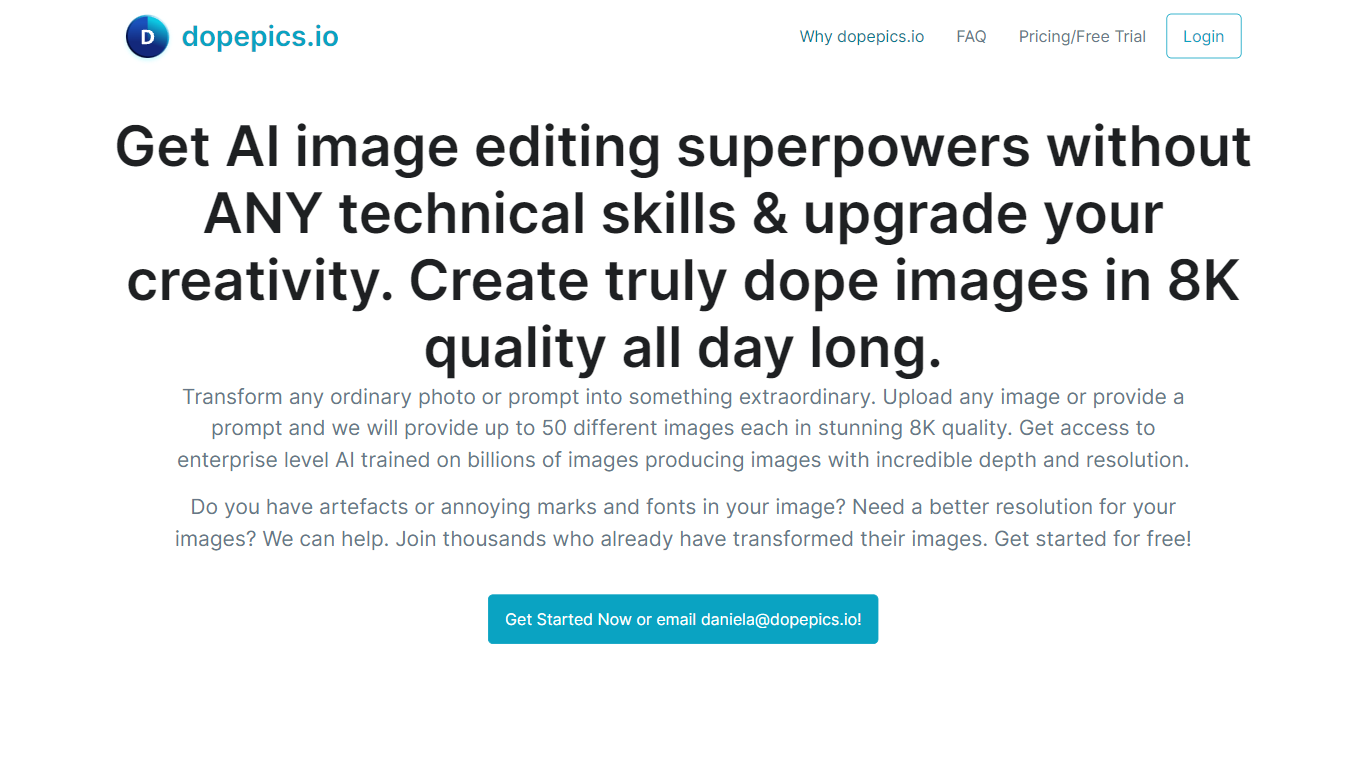

What is dopepics.io?
dopepics.io lets you upload a JPEG, PNG, or WebP photo up to 4 MB, describe the edit you want, and get an AI-transformed image back without creating an account first. Free samples process at 512px with a light watermark, while Pro unlocks higher resolution exports, commercial licensing, and multi-image packs.
Most photo editors expect you to learn layers and masks. dopepics.io is prompt-driven: you drop an image, optionally type what should change, and the site runs Flux-based models to restyle or upscale the shot. That trade-off favors quick social posts and presentation slides over pixel-level manual control.
Photographers, influencers, and marketers are the target audience. The homepage advertises royalty-free commercial rights on paid output, unlimited Pro re-runs until you are satisfied, and onsite processing with data deleted within 48 hours. Mighty Media LLC operates the service from Albuquerque, New Mexico, with Stripe checkout and an API available on request.
PhotoAid's AI Image Enlarger

What is PhotoAid's AI Image Enlarger?
PhotoAid's AI Image Enlarger upscales photos in the browser without a software download. You upload a JPEG, WEBP, or PNG file up to 30MB or 10,000 by 10,000 pixels, pick a 1x or 2x zoom level, and the tool doubles dimensions while smoothing detail instead of leaving blocky pixels.
Standard resize tools stretch pixels and blur faces fast. PhotoAid's upscaler uses AI smoothing tuned especially for portraits, so a 1000 by 1000 px image can become 2000 by 2000 px with fewer artifacts than a basic bicubic stretch.
The enlarger is free and hosted by PhotoAiD, the same team behind passport and visa photo tools on photoaid.com. They released it as a standalone browser utility alongside their biometric photo pipeline, with multilingual site options and links back to other PhotoAid tools.
PhotoAid's AI Image Enlarger fits photographers, ecommerce sellers, and anyone who needs a quick upscale for profile shots or product images. It also helps travelers who already use PhotoAid for passport photos and want a separate enlargement step in the same ecosystem.
dopepics.io Upvotes
PhotoAid's AI Image Enlarger Upvotes
dopepics.io Top Features
Free tier allows 5 watermarked samples per day per network with no signup
Accepts JPEG, PNG, or WebP uploads up to 4 MB processed at 512px on free runs
Pro removes the watermark, raises resolution, and enables commercial use
Uses Flux image models and advertises up to 8K output on paid generations
Unlimited Pro re-runs until you are satisfied per the FAQ refund policy
API access is available by emailing support for application integrations
PhotoAid's AI Image Enlarger Top Features
2x zoom doubles image dimensions, for example 1000 by 1000 px to 2000 by 2000 px
Maximum upload size is 30MB or 10,000 by 10,000 pixels
Supports JPEG, WEBP, and PNG input formats
Browser-based workflow requires no desktop software download
AI upscaler emphasizes face photos but handles other image types
Free access with share and tell-friends prompts on the tool page
Multilingual PhotoAid site lists 15 language options in the footer
dopepics.io Category
- Photo Editing
PhotoAid's AI Image Enlarger Category
- Photo Editing
dopepics.io Pricing Type
- Freemium
PhotoAid's AI Image Enlarger Pricing Type
- Free