Double Subtitles vs Timebolt
In the contest of Double Subtitles vs Timebolt, which AI Video Editing tool is the champion? We evaluate pricing, alternatives, upvotes, features, reviews, and more.
If you had to choose between Double Subtitles and Timebolt, which one would you go for?
When we examine Double Subtitles and Timebolt, both of which are AI-enabled video editing tools, what unique characteristics do we discover? Timebolt is the clear winner in terms of upvotes. Timebolt has been upvoted 18 times by aitools.fyi users, and Double Subtitles has been upvoted 6 times.
Think we got it wrong? Cast your vote and show us who's boss!
Double Subtitles
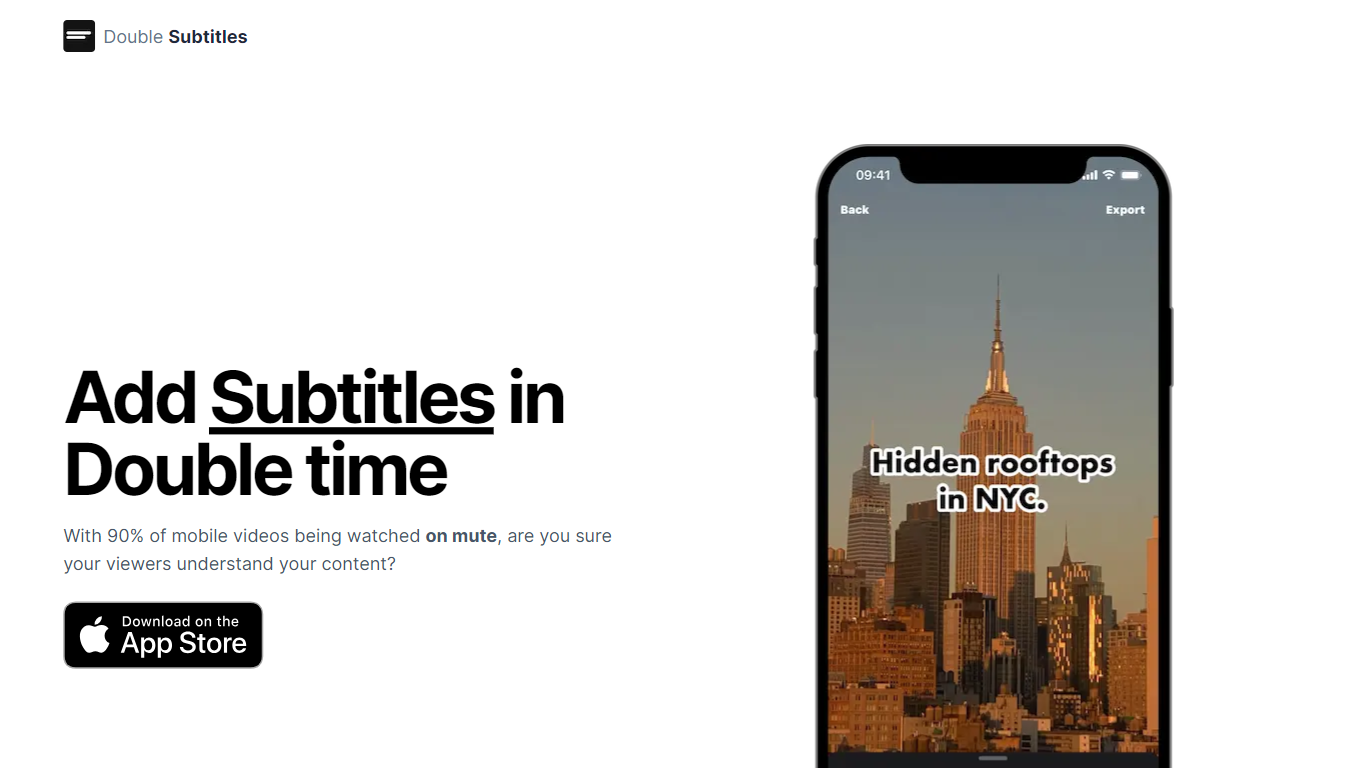

What is Double Subtitles?
Double Subtitles is a cutting-edge mobile AI-powered video editor designed to make your content accessible to a wider audience, especially considering that 90% of mobile videos are watched on mute. This tool elevates your video content by offering an auto-subtitling feature, which eliminates the need for manual subtitle typing and provides results that far surpass traditional methods.
Double Subtitles boasts a 90% accuracy rate, operates 20 times faster, and offers costs that are three times lower than its competitors, ensuring that you do not have to choose between saving time and money. Additionally, it allows for the customization of subtitles to align with your brand's identity through the use of your fonts, colors, and individual word or sentence splits. With Double Subtitles, enhancing your content with efficient and branded subtitles is effortless and cost-effective.
Timebolt
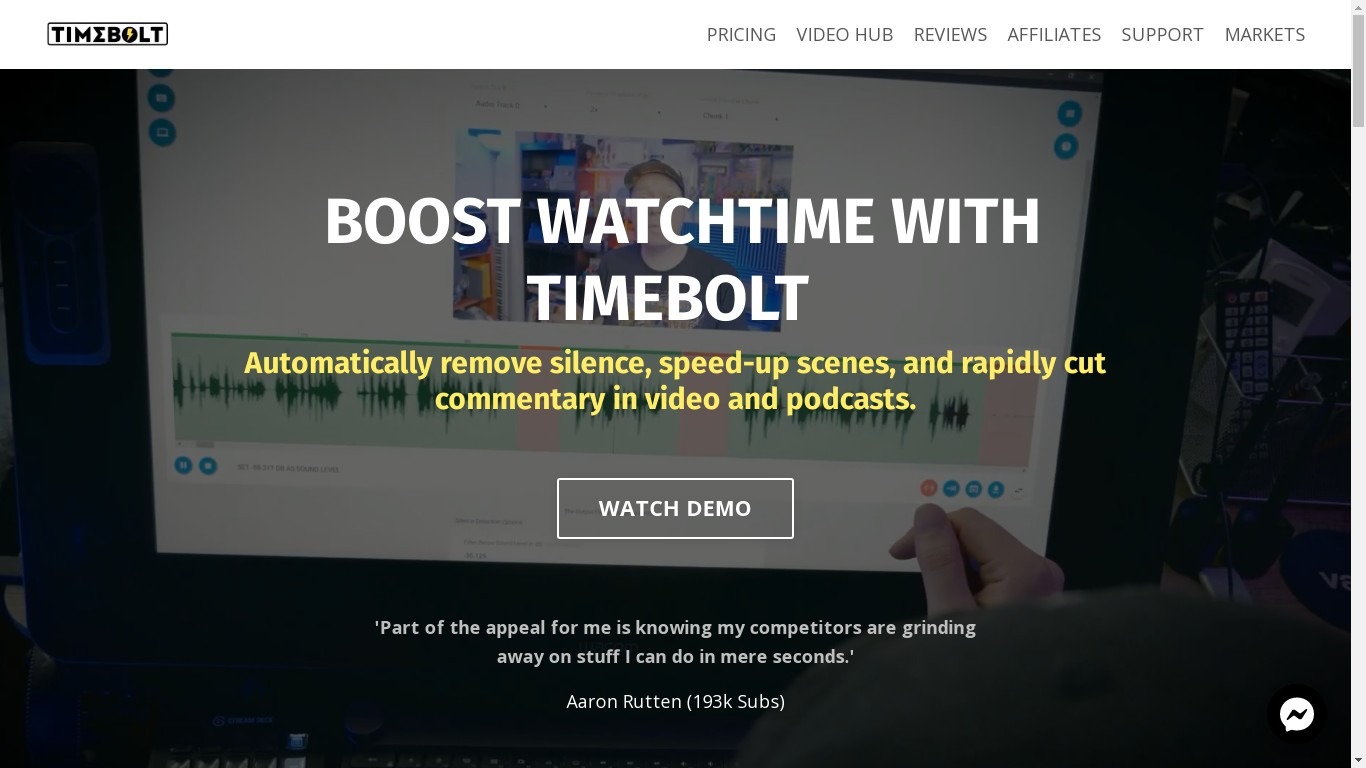
What is Timebolt?
Experience the future of video editing with TimeBolt.io. Automatically jump-cut videos to eliminate silences and awkward pauses, transforming lengthy content into engaging masterpieces. Whether you're editing podcasts or videos, TimeBolt ensures a seamless and rapid editing process, making you talk like a superhuman without the burnout.
Double Subtitles Upvotes
Timebolt Upvotes
Double Subtitles Top Features
Auto-Subtitling: Automatically generate subtitles for your videos without manual typing for efficiency and improved accuracy.
Precise, Accurate, and Fast: Attain 90% more accuracy and work 20x faster at 3x lower costs compared to competitors.
Personalized Style for Your Brand: Customize subtitles with your own fonts, colors, and splits to match your brand's unique identity.
Mobile-Friendly: Designed for mobile use, enhancing accessibility and convenience for on-the-go video editing.
Viewer Engagement: Ensures viewers understand your muted content by adding clear and readable subtitles.
Timebolt Top Features
Elimina automáticamente el silencio de vídeos y podcasts
Editor de vídeo rápido para Windows y MAC
Detección automática de silencio en vídeos.
Esculpir: Corta o conserva cualquier palabra o escena.
Opciones de exportación: Premiere, Final Cut Pro, DaVinci Resolve y Camtasia
Elimina las palabras de relleno automáticamente con Umcheck
Double Subtitles Category
- Video Editing
Timebolt Category
- Video Editing
Double Subtitles Pricing Type
- Freemium
Timebolt Pricing Type
- Paid