Dragonfly vs Alpha3D
When comparing Dragonfly vs Alpha3D, which AI Web Apps tool shines brighter? We look at pricing, alternatives, upvotes, features, reviews, and more.
Between Dragonfly and Alpha3D, which one is superior?
When we put Dragonfly and Alpha3D side by side, both being AI-powered web apps tools, Neither tool takes the lead, as they both have the same upvote count. Be a part of the decision-making process. Your vote could determine the winner.
Does the result make you go "hmm"? Cast your vote and turn that frown upside down!
Dragonfly

What is Dragonfly?
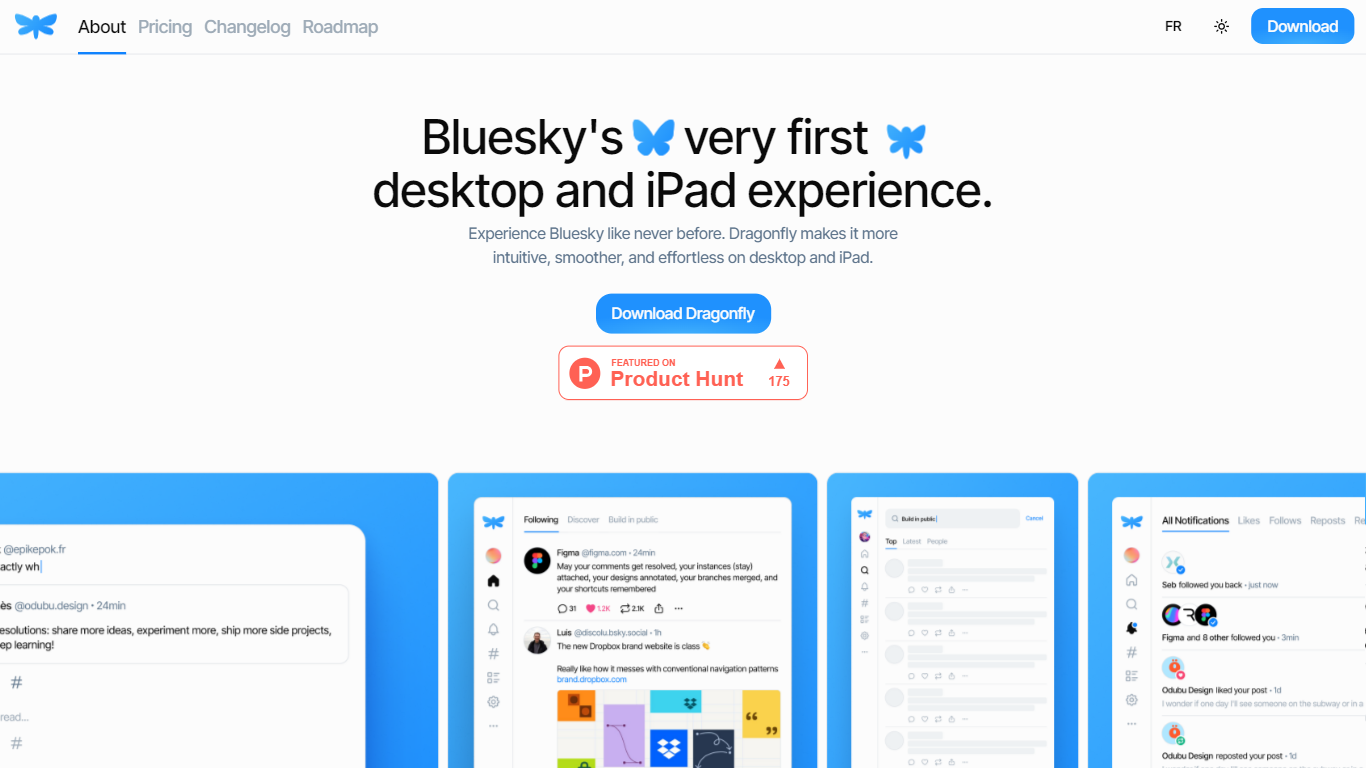
Dragonfly is a desktop and iPad client for Bluesky, built to make the social network feel smoother and more at home on Apple hardware. It is the first dedicated desktop and tablet experience for Bluesky, with a timeline, posting tools, and account controls wrapped in a native-style interface.
S?bastien Gruhier and In?s Gruhier, a father-daughter team behind Async Development and Odubu Design, built Dragonfly in Flutter after years of mobile game and app work. The app focuses on a cleaner reading and writing flow than browsing Bluesky in a web tab.
Dragonfly targets Bluesky users who want a focused Mac or iPad app with push notifications, theme switching, and roadmap features like synced bookmarks, custom feeds, and chat. Windows, Linux, iPhone, and Android versions are listed as coming soon on the site.
Alpha3D
What is Alpha3D?
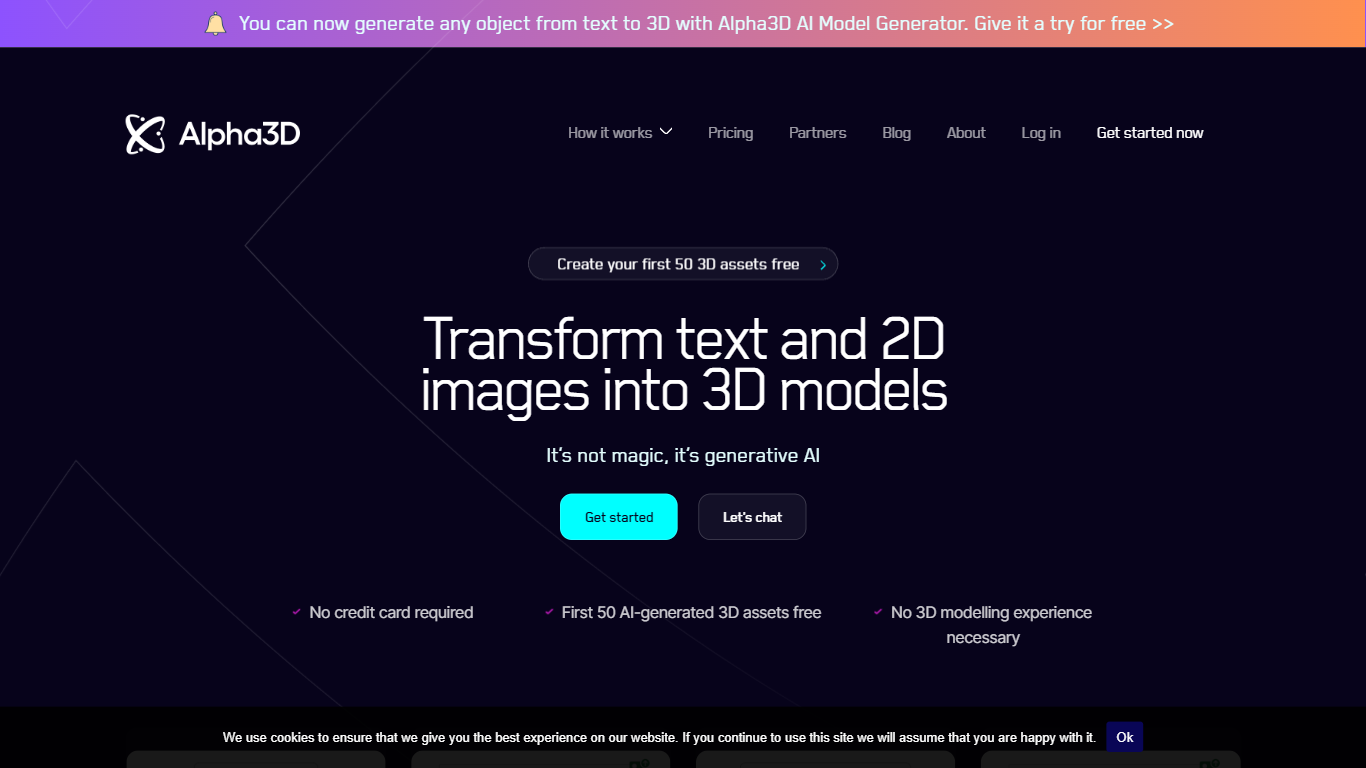
Alpha3D turns a text prompt or product photo into a game-ready 3D model, then walks the asset through retopology, UV unwrapping, texturing, rigging, and export in one browser tab. You can start from Generate with a single image, up to eight reference angles, or a written description, and the mesh lands in your library in about one to three minutes. The whole pipeline lives in a web app, so you never hand the mesh off to a separate DCC tool mid-job.
Most AI 3D generators hand you a raw mesh and leave Blender cleanup to you. Alpha3D keeps the same asset in one tab for Smart Topology, UV Unwrapping, AI Texturing, AI Rigging, and Convert 3D, so the finished file is what your engine expects rather than a turntable demo. Workflows adds a node canvas to chain those steps and rerun them across batches.
Indie developers use it to skip DCC handoffs before Unity or Unreal import. E-commerce teams feed multi-view product photos and export GLB for model-viewer and AR Quick Look. Alphred, the built-in chat agent, drives the same tools from natural language when you would rather describe the asset than click through ten pages.
Dragonfly Upvotes
Alpha3D Upvotes
Dragonfly Top Features
Read your Bluesky timeline and trending posts on Mac or iPad
Like, repost, and quote posts without leaving the app
Push notifications when someone interacts with your account
Switch between light and dark themes at any time
Compose threads and posts in a dedicated writing screen
Follow, unfollow, block, and unblock accounts from profile views
Drafts and bookmarks for saving posts and unfinished writing
Alpha3D Top Features
One-tab pipeline from prompt or photo through retopology, UV unwrap, texturing, rigging, and GLB, FBX, OBJ, or STL export
Alphred agent runs every tool from chat on a separate monthly Token balance from 1,000 on Tester to 32,000 on Creator Pro
High-res text or image to 3D with PBR materials costs 42 credits; Smart Topology retopology costs 60 credits per job
REST API and MCP connectors for Claude and ChatGPT ship on every plan, including the 5 euro Tester tier
Multi-view generation accepts up to 4 reference photos on Basic and up to 8 on Creator Pro
Workflows node canvas chains generation, retopo, UV, texturing, and rigging into reusable batch graphs
Dragonfly Category
- Web Apps
Alpha3D Category
- Web Apps
Dragonfly Pricing Type
- Paid
Alpha3D Pricing Type
- Paid