Dragonfly vs Amazing AI
Compare Dragonfly vs Amazing AI and see which AI Web Apps tool is better when we compare features, reviews, pricing, alternatives, upvotes, etc.
Which one is better? Dragonfly or Amazing AI?
When we compare Dragonfly with Amazing AI, which are both AI-powered web apps tools, Both tools have received the same number of upvotes from aitools.fyi users. You can help us determine the winner by casting your vote and tipping the scales in favor of one of the tools.
Want to flip the script? Upvote your favorite tool and change the game!
Dragonfly

What is Dragonfly?
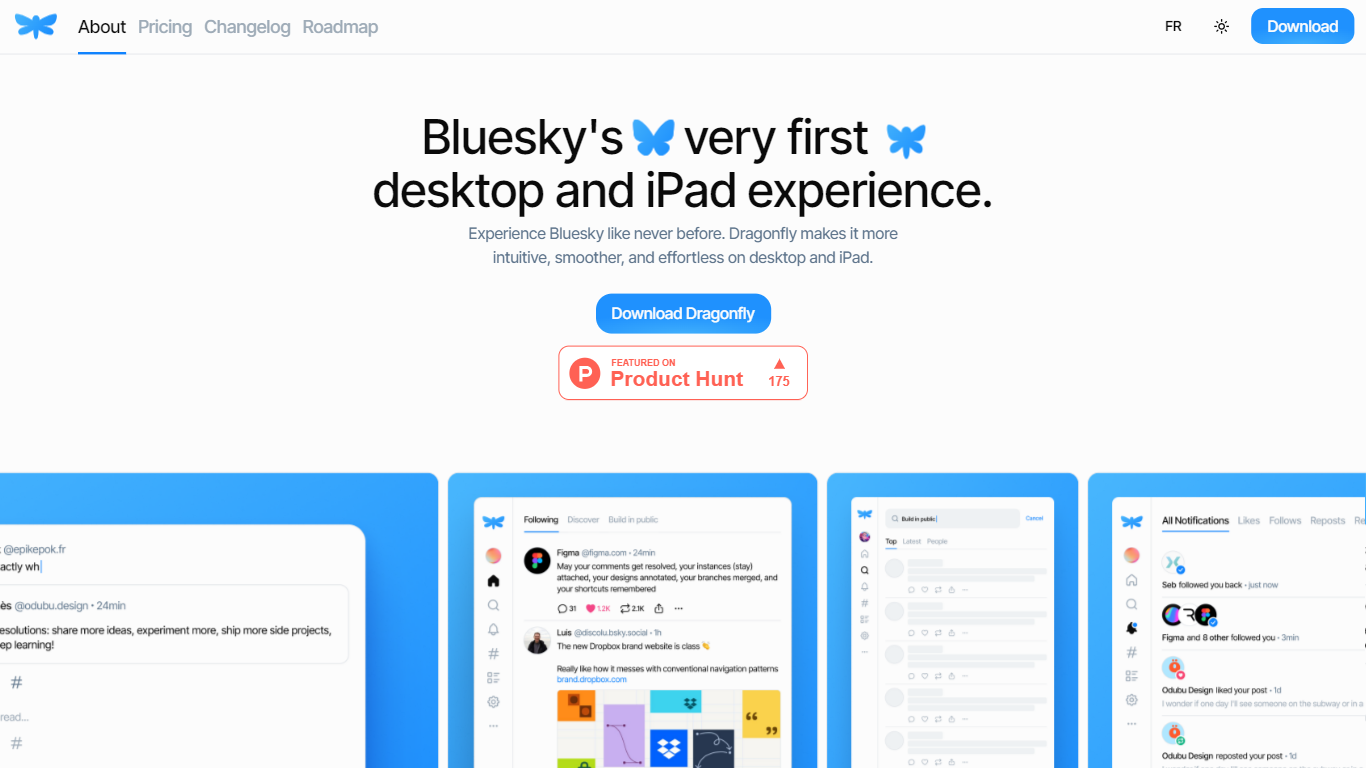
Dragonfly is a desktop and iPad client for Bluesky, built to make the social network feel smoother and more at home on Apple hardware. It is the first dedicated desktop and tablet experience for Bluesky, with a timeline, posting tools, and account controls wrapped in a native-style interface.
S?bastien Gruhier and In?s Gruhier, a father-daughter team behind Async Development and Odubu Design, built Dragonfly in Flutter after years of mobile game and app work. The app focuses on a cleaner reading and writing flow than browsing Bluesky in a web tab.
Dragonfly targets Bluesky users who want a focused Mac or iPad app with push notifications, theme switching, and roadmap features like synced bookmarks, custom feeds, and chat. Windows, Linux, iPhone, and Android versions are listed as coming soon on the site.
Amazing AI
What is Amazing AI?
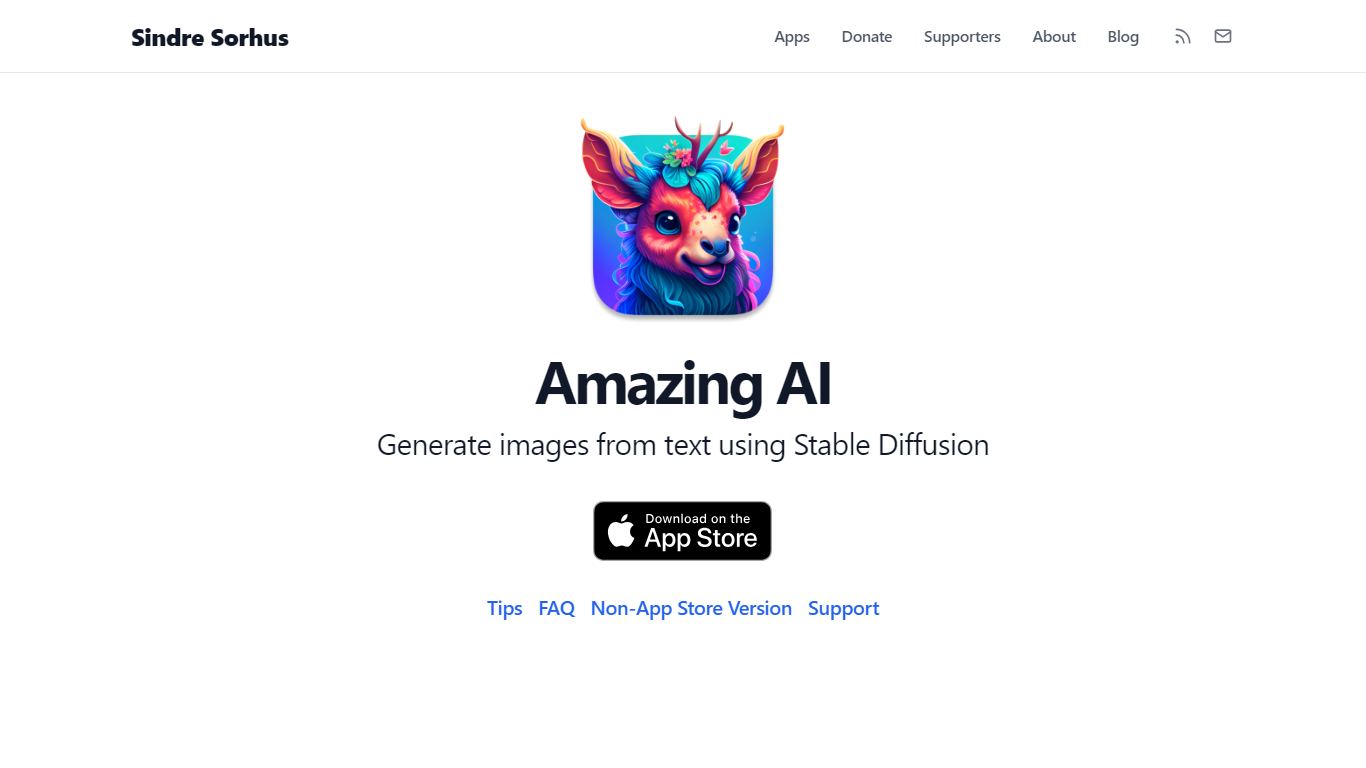
Amazing AI turns text descriptions into images with Stable Diffusion 1.5 on your Mac, iPhone, iPad, or Vision Pro, with every generation running locally on the device. Prompts never leave your hardware. The app targets the Apple Neural Engine and Core ML stack, so it fits quick productivity workflows where you want images without cloud queues, accounts, or upload delays.
Browser-based Stable Diffusion tools wrap Electron or send jobs to remote GPUs. Amazing AI stays narrow on purpose: a sandboxed App Store app with a native interface, Shortcuts support, batch runs across different prompts, and automatic upscaling. It skips inpainting, custom model imports, and non-square aspect ratios that broader tools like DiffusionBee offer.
Apple silicon Mac users, iPhone 15 Pro owners, and iPad users with M-series chips get a free app with no ads. macOS users can add negative prompts after a ## separator, browse results with keyboard shortcuts, and save images with embedded metadata tags for smart folders in Finder.
Dragonfly Upvotes
Amazing AI Upvotes
Dragonfly Top Features
Read your Bluesky timeline and trending posts on Mac or iPad
Like, repost, and quote posts without leaving the app
Push notifications when someone interacts with your account
Switch between light and dark themes at any time
Compose threads and posts in a dedicated writing screen
Follow, unfollow, block, and unblock accounts from profile views
Drafts and bookmarks for saving posts and unfinished writing
Amazing AI Top Features
Stable Diffusion 1.5 runs locally on macOS, iOS, and visionOS with no cloud upload
Negative prompts via ## syntax after your main prompt (e.g., photo of a cake ## strawberry, out of frame)
macOS preview shortcuts: arrow keys to browse, Space to save, Command+C to copy
Batch generation of different prompts in one run, unlike same-prompt-only batch tools
Requires Apple silicon on Mac; iOS needs iPhone 15 Pro or iPad with M1 chip minimum
Saved macOS images include prompt and steps metadata visible in Finder Get Info
Dragonfly Category
- Web Apps
Amazing AI Category
- Web Apps
Dragonfly Pricing Type
- Paid
Amazing AI Pricing Type
- Free