Dragonfly vs DIY
In the clash of Dragonfly vs DIY, which AI Web Apps tool emerges victorious? We assess reviews, pricing, alternatives, features, upvotes, and more.
When we put Dragonfly and DIY head to head, which one emerges as the victor?
Let's take a closer look at Dragonfly and DIY, both of which are AI-driven web apps tools, and see what sets them apart. The upvote count is neck and neck for both Dragonfly and DIY. The power is in your hands! Cast your vote and have a say in deciding the winner.
Don't agree with the result? Cast your vote and be a part of the decision-making process!
Dragonfly

What is Dragonfly?
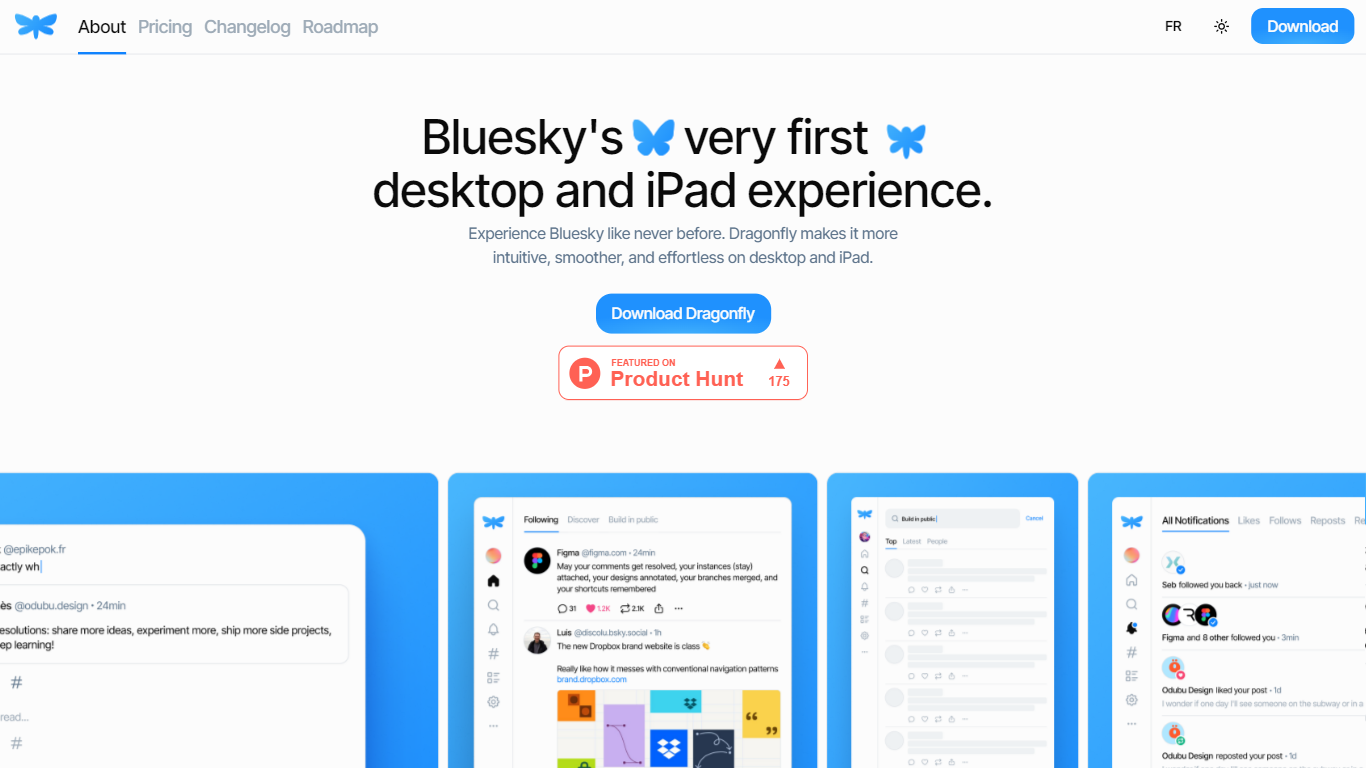
Dragonfly is a desktop and iPad client for Bluesky, built to make the social network feel smoother and more at home on Apple hardware. It is the first dedicated desktop and tablet experience for Bluesky, with a timeline, posting tools, and account controls wrapped in a native-style interface.
S?bastien Gruhier and In?s Gruhier, a father-daughter team behind Async Development and Odubu Design, built Dragonfly in Flutter after years of mobile game and app work. The app focuses on a cleaner reading and writing flow than browsing Bluesky in a web tab.
Dragonfly targets Bluesky users who want a focused Mac or iPad app with push notifications, theme switching, and roadmap features like synced bookmarks, custom feeds, and chat. Windows, Linux, iPhone, and Android versions are listed as coming soon on the site.
DIY
What is DIY?
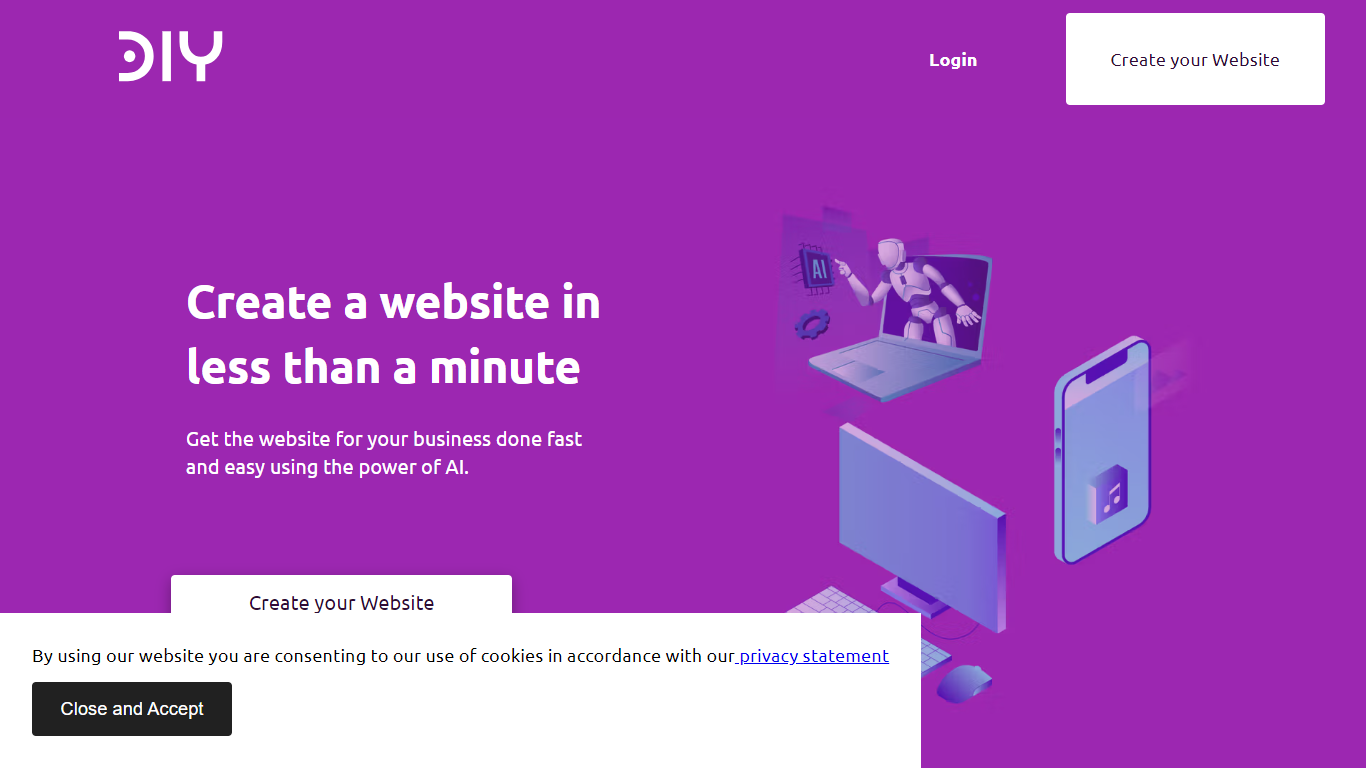
DIY is an AI-powered website builder that lets users create professional websites quickly without needing coding skills. It generates complete websites with tailored content in under a minute, making it ideal for small businesses, freelancers, and entrepreneurs who want to establish an online presence fast. The platform offers a simple editor with drag-and-drop functionality and a large image library to customize designs easily.
Users benefit from built-in SEO tools that help improve search engine rankings and attract more visitors. DIY also provides free domain registration and secure hosting with SSL certificates, ensuring websites are safe and trustworthy. The responsive design ensures sites look great on all devices, from desktops to smartphones.
The platform supports multiple industries by offering customizable templates suited for various business types. It continuously updates its AI models to enhance content relevance and design quality. DIY aims to reduce the complexity of web development, allowing users to focus on their business rather than technical details.
With a 15-day risk-free trial, users can explore features without commitment. The service includes ongoing support and regular updates to keep websites current and competitive. Overall, DIY combines speed, ease of use, and essential web features to help users launch effective websites with minimal effort.
Dragonfly Upvotes
DIY Upvotes
Dragonfly Top Features
Read your Bluesky timeline and trending posts on Mac or iPad
Like, repost, and quote posts without leaving the app
Push notifications when someone interacts with your account
Switch between light and dark themes at any time
Compose threads and posts in a dedicated writing screen
Follow, unfollow, block, and unblock accounts from profile views
Drafts and bookmarks for saving posts and unfinished writing
DIY Top Features
⚡ Instant Website Creation: Generate a full website with content in under a minute to save time and start online quickly.
🖼️ Extensive Image Library: Access a wide range of images to enhance your site’s look without extra cost.
🔍 Built-in SEO Tools: Improve your site's search ranking with easy-to-use SEO features included.
🔒 Secure Hosting with SSL: Keep your website safe and trustworthy with included SSL certificates and reliable hosting.
📱 Responsive Design: Ensure your website looks great on all devices, from phones to desktops, automatically.
Dragonfly Category
- Web Apps
DIY Category
- Web Apps
Dragonfly Pricing Type
- Paid
DIY Pricing Type
- Freemium