Dragonfly vs Irmo
In the battle of Dragonfly vs Irmo, which AI Web Apps tool comes out on top? We compare reviews, pricing, alternatives, upvotes, features, and more.
Between Dragonfly and Irmo, which one is superior?
Upon comparing Dragonfly with Irmo, which are both AI-powered web apps tools, The community has spoken, Irmo leads with more upvotes. Irmo has 10 upvotes, and Dragonfly has 6 upvotes.
Feeling rebellious? Cast your vote and shake things up!
Dragonfly
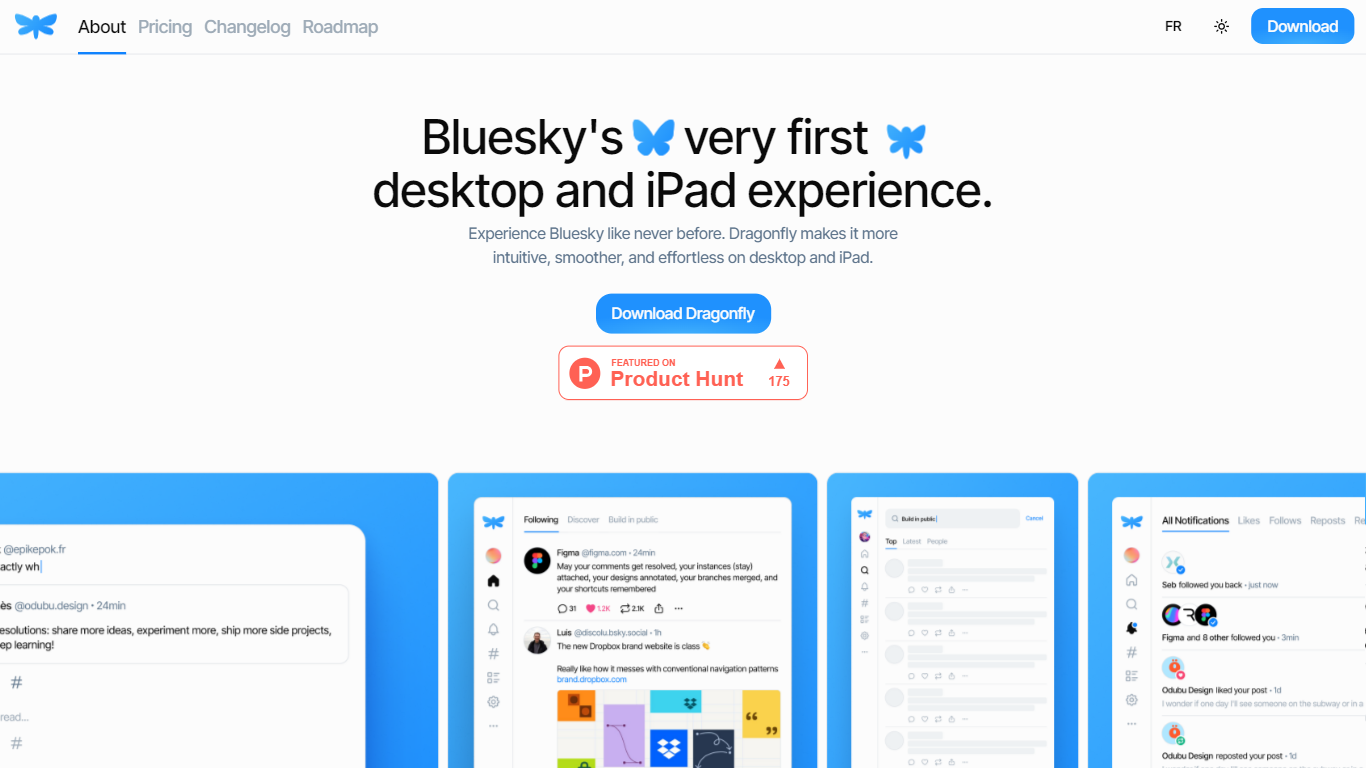

What is Dragonfly?
Dragonfly is a desktop and iPad client for Bluesky, built to make the social network feel smoother and more at home on Apple hardware. It is the first dedicated desktop and tablet experience for Bluesky, with a timeline, posting tools, and account controls wrapped in a native-style interface.
S?bastien Gruhier and In?s Gruhier, a father-daughter team behind Async Development and Odubu Design, built Dragonfly in Flutter after years of mobile game and app work. The app focuses on a cleaner reading and writing flow than browsing Bluesky in a web tab.
Dragonfly targets Bluesky users who want a focused Mac or iPad app with push notifications, theme switching, and roadmap features like synced bookmarks, custom feeds, and chat. Windows, Linux, iPhone, and Android versions are listed as coming soon on the site.
Irmo
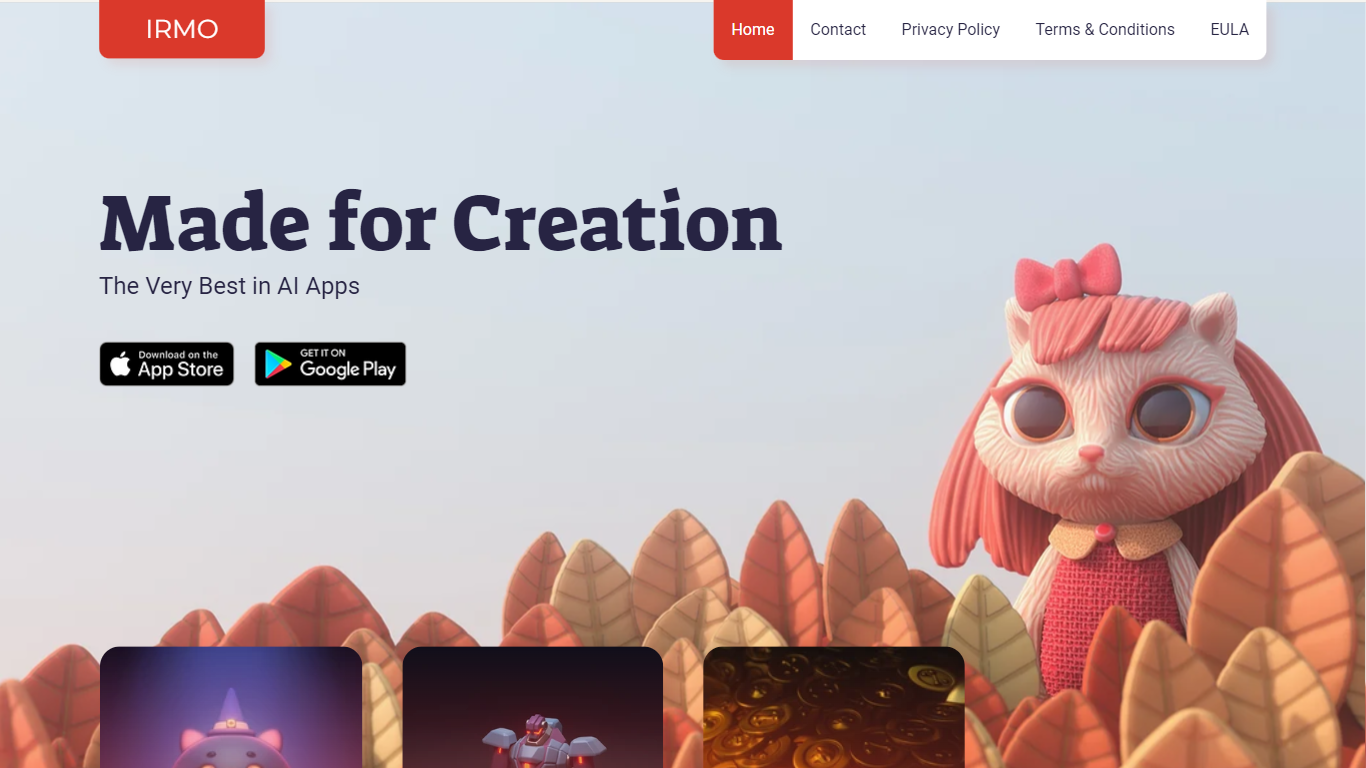
What is Irmo?
Irmo turns selfies and portraits into stylized photos and short videos through hundreds of preset AI effects. Upload a photo, pick a template pack, and the site generates themed outputs across viral filters, hairstyle previews, luxury scenes, and animated clips without manual editing in Photoshop or a timeline editor.
Unlike a single-purpose face-swap app, Irmo groups effects into large themed catalogs such as Viral Picks, Movie Star, Era Switch, and Video Effects. That structure lets casual creators browse novelty trends like Gender Swap or Cake-ify alongside portrait tools like Photoshoot lighting presets and Bring to Life animations in one account.
Social creators and casual editors use Irmo for quick shareable clips, hairstyle try-ons, and character cosplay looks. The web app also exposes Text to Image, Image to Image, Image to Video, and Text to Video modes for users who want custom generations beyond the preset gallery. Pricing details load inside the signed-in experience rather than on the public marketing pages.
Dragonfly Upvotes
Irmo Upvotes
Dragonfly Top Features
Read your Bluesky timeline and trending posts on Mac or iPad
Like, repost, and quote posts without leaving the app
Push notifications when someone interacts with your account
Switch between light and dark themes at any time
Compose threads and posts in a dedicated writing screen
Follow, unfollow, block, and unblock accounts from profile views
Drafts and bookmarks for saving posts and unfinished writing
Irmo Top Features
Image to Video and Text to Video modes generate motion clips from still photos or written prompts
Viral Picks pack includes MiniUs, Gender Swap, Blind Date, and Figurine novelty filters
Men's Hair Salon section lists 18 named haircut previews from buzz cut to wolf cut
Video Effects templates include Crumble, Cake-ify, Explode, Squish, and Dissolve transforms
Bring to Life tools animate still images with Snap to Story, Live Portrait, and Moving Photo modes
Photoshoot presets cover Dramatic Neon, Dreamy Glow, Metro Vibe, and City Lights portrait styles
Dragonfly Category
- Web Apps
Irmo Category
- Web Apps
Dragonfly Pricing Type
- Paid
Irmo Pricing Type
- Freemium