Dragonfly vs Lazy AI (formerly Lazy apps)
In the clash of Dragonfly vs Lazy AI (formerly Lazy apps), which AI Web Apps tool emerges victorious? We assess reviews, pricing, alternatives, features, upvotes, and more.
When we put Dragonfly and Lazy AI (formerly Lazy apps) head to head, which one emerges as the victor?
Let's take a closer look at Dragonfly and Lazy AI (formerly Lazy apps), both of which are AI-driven web apps tools, and see what sets them apart. With more upvotes, Lazy AI (formerly Lazy apps) is the preferred choice. Lazy AI (formerly Lazy apps) has garnered 9 upvotes, and Dragonfly has garnered 6 upvotes.
Don't agree with the result? Cast your vote and be a part of the decision-making process!
Dragonfly

What is Dragonfly?
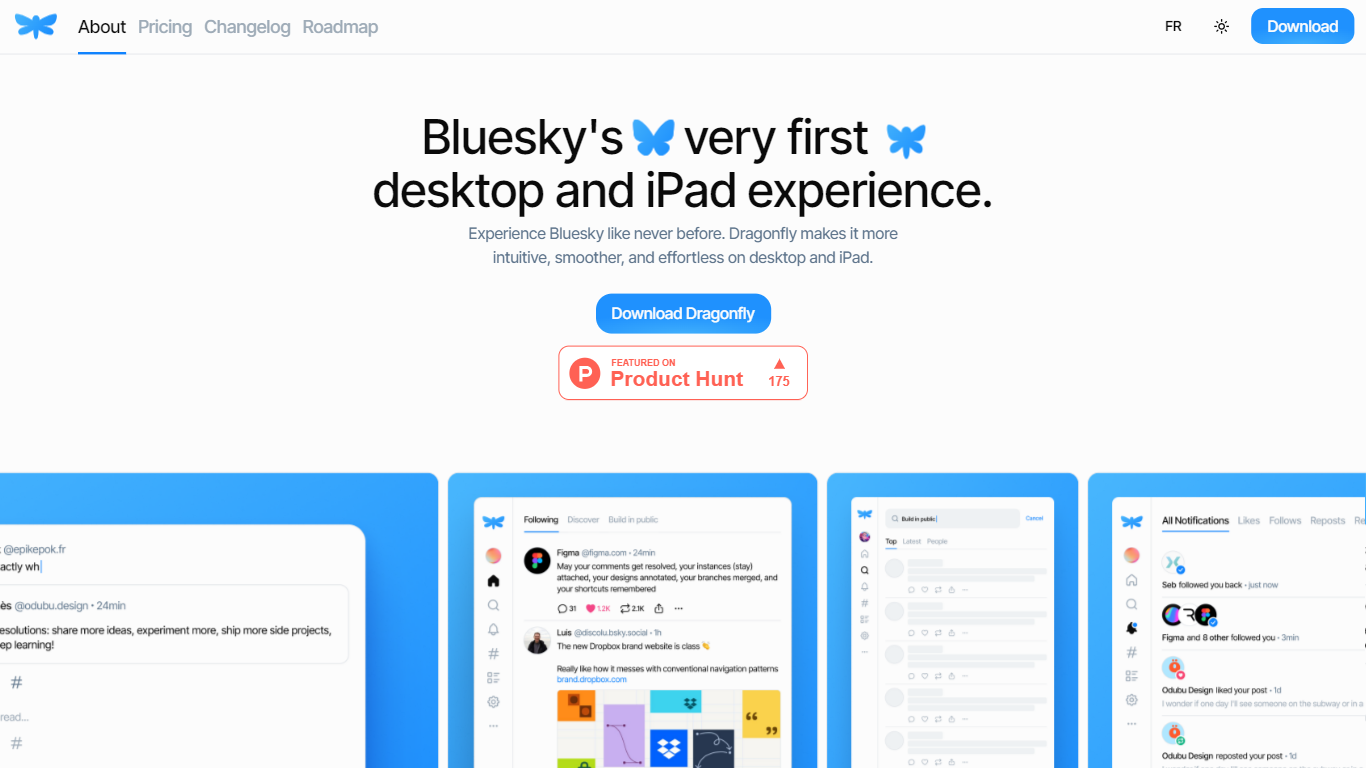
Dragonfly is a desktop and iPad client for Bluesky, built to make the social network feel smoother and more at home on Apple hardware. It is the first dedicated desktop and tablet experience for Bluesky, with a timeline, posting tools, and account controls wrapped in a native-style interface.
S?bastien Gruhier and In?s Gruhier, a father-daughter team behind Async Development and Odubu Design, built Dragonfly in Flutter after years of mobile game and app work. The app focuses on a cleaner reading and writing flow than browsing Bluesky in a web tab.
Dragonfly targets Bluesky users who want a focused Mac or iPad app with push notifications, theme switching, and roadmap features like synced bookmarks, custom feeds, and chat. Windows, Linux, iPhone, and Android versions are listed as coming soon on the site.
Lazy AI (formerly Lazy apps)
What is Lazy AI (formerly Lazy apps)?
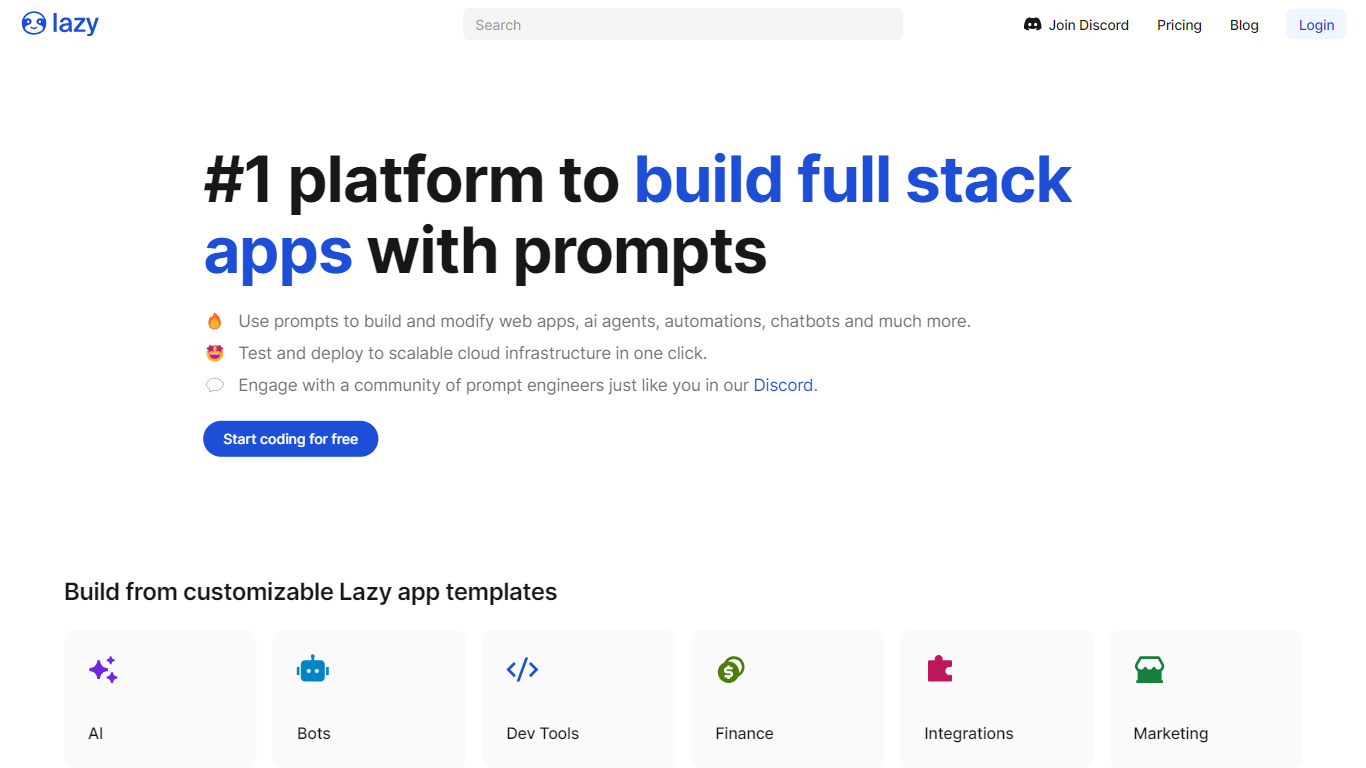
Lazy AI turns plain-language prompts into deployed full-stack software with frontend, backend logic, and a database already wired together. You describe what you want, the platform generates the app structure, and production builds run on Google Cloud. Teams reach for it when they need working internal tools, chatbots, dashboards, or API endpoints without staffing a full engineering sprint.
Where most no-code tools stop at UI mockups or single-purpose automations, Lazy AI ships the whole stack in one workspace. The comparison page positions it against Cursor, Bolt.new, V0, Replit, Lovable, and Zapier by bundling database setup, deployment, and integrations like Google Sheets and CRMs instead of making you wire those pieces together elsewhere.
Marketing and sales teams use it to prototype business apps quickly, while non-technical staff can start from community templates for login flows, scrapers, or chatbots. Published apps stay online through Lazy AI managed hosting, with usage billed per gigabyte of RAM per day on top of the monthly subscription.
Dragonfly Upvotes
Lazy AI (formerly Lazy apps) Upvotes
Dragonfly Top Features
Read your Bluesky timeline and trending posts on Mac or iPad
Like, repost, and quote posts without leaving the app
Push notifications when someone interacts with your account
Switch between light and dark themes at any time
Compose threads and posts in a dedicated writing screen
Follow, unfollow, block, and unblock accounts from profile views
Drafts and bookmarks for saving posts and unfinished writing
Lazy AI (formerly Lazy apps) Top Features
Describe an app in plain language and Lazy AI generates frontend, backend, and database code together
Deploy production apps to Google Cloud with 99.9% uptime stated on the pricing page
Community template library includes login flows, scrapers, and chatbot starters at getlazy.ai/explore
Pro plan includes 250 million tokens per month plus custom domain deployment
Published app hosting costs $1.56 per GB of RAM allocated per day on top of subscription fees
Integrates with Google Sheets, external APIs, and CRMs from the launch step on the homepage
Dragonfly Category
- Web Apps
Lazy AI (formerly Lazy apps) Category
- Web Apps
Dragonfly Pricing Type
- Paid
Lazy AI (formerly Lazy apps) Pricing Type
- Paid