Dragonfly vs MakeForms' AI Form Builder
In the face-off between Dragonfly vs MakeForms' AI Form Builder, which AI Web Apps tool takes the crown? We scrutinize features, alternatives, upvotes, reviews, pricing, and more.
In a face-off between Dragonfly and MakeForms' AI Form Builder, which one takes the crown?
If we were to analyze Dragonfly and MakeForms' AI Form Builder, both of which are AI-powered web apps tools, what would we find? Interestingly, both tools have managed to secure the same number of upvotes. The power is in your hands! Cast your vote and have a say in deciding the winner.
Don't agree with the result? Cast your vote and be a part of the decision-making process!
Dragonfly
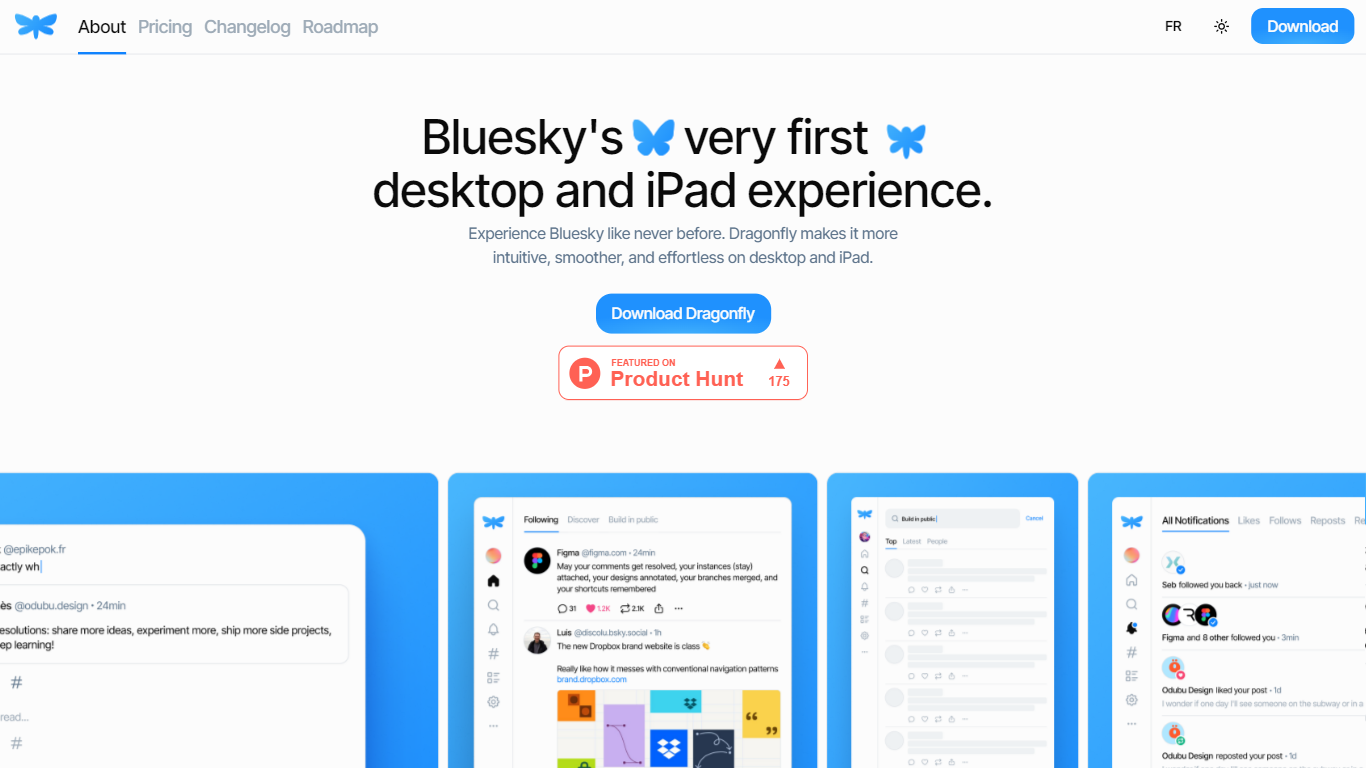

What is Dragonfly?
Dragonfly is a desktop and iPad client for Bluesky, built to make the social network feel smoother and more at home on Apple hardware. It is the first dedicated desktop and tablet experience for Bluesky, with a timeline, posting tools, and account controls wrapped in a native-style interface.
S?bastien Gruhier and In?s Gruhier, a father-daughter team behind Async Development and Odubu Design, built Dragonfly in Flutter after years of mobile game and app work. The app focuses on a cleaner reading and writing flow than browsing Bluesky in a web tab.
Dragonfly targets Bluesky users who want a focused Mac or iPad app with push notifications, theme switching, and roadmap features like synced bookmarks, custom feeds, and chat. Windows, Linux, iPhone, and Android versions are listed as coming soon on the site.
MakeForms' AI Form Builder
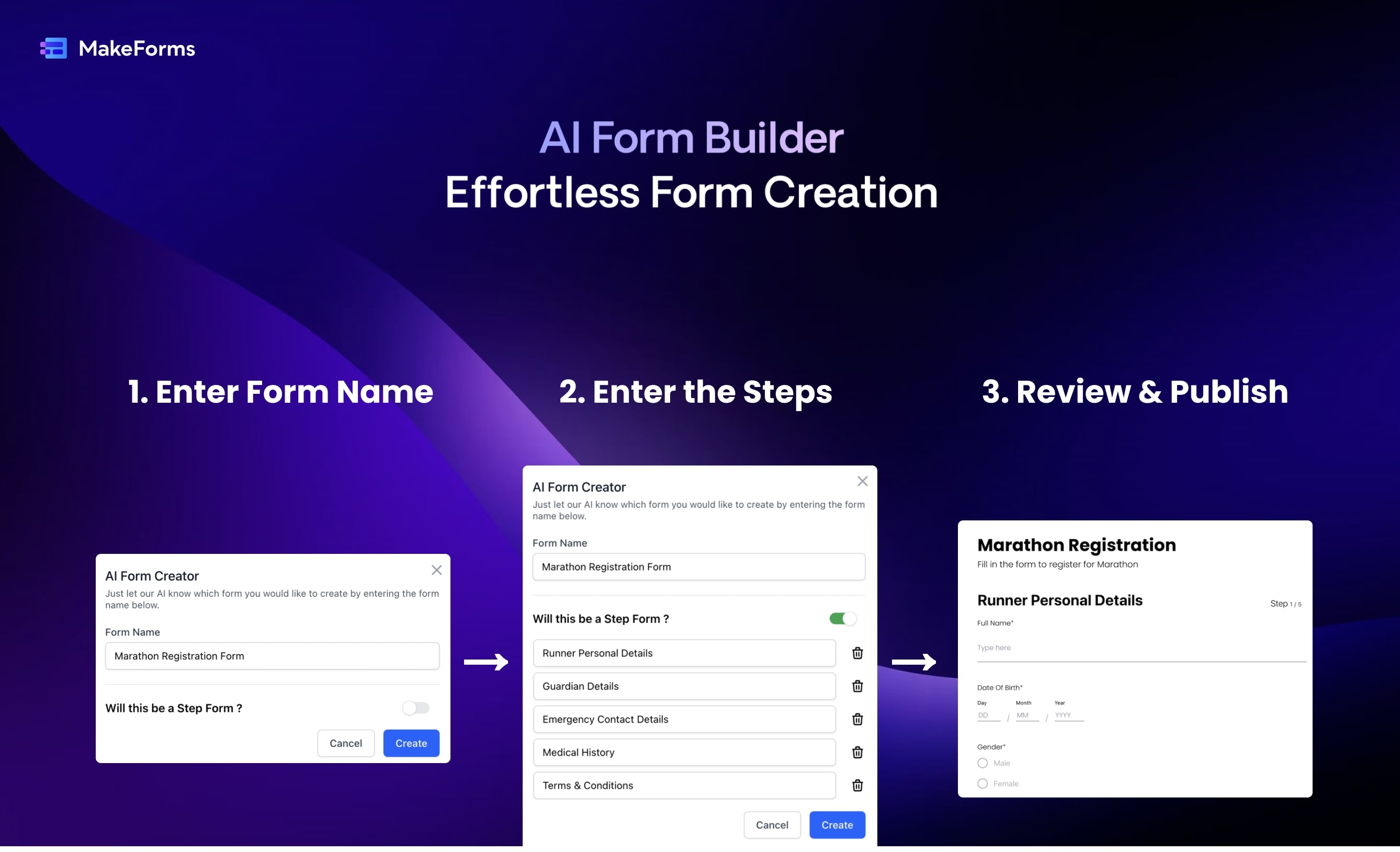
What is MakeForms' AI Form Builder?
MakeForms' AI Form Builder turns a plain-language prompt into a full online form in about a minute. You describe the form name, sections, and goal, then edit the generated fields, logic, and layout in a drag-and-drop builder before sharing a link or embed.
Most form builders make you place every field by hand. MakeForms starts from a ChatGPT-style prompt, lets you request follow-up changes in chat, and bundles scheduling, e-signatures, payments, and HIPAA options on higher tiers. The platform also ships sibling AI tools for quizzes, PDF-to-form conversion, and multilingual forms from the same vendor.
Paid Launch plans start at $65 per month (billed yearly) with 3 seats and unlimited submissions, while you can create a free form without a credit card to test the AI flow. Marketing teams, HR departments, and agencies building lead capture or compliance forms are the main buyers.
Dragonfly Upvotes
MakeForms' AI Form Builder Upvotes
Dragonfly Top Features
Read your Bluesky timeline and trending posts on Mac or iPad
Like, repost, and quote posts without leaving the app
Push notifications when someone interacts with your account
Switch between light and dark themes at any time
Compose threads and posts in a dedicated writing screen
Follow, unfollow, block, and unblock accounts from profile views
Drafts and bookmarks for saving posts and unfinished writing
MakeForms' AI Form Builder Top Features
Generate complete forms from a text prompt in under 60 seconds
Chat-style follow-up requests update fields, logic, and layout
Launch plan includes 3 seats, unlimited forms, and unlimited submissions
Built-in scheduling, e-signatures (500/month), and Stripe or Razorpay payments
HIPAA-compliant hosting with data residency in 6 regions on Launch
Conditional logic, multi-step pages, calculations, and quiz scoring
Integrations with Calendly, Slack, Zapier, Salesforce, and custom SMTP on Scale
Dragonfly Category
- Web Apps
MakeForms' AI Form Builder Category
- Web Apps
Dragonfly Pricing Type
- Paid
MakeForms' AI Form Builder Pricing Type
- Freemium