Dragonfly vs Unicorn Platform
In the face-off between Dragonfly vs Unicorn Platform, which AI Web Apps tool takes the crown? We scrutinize features, alternatives, upvotes, reviews, pricing, and more.
When we put Dragonfly and Unicorn Platform head to head, which one emerges as the victor?
If we were to analyze Dragonfly and Unicorn Platform, both of which are AI-powered web apps tools, what would we find? The upvote count is neck and neck for both Dragonfly and Unicorn Platform. You can help us determine the winner by casting your vote and tipping the scales in favor of one of the tools.
Disagree with the result? Upvote your favorite tool and help it win!
Dragonfly
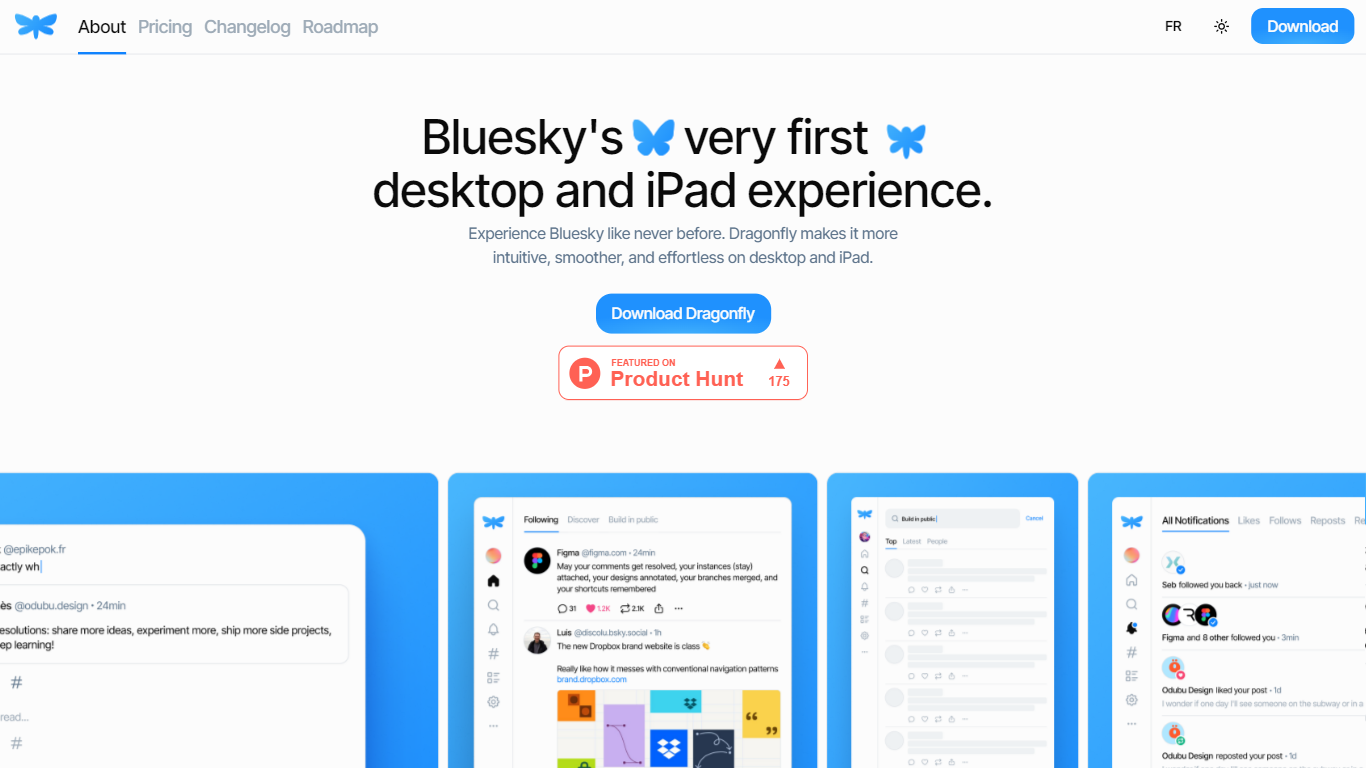

What is Dragonfly?
Dragonfly is a desktop and iPad client for Bluesky, built to make the social network feel smoother and more at home on Apple hardware. It is the first dedicated desktop and tablet experience for Bluesky, with a timeline, posting tools, and account controls wrapped in a native-style interface.
S?bastien Gruhier and In?s Gruhier, a father-daughter team behind Async Development and Odubu Design, built Dragonfly in Flutter after years of mobile game and app work. The app focuses on a cleaner reading and writing flow than browsing Bluesky in a web tab.
Dragonfly targets Bluesky users who want a focused Mac or iPad app with push notifications, theme switching, and roadmap features like synced bookmarks, custom feeds, and chat. Windows, Linux, iPhone, and Android versions are listed as coming soon on the site.
Unicorn Platform
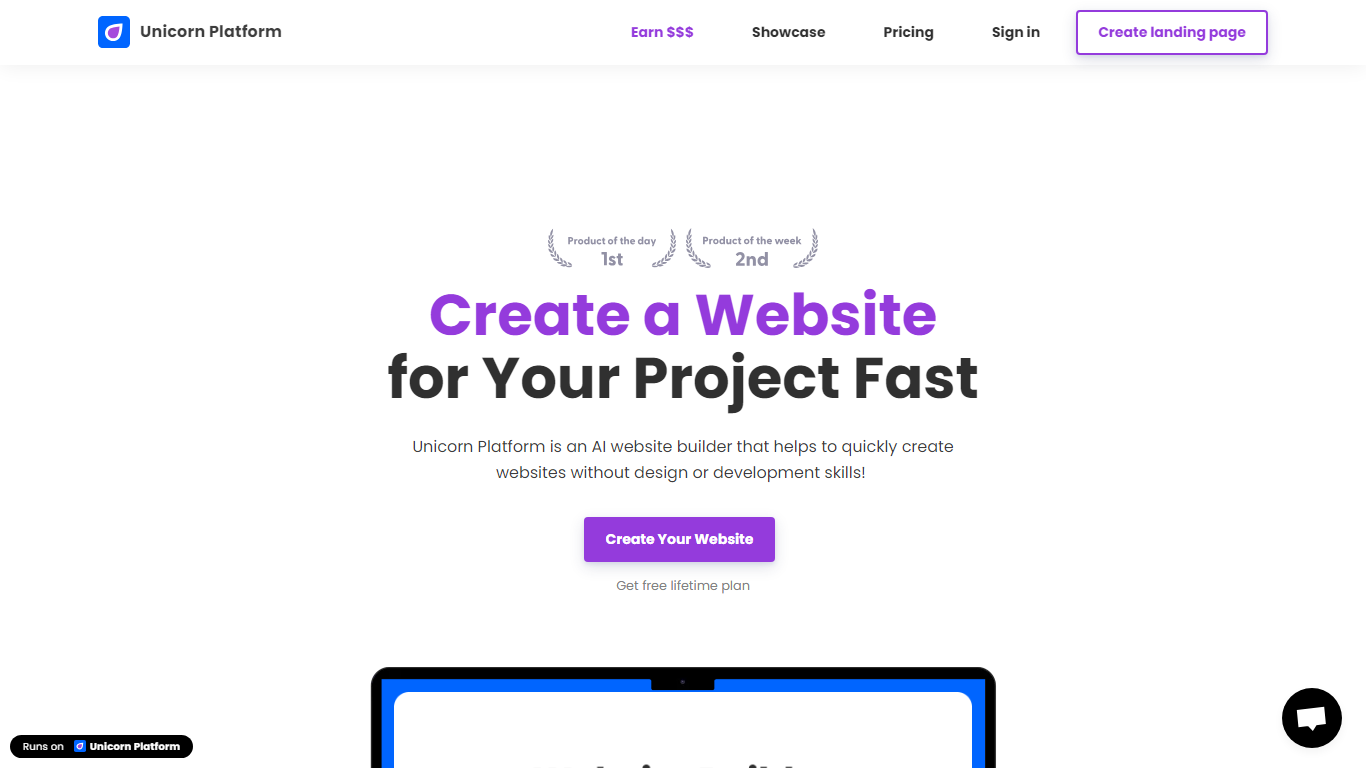
What is Unicorn Platform?
Unicorn Platform turns prompts and prebuilt templates into live websites, landing pages, directories, and blogs without writing code. Founders use it to ship SaaS pages, mobile app sites, and content hubs from section blocks or full-site templates. The builder adds SSL, CDN hosting, forms, and Stripe checkout so you are not juggling separate tools for publishing and payments.
Where general site builders spread across every use case, Unicorn Platform narrows in on startup launches. You can spin up directory pages fed by Google Sheets or JSON APIs, export HTML on paid plans, and edit layouts through an AI Co-Pilot instead of dragging every element by hand. That focus trades the depth of Webflow's design control for faster time-to-live pages tuned to founders.
Solo entrepreneurs, indie hackers, and small teams reach for it when they need a credible web presence this week, not after a month of setup. The free Lurker plan supports drafting with up to 10 pages; paid tiers unlock custom domains, live publishing, and branding removal as traffic grows.
Dragonfly Upvotes
Unicorn Platform Upvotes
Dragonfly Top Features
Read your Bluesky timeline and trending posts on Mac or iPad
Like, repost, and quote posts without leaving the app
Push notifications when someone interacts with your account
Switch between light and dark themes at any time
Compose threads and posts in a dedicated writing screen
Follow, unfollow, block, and unblock accounts from profile views
Drafts and bookmarks for saving posts and unfinished writing
Unicorn Platform Top Features
AI Co-Pilot builds pages and applies edits from text prompts
Paid plans run from $9/month (Maker, yearly) up to $250/month (Major, yearly)
Free Lurker plan includes 10 pages and 10 blog posts but 0 live published sites
Stripe checkout is built in so you can accept payments on your site
Directory pages can pull rows from Google Sheets, CSV, or JSON APIs
Export a full site as HTML on Maker plans and above for self-hosting
Dragonfly Category
- Web Apps
Unicorn Platform Category
- Web Apps
Dragonfly Pricing Type
- Paid
Unicorn Platform Pricing Type
- Freemium