Dream by WOMBO vs Canva-Text to Image
In the clash of Dream by WOMBO vs Canva-Text to Image, which AI Image Generation tool emerges victorious? We assess reviews, pricing, alternatives, features, upvotes, and more.
If you had to choose between Dream by WOMBO and Canva-Text to Image, which one would you go for?
Let's take a closer look at Dream by WOMBO and Canva-Text to Image, both of which are AI-driven image generation tools, and see what sets them apart. The upvote count shows a clear preference for Canva-Text to Image. The upvote count for Canva-Text to Image is 107, and for Dream by WOMBO it's 7.
Disagree with the result? Upvote your favorite tool and help it win!
Dream by WOMBO
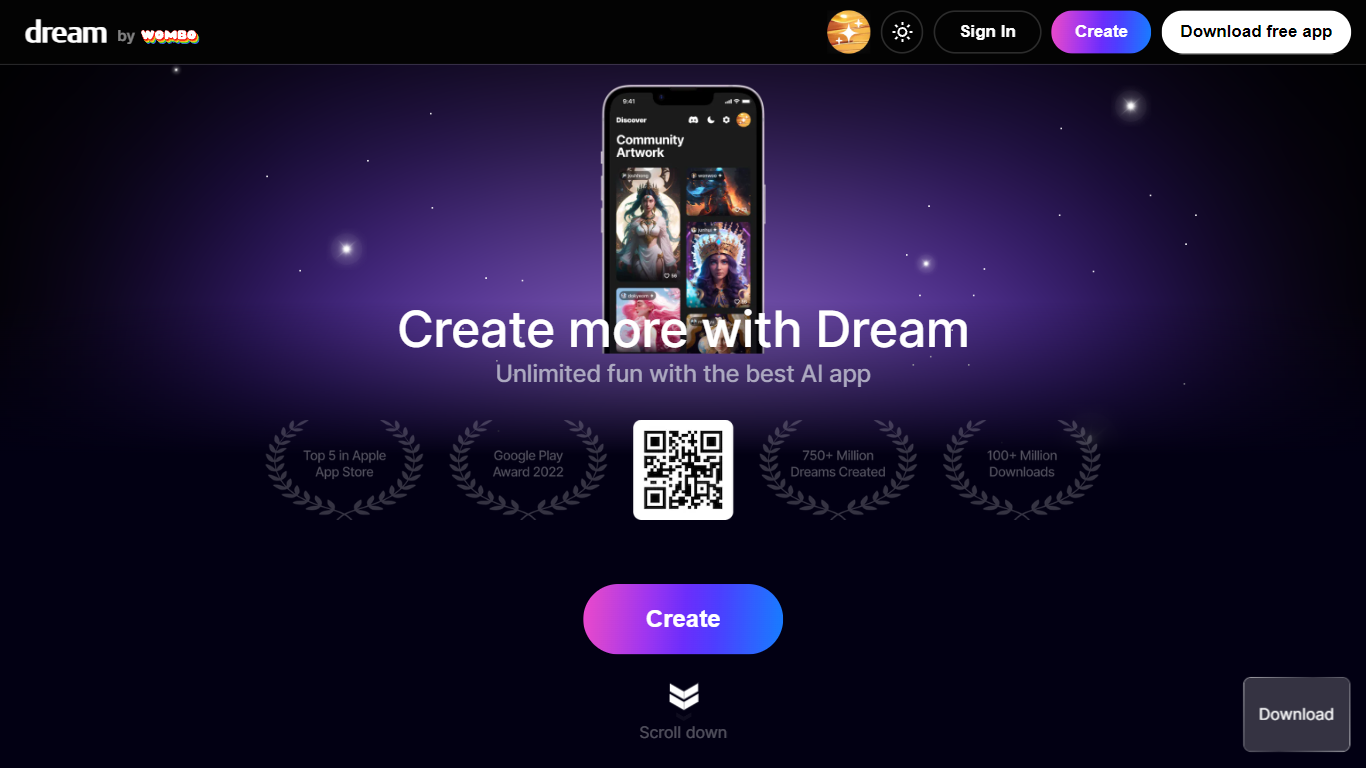

What is Dream by WOMBO?
Dream by WOMBO turns text prompts into images and cinematic videos through a web app and mobile apps from WOMBO AI Inc. The homepage highlights more than 100 curated art styles plus text-to-video and image-to-video modes for quick visual drafts.
The create workflow supports prompts up to 2,000 characters, style and aspect ratio choices, and optional reference images. A separate edit flow accepts up to four source images for guided changes. Video generation adds duration controls and style filters split across standard and Pro tiers.
Built for casual creators, illustrators, and social content makers who want finished artwork without opening a full design suite. The gallery stores past generations once you create an account.
Canva-Text to Image
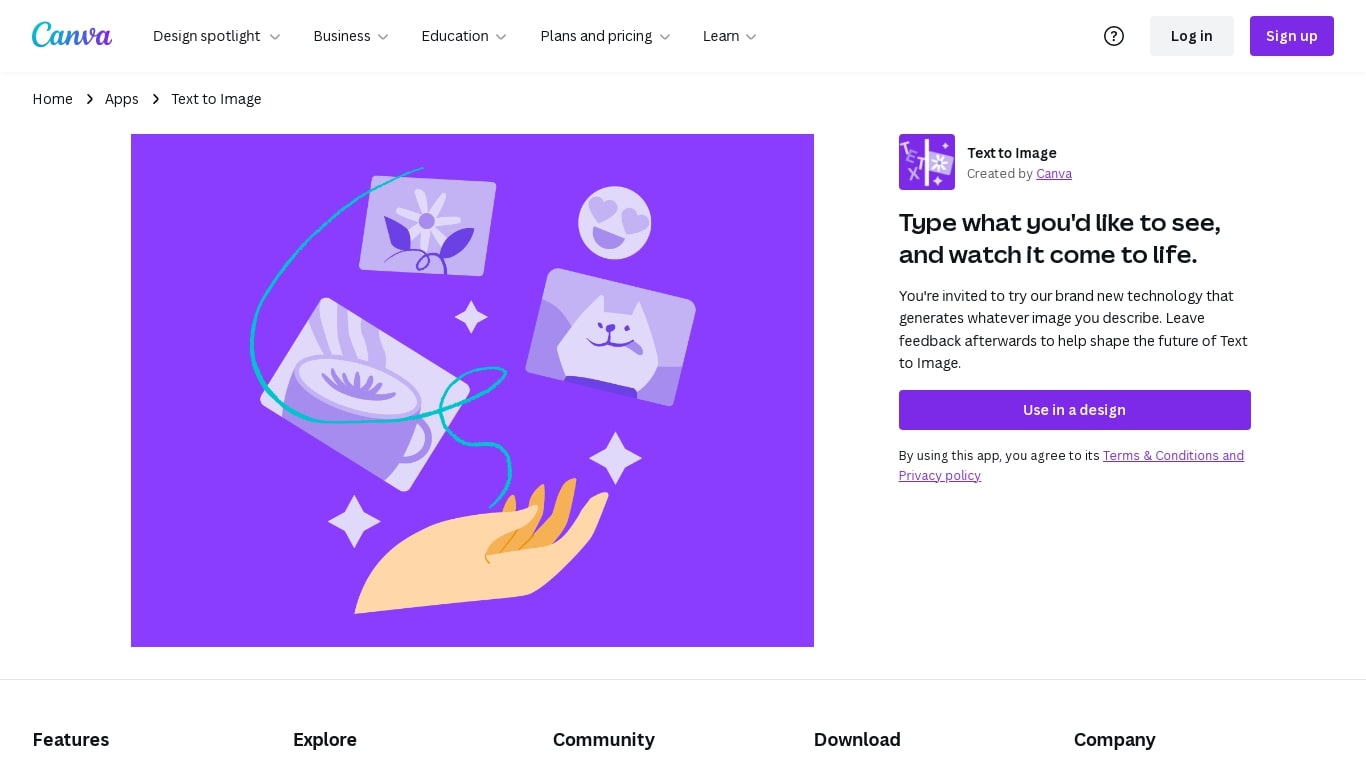
What is Canva-Text to Image?
Canva's Text to Image is a simple tool that turns words into images you can use in designs. Type a short description, pick an art style and aspect ratio, and the app will create several image options. You can use the results immediately in Canva layouts for social posts, presentations, posters, or any other design.
The tool is part of Canva’s Magic Media suite and sits alongside other AI apps like Create an image (powered by Dream Lab), DALL·E by OpenAI, and Imagen by Google Cloud. Text to Image offers many preset art styles, for example Watercolor, Filmic, Neon, Color Pencil, and Retrowave, so you can match the output to your project. It also supports different aspect ratios to fit banners, square posts, or tall stories.
Canva builds editing tools around the image generator. After you generate an image, use Canva’s Photo Editor to adjust lighting, color, and sharpness. Pro users can access Magic Edit to add or replace elements with a prompt, and Magic Eraser to remove unwanted parts. There’s also an upscale option in Create an image to produce sharper, higher-resolution versions when you need them.
The Text to Image app is available on desktop and mobile and offers limited use on free accounts. Upgrading to Canva Pro unlocks more generation credits and higher-end editing tools. Canva gives free accounts 5GB of storage and Pro accounts more storage and collaboration features like real-time commenting and a content planner for scheduling posts.
Canva has safety and usage rules built in. Prompts are checked automatically for content that breaks the platform rules, and users can report unsafe outputs. Canva also provides guidance about commercial use: you may use generated images for personal or commercial projects, but Canva does not guarantee exclusive rights or clearances. Users should check trademarks, public-figure rights, and any copyright concerns before using images commercially.
Overall, Canva’s Text to Image is made for creators who want quick, styled visuals without leaving the Canva editor. It is easy to try, works with other Canva tools, and gives practical controls for editing, exporting (JPG, PNG, PDF, PPTX), and sharing designs across teams or social channels.
Dream by WOMBO Upvotes
Canva-Text to Image Upvotes
Dream by WOMBO Top Features
Turn text prompts into finished images with 100+ curated styles like Baroque, Cartoon, and Whimsical
Generate cinematic or anime videos from text or reference images at up to 1080p
Edit existing work by uploading up to four source images and describing the changes you want
Prompt box accepts up to 2,000 characters with a Suggest button when you need a starting idea
Native iOS and Android apps mirror the web experience for creating on the go
Canva-Text to Image Top Features
🎨 Multiple art styles — Watercolor, Filmic, Neon, Color Pencil, Retrowave and more to match your project.
🖼️ Text to Image + Create an image — Generate from text or use a reference photo (Dream Lab) to preserve composition.
✂️ Built-in editing — Photo Editor, Magic Edit (Pro) for prompt-based edits, and Magic Eraser (Pro) to remove objects.
⚙️ Export & collaborate — Export as JPG, PNG, PDF, PPTX; real-time collaboration, autosave, and a content planner (Pro).
🔒 Safety & usage guidance — Automated prompt checks, reporting tools, and clear notes about commercial use and rights.
Dream by WOMBO Category
- Image Generation
Canva-Text to Image Category
- Image Generation
Dream by WOMBO Pricing Type
- Freemium
Canva-Text to Image Pricing Type
- Freemium