Dream by WOMBO vs Directory Crop
Compare Dream by WOMBO vs Directory Crop and see which AI Image Generation tool is better when we compare features, reviews, pricing, alternatives, upvotes, etc.
Which one is better? Dream by WOMBO or Directory Crop?
When we compare Dream by WOMBO with Directory Crop, which are both AI-powered image generation tools, The upvote count reveals a draw, with both tools earning the same number of upvotes. Every vote counts! Cast yours and contribute to the decision of the winner.
Disagree with the result? Upvote your favorite tool and help it win!
Dream by WOMBO
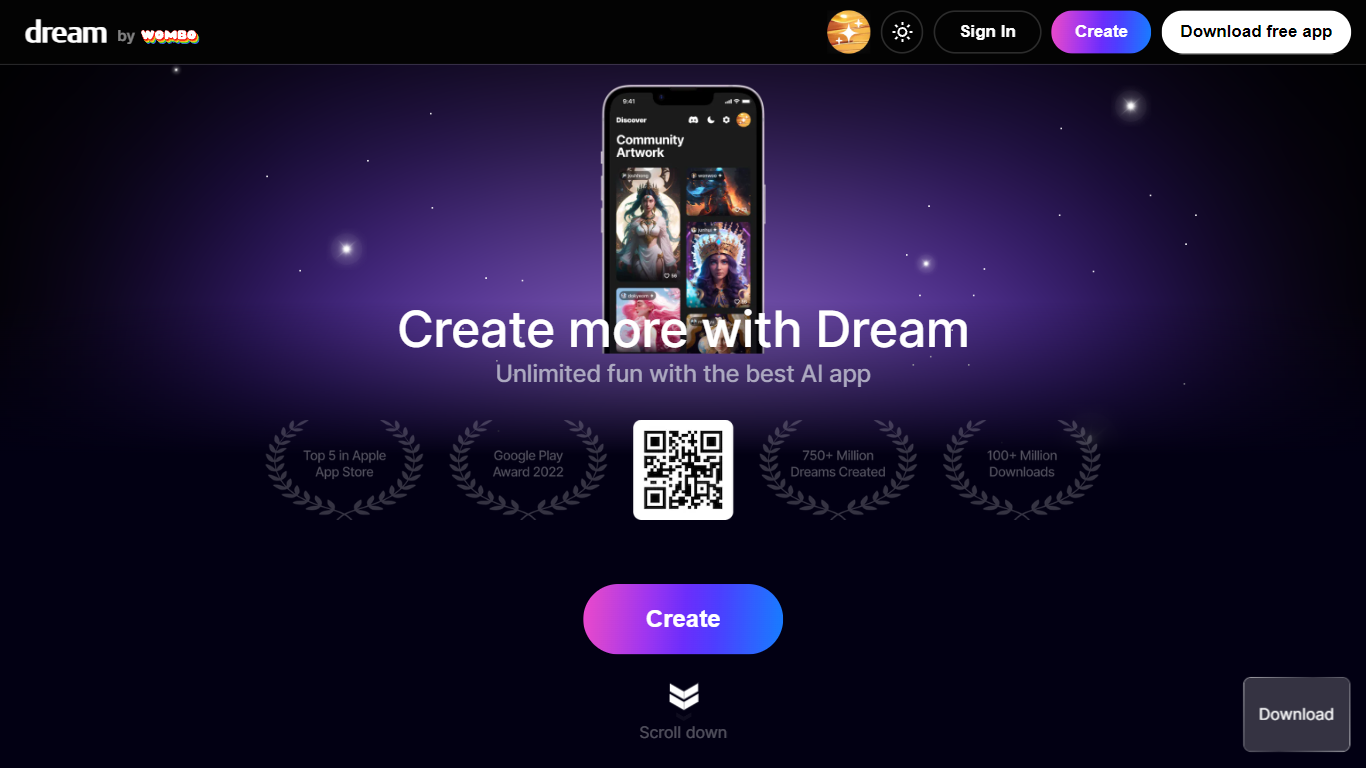

What is Dream by WOMBO?
Dream by WOMBO is an image and video generator from WOMBO AI Inc. that runs in the browser and on iOS and Android. You write a text prompt, pick from 100+ curated art styles, and get still images or short videos without opening a separate design app. The site splits work into dedicated Create, Edit, and Video pages plus a personal gallery.
Most image generators lean on model names and parameter sliders. Dream frames choices around named style presets like Baroque, Cartoon, and Whimsical, with separate flows for stills, four-image guided edits, and cinematic or anime video clips. Paid Standard and Pro plans trade daily free credits for unlimited images, HD exports, and video generation with priority queue access on Pro.
Casual creators, illustrators, and social media makers use it for quick concept art, styled portraits, and short clips. The Edit page accepts up to four reference images with a 2,000-character prompt, and the Video page adds duration, aspect ratio, and Standard versus Pro style tiers.
Directory Crop
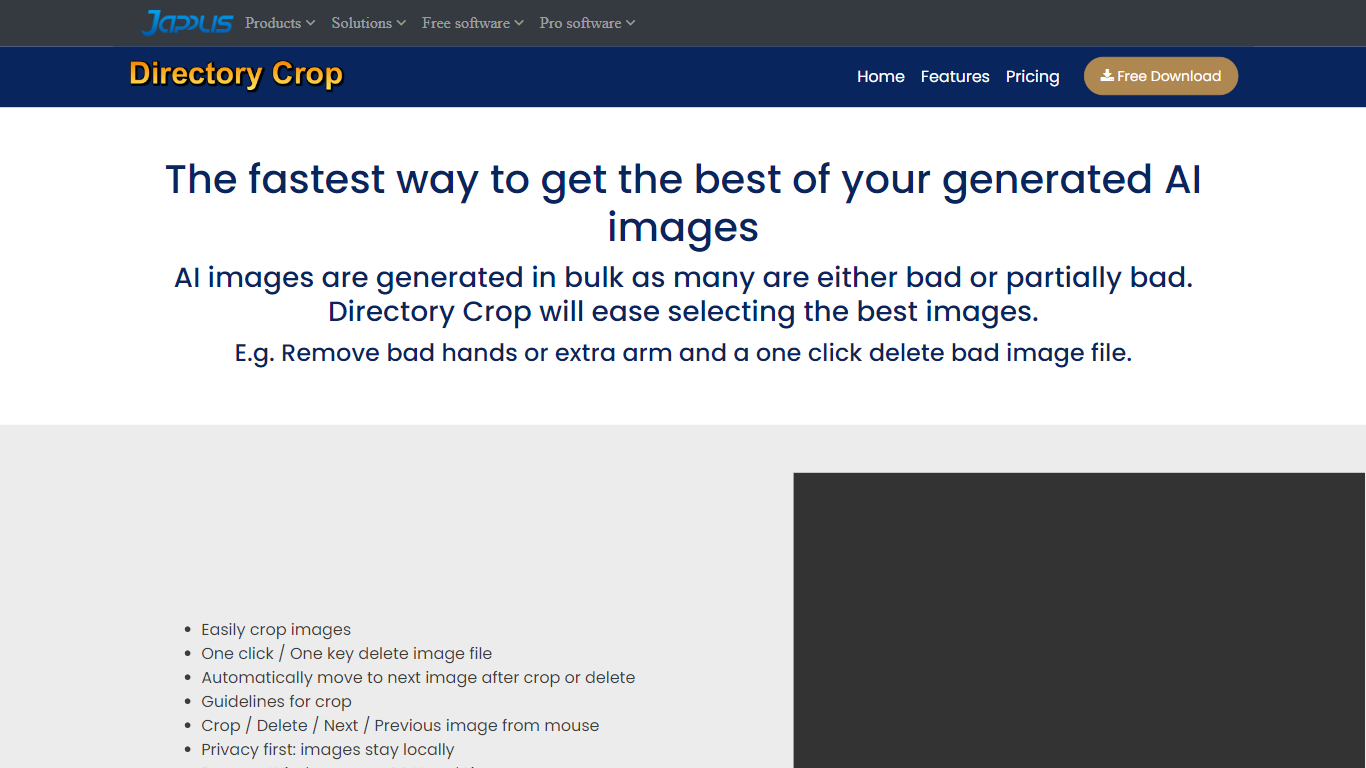
What is Directory Crop?
Directory Crop speeds up sorting bulk AI image outputs on Windows, macOS, and Linux. Open a folder of generations, crop out bad hands or extra limbs, and delete failed files with one click or one keypress. After each crop or delete, the app jumps to the next image so you can review hundreds of files without digging through file managers.
Photo editors built for single images slow you down when a Stable Diffusion run drops 200 variants. Directory Crop is built for that culling workflow: crop guidelines, optional output folders, metadata preservation, and keyboard shortcuts for next, previous, and delete. Images never leave your machine, which matters when prompts or outputs are private.
The free tier covers 100 crops per month before a watermark appears. Professional plans start at $9 per month for 1,000 crops, $19 for 5,000, or $49 for unlimited per user. Students, journalists, Java Champions, and beta testers can apply for free license keys. Install via direct download, Homebrew, Chocolatey, or winget.
Dream by WOMBO Upvotes
Directory Crop Upvotes
Dream by WOMBO Top Features
100+ curated art styles including Baroque, Cartoon, Mechanical, and Whimsical presets showcased on the homepage
Free plan includes 5 daily credits with standard styles and watermarked exports; Standard is $19.99/mo with unlimited images and video
Edit flow uploads up to 4 reference images with prompts up to 2,000 characters plus a Suggest button
Video generator supports text-to-video and image-to-video with cinematic and anime modes at up to 1080p
Standard includes 1,250 monthly credits and Pro includes 3,250 monthly credits per the site pricing schema
Native iOS (WOMBO Dream) and Android apps mirror the web create workflow
Directory Crop Top Features
Crop and delete images in a folder with automatic jump to the next file
One-click or one-key delete for bad AI generations like extra limbs
Runs locally on Windows, macOS, and Linux with privacy-first processing
Crop guidelines, metadata preservation, and optional separate output directory
Free tier includes 100 crops per month before watermarking
Install via EXE, DMG, DEB, Homebrew, Chocolatey, or winget package managers
Dream by WOMBO Category
- Image Generation
Directory Crop Category
- Image Generation
Dream by WOMBO Pricing Type
- Freemium
Directory Crop Pricing Type
- Freemium