EasifyAI vs Luminar Neo
Compare EasifyAI vs Luminar Neo and see which AI Photo Editing tool is better when we compare features, reviews, pricing, alternatives, upvotes, etc.
Which one is better? EasifyAI or Luminar Neo?
When we compare EasifyAI with Luminar Neo, which are both AI-powered photo editing tools, Interestingly, both tools have managed to secure the same number of upvotes. Since other aitools.fyi users could decide the winner, the ball is in your court now to cast your vote and help us determine the winner.
You don't agree with the result? Cast your vote to help us decide!
EasifyAI

What is EasifyAI?
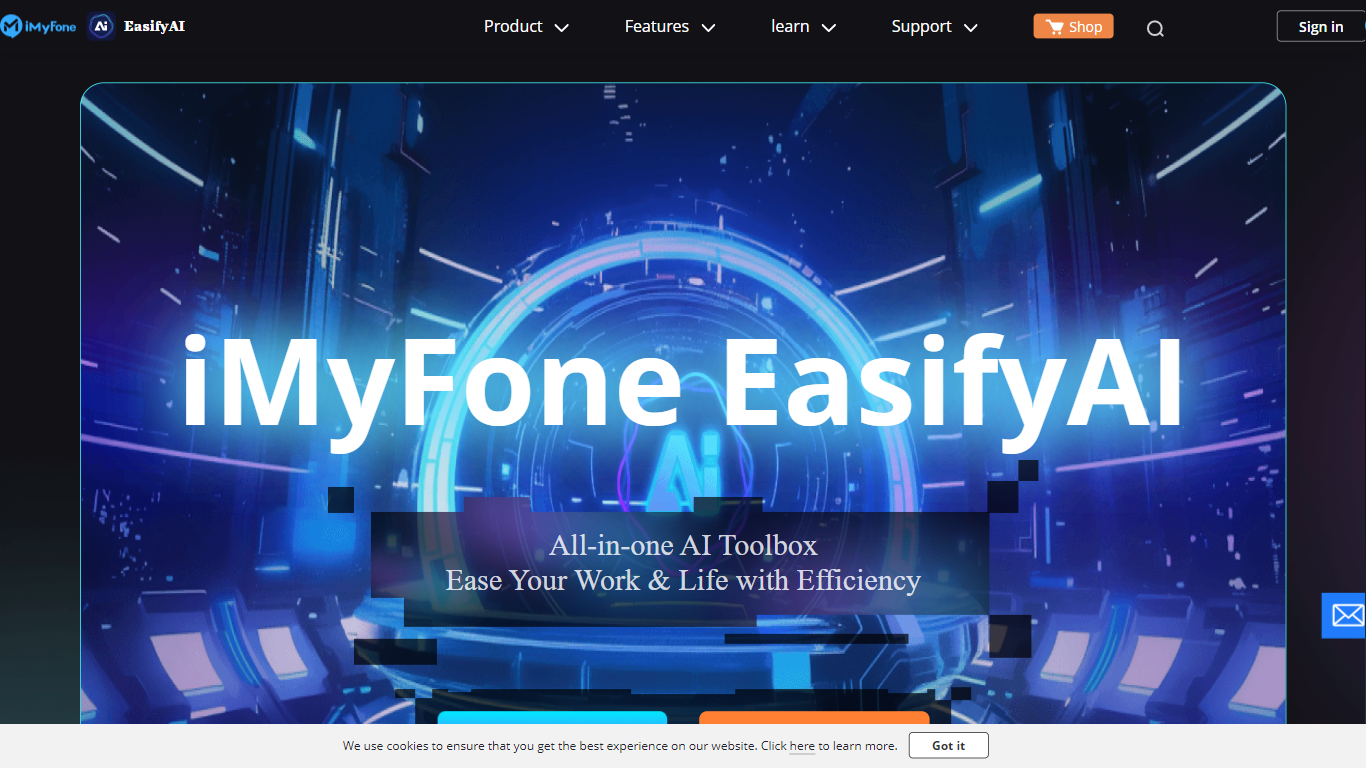
EasifyAI is a desktop photo editing and AI productivity toolkit from iMyFone. It bundles writing, image, and video tools into one downloadable app so you do not need separate subscriptions for each task. You pick a tool inside the app, wait for it to load on first use, and run jobs like photo enhancement, anime conversion, or story-to-video generation locally.
Where most iMyFone products focus on one job, EasifyAI targets people who want a rotating set of creative utilities in a single install. The trade-off is that each tool loads on demand rather than opening instantly, which suits occasional users more than teams running batch jobs all day.
It fits Windows users who edit photos, turn stories into short videos, rewrite text, or extract and translate text from images. Support docs list free trials for video and rewriting tools, with paid Basic and Toolkit plans for broader access.
Luminar Neo

What is Luminar Neo?
Luminar Neo is a desktop photo editor for macOS and Windows that combines one-click AI adjustments with layer-based manual control. Sky replacement, portrait retouching, generative erase and expand, HDR merge, and noise reduction all live in one app, with optional Lightroom Classic and Photoshop plug-in support.
Where subscription editors lock you into monthly fees, Skylum sells Luminar as a perpetual license with 2 device activations. Generative AI tools and the asset library renew annually, but the core app stays yours after a single purchase, which suits photographers who edit in bursts rather than every day.
Landscape shooters, portrait photographers, and hobbyists use Luminar Neo for batch presets, RAW support across 1000+ cameras, and cross-device handoff from mobile to desktop on higher tiers. An AI Assistant suggests edits in 16 languages and opens the right tool when you ask how-to questions.
EasifyAI Upvotes
Luminar Neo Upvotes
EasifyAI Top Features
Bundles photo enhancement, anime conversion, uncropping, and colorization in one Windows app
Story-to-video and AI rewriter tools with free trial access before upgrading
Image-to-text supports 18 recognition languages plus post-extraction translation
Exports watermark-free HD images and videos for download
Basic and Toolkit subscription plans with cancel-anytime billing
Luminar Neo Top Features
Perpetual licenses from $129 with 2 desktop activations on macOS and Windows
Generative AI tools include GenErase, GenSwap, GenExpand, and photo restoration
Supports RAW files from 1000+ cameras plus JPEG, PNG, TIFF, and major RAW formats
Pro Tools add Supersharp AI, Noiseless AI, HDR merge, focus stacking, and panorama stitch
AI Assistant suggests up to 3 edits per request in 16 languages with one-click apply
EasifyAI Category
- Photo Editing
Luminar Neo Category
- Photo Editing
EasifyAI Pricing Type
- Freemium
Luminar Neo Pricing Type
- Paid