Eklipse vs Gling
In the clash of Eklipse vs Gling, which AI Video Editing tool emerges victorious? We assess reviews, pricing, alternatives, features, upvotes, and more.
When we put Eklipse and Gling head to head, which one emerges as the victor?
Let's take a closer look at Eklipse and Gling, both of which are AI-driven video editing tools, and see what sets them apart. In the race for upvotes, Eklipse takes the trophy. Eklipse has been upvoted 7 times by aitools.fyi users, and Gling has been upvoted 4 times.
You don't agree with the result? Cast your vote to help us decide!
Eklipse
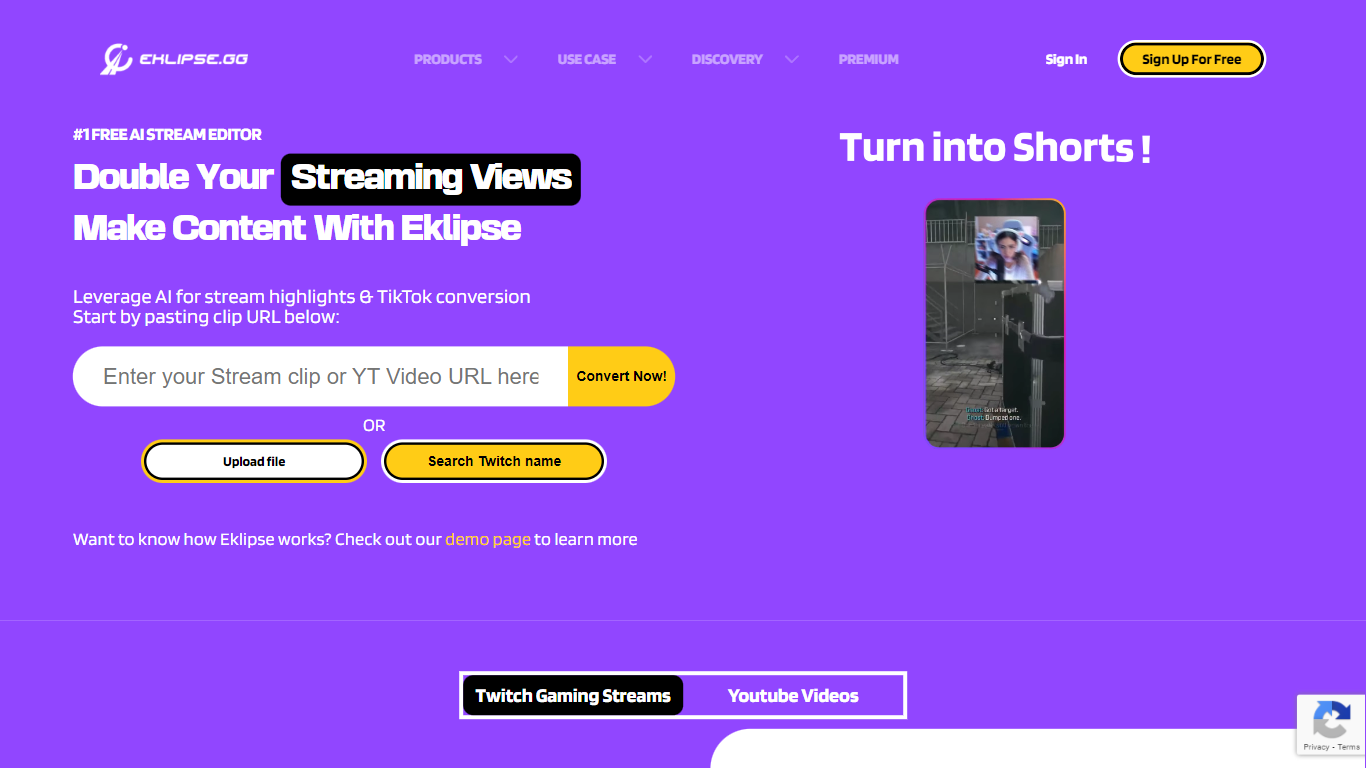

What is Eklipse?
Eklipse turns Twitch, Kick, and YouTube streams into short-form clips without you scrubbing hour-long VODs by hand. You connect a streaming account, and Eklipse pulls whole broadcasts from the cloud, scores standout gameplay and reaction moments, then hands back vertical clips sized for TikTok, YouTube Shorts, and Instagram Reels. Detection, reframing, captioning, and rendering all run on Eklipse servers, so you do not need capture software running during the stream.
Speech-first clippers lean on microphone spikes, which means a quiet headshot or clutch play can slip through unnoticed. Eklipse Gameplay Intelligence reads on-screen game state across 3,000-plus titles, scoring kills, round wins, chat spikes, and audio peaks together. That game-aware approach also covers Just Chatting, IRL, and podcast segments since the June 2026 engine update, without you marking timestamps by hand.
The workflow suits competitive gamers who stream nightly but post inconsistently, variety creators juggling multiple platforms, and editors who want Eklipse Studio for manual 9:16 reframing when AI picks need a trim. Voice Command lets you say "clip it" mid-match, Content Planner queues posts to four social destinations, and the mobile app covers review on the go.
Eklipse also ships AI Edit for one-pass meme and caption styling, Ultra Highlights exports up to 1440p, and console streamer support for PlayStation and Xbox feeds without a desktop capture workflow. The company reports more than 10 million clips generated and 822,000 streamers on the platform as of July 2026.
Gling

What is Gling?
Gling is desktop video editing software that uses transcription to cut bad takes, silences, and filler words from raw recordings before you export to Premiere, Final Cut Pro, or DaVinci Resolve. Upload a talking-head or voiceover file, review an AI-trimmed timeline, tweak cuts in text form, and download MP4, MP3, or SRT captions. It also generates YouTube titles, chapters, and short viral clips from links.
Manual timeline scrubbing eats hours on repetitive cleanup, while Gling automates the boring first pass and leaves creative decisions to you. That trade-off suits creators who record long sessions but do not want a fully automated publish pipeline. Desktop-only delivery keeps processing local-friendly, though you need a Mac or PC rather than a browser tab.
YouTube creators and podcast-style video makers use Gling to shrink edit time on tutorials, vlogs, and multicam sessions. The free plan includes 1 hour of AI-edited media per month with watermarked exports, Plus costs $20 per month with 10 hours, and Pro adds 30 hours without watermarks plus premium support.
Eklipse Upvotes
Gling Upvotes
Eklipse Top Features
Scores highlights from 3,000+ games using on-screen game events, not just mic audio
Connects to Twitch, Kick, and YouTube VODs with no local upload or capture card required
Exports vertical 9:16 clips with auto-captions for TikTok, Shorts, and Reels
Eklipse Studio reframes horizontal gameplay with stacked facecam layouts and trims in the browser
Content Planner schedules posts to TikTok, Shorts, Reels, and Facebook from one calendar
Voice Command marks moments mid-stream when you say "clip it" without alt-tabbing
Ultra Highlights exports gameplay clips at up to 1440p resolution
Gling Top Features
Automatically remove bad takes, silences, and filler words from uploaded recordings
Edit cuts through a text-based transcript instead of scrubbing the timeline manually
Export XML projects to Adobe Premiere, Final Cut Pro, or DaVinci Resolve
Generate AI captions, YouTube titles, chapters, and viral clips from links
Plus plan includes 10 hours of AI-edited media per month for $20
Eklipse Category
- Video Editing
Gling Category
- Video Editing
Eklipse Pricing Type
- Paid
Gling Pricing Type
- Freemium