Elicit vs Browse AI
When comparing Elicit vs Browse AI, which AI Research tool shines brighter? We look at pricing, alternatives, upvotes, features, reviews, and more.
In a comparison between Elicit and Browse AI, which one comes out on top?
When we put Elicit and Browse AI side by side, both being AI-powered research tools, In the race for upvotes, Browse AI takes the trophy. Browse AI has received 25 upvotes from aitools.fyi users, while Elicit has received 6 upvotes.
Not your cup of tea? Upvote your preferred tool and stir things up!
Elicit
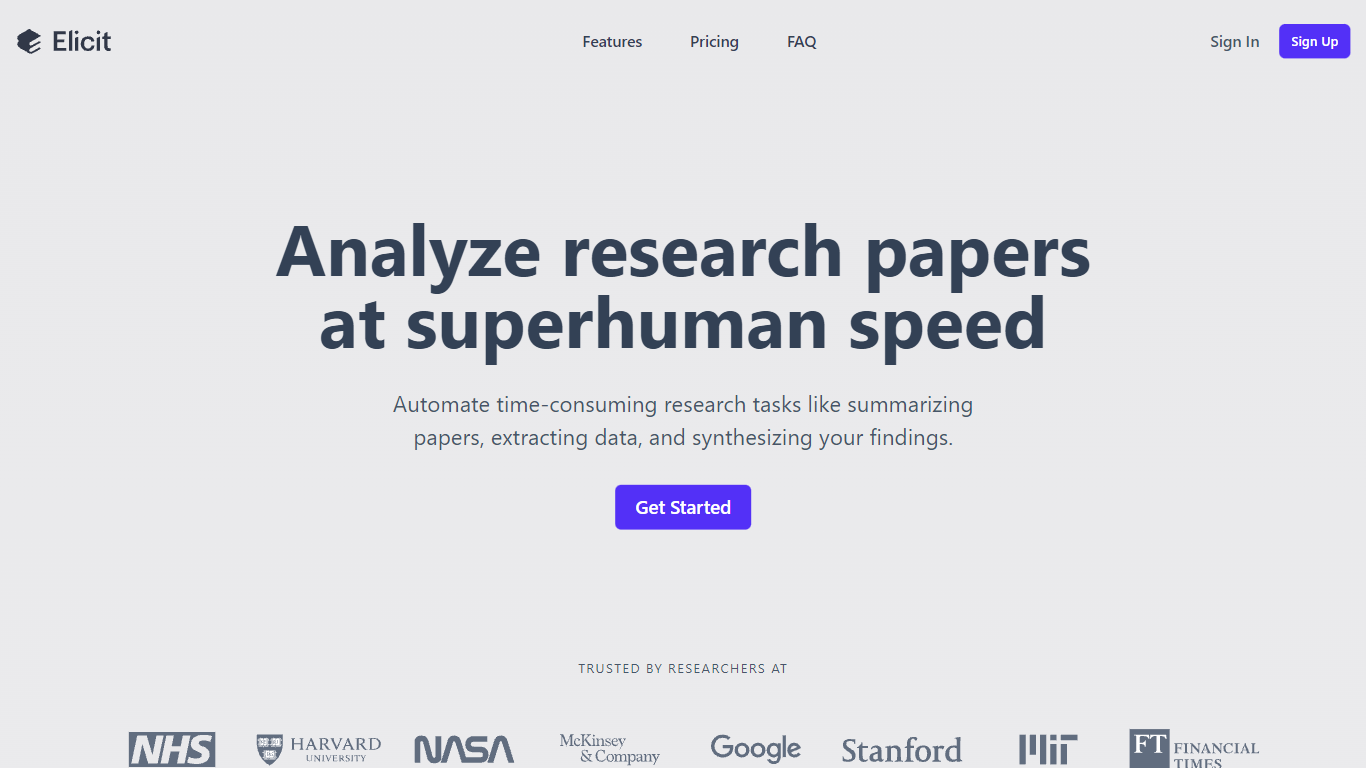

What is Elicit?
Elicit is a research assistant built for scientists, analysts, and policy teams who need cited answers from academic literature rather than generic chatbot summaries. It searches more than 138 million academic papers and 545,000 clinical trials, then returns evidence with sentence-level citations tied to the underlying sources. The platform covers paper search, research reports, systematic literature reviews, a research agent for multi-step workflows, a personal library, and alerts for new publications.
Where general AI chat tools guess at scientific claims, Elicit anchors every statement to a specific passage, table, or figure from the source material. Its semantic search finds relevant papers even when keyword overlap is thin, and it can screen and analyze up to 1,000 papers in a single workflow. That focus on traceable evidence over fluent prose is what separates it from tools like ChatGPT or Perplexity for high-stakes research decisions.
Elicit serves academic researchers, pharmaceutical teams, medical device companies, and government policy groups. Formation Bio, Oxford PharmaGenesis, and VDI/VDE have published case studies using Elicit for systematic reviews, data extraction, and literature screening at scale. The free Basic plan covers unlimited search and summaries, while paid tiers unlock systematic review workflows, API access, and team collaboration.
Browse AI
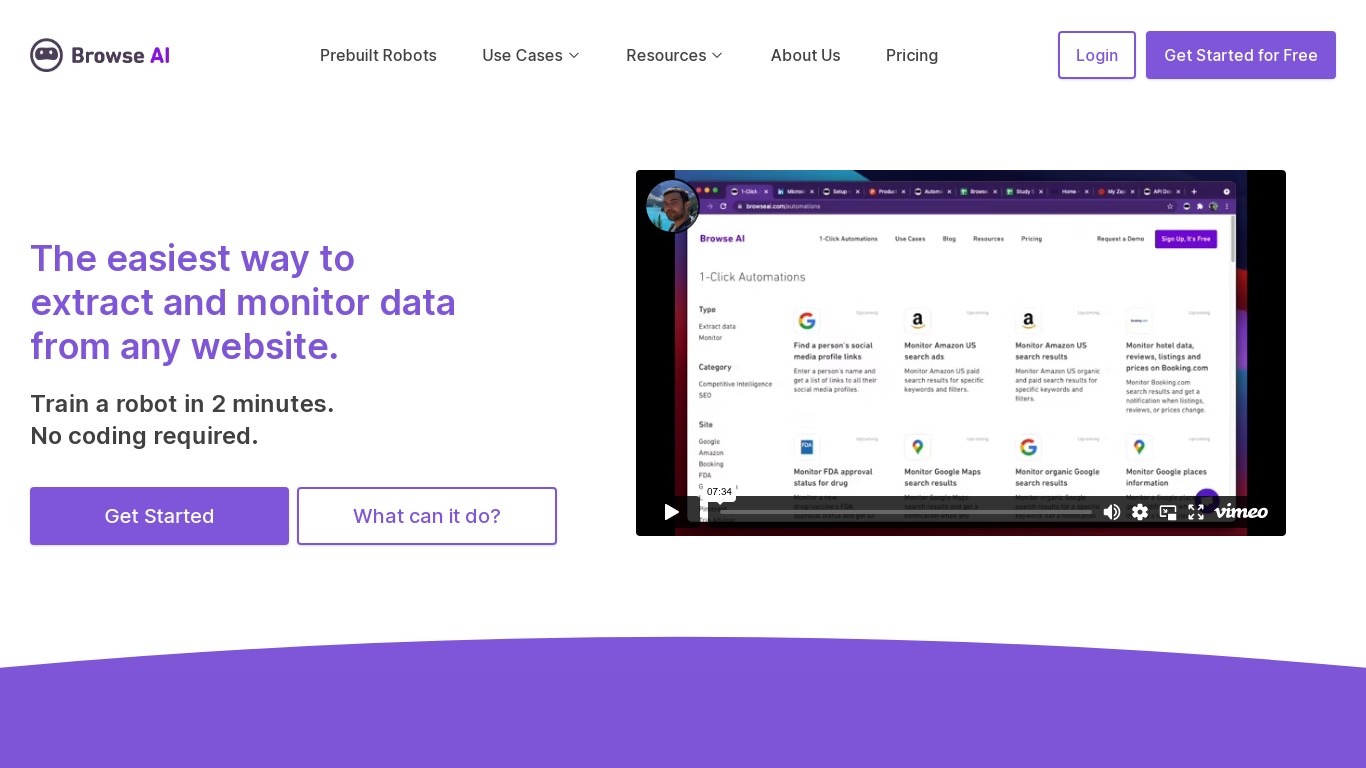
What is Browse AI?
Browse AI is a no-code web scraping and website monitoring platform built for research teams that need structured data from sites they do not control. You train robots with point-and-click actions to extract lists, details, and screenshots, then schedule runs or set change alerts without writing scripts. The platform reports over 770,000 users and has delivered more than 10 billion rows of extracted data.
Where most scrapers break the moment a target site redesigns, Browse AI leans on adaptive change detection that adjusts robot selectors when layouts shift. That trade-off favors operators who monitor competitor pricing or job boards on a schedule and cannot babysit Python scripts every time a CSS class changes. You still get deep scraping workflows, bulk runs across up to 500,000 pages, and exports to Google Sheets, Airtable, Zapier, Make, webhooks, or a REST API.
Browse AI fits ecommerce analysts tracking catalogs, real estate teams pulling listings from Airbnb or Redfin, and growth operators building lead lists from directories. Over 250 prebuilt robots cover Amazon, Indeed, Google Maps, and other high-traffic sites. A Premium tier adds fully managed scraping with custom delivery for high-volume or complex pipelines.
Elicit Upvotes
Browse AI Upvotes
Elicit Top Features
Semantic search across 138 million academic papers plus 545,000 clinical trials on ClinicalTrials.gov
Research Agent gathers evidence from papers, patents, regulatory databases, and uploaded documents
Analyzes up to 1,000 papers at once with transparent screening criteria you can audit
Systematic literature review workflow supports PRISMA 2020 with screening up to 5,000 papers on Pro
Research reports generate fully cited briefs inspired by systematic review methodology
API and MCP server let you search papers and generate reports inside your own agents
Free Basic plan includes unlimited search, summaries, and chat with full-text paper access
Browse AI Top Features
Point-and-click robot builder trains on any page with no code required
Adaptive change detection adjusts robots when target sites redesign layouts
250+ prebuilt robots for Amazon, Indeed, Google Maps, and other popular sites
Bulk extraction runs across up to 500,000 pages in a single operation
Paid plans monitor sites every 5 minutes; free plans allow hourly checks at minimum
Syncs to Google Sheets, Airtable, Zapier, Make, REST API, webhooks, or Amazon S3
Elicit Category
- Research
Browse AI Category
- Research
Elicit Pricing Type
- Freemium
Browse AI Pricing Type
- Freemium