Email Bind vs Superhuman
Compare Email Bind vs Superhuman and see which AI Email Assistant tool is better when we compare features, reviews, pricing, alternatives, upvotes, etc.
Which one is better? Email Bind or Superhuman?
When we compare Email Bind with Superhuman, which are both AI-powered email assistant tools, The upvote count shows a clear preference for Email Bind. Email Bind has received 7 upvotes from aitools.fyi users, while Superhuman has received 6 upvotes.
Don't agree with the result? Cast your vote and be a part of the decision-making process!
Email Bind

What is Email Bind?
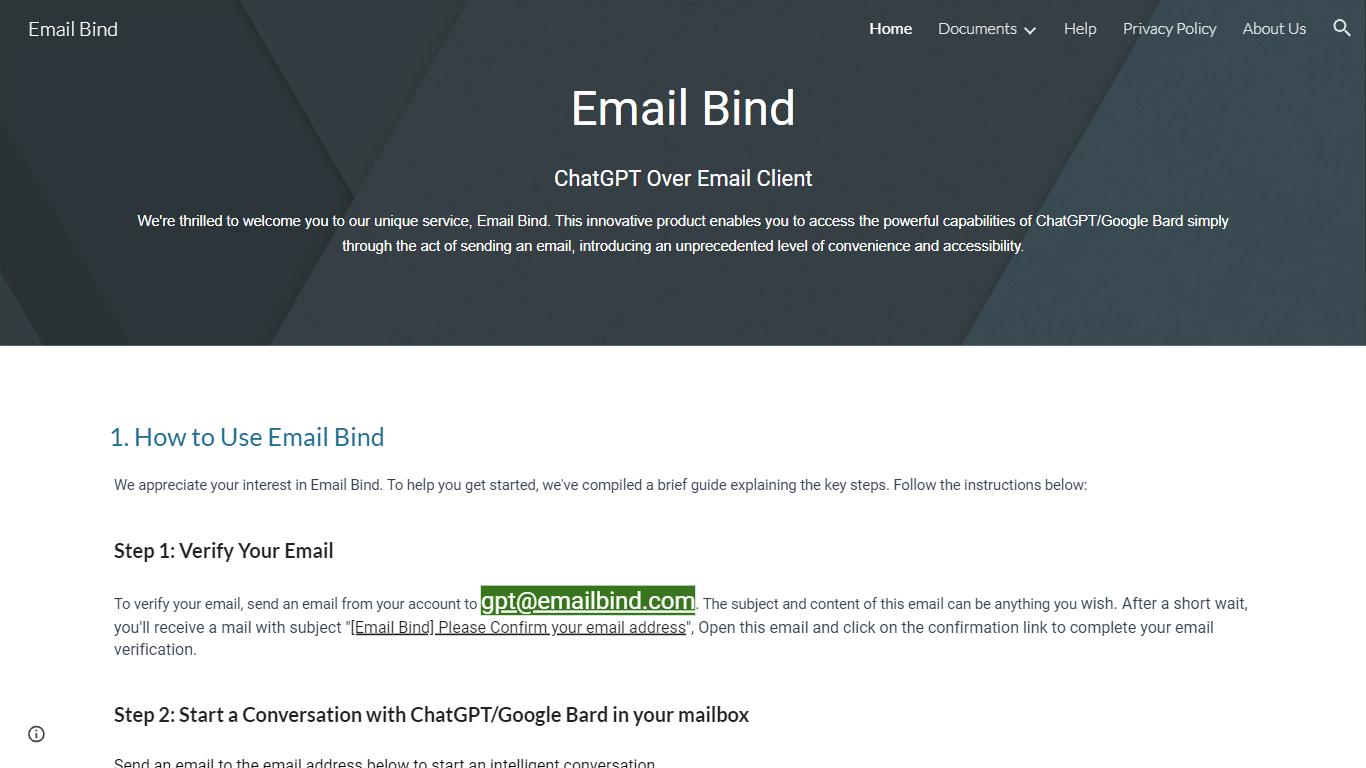
Discover the convenience of conversing with AI-powered chat models like ChatGPT and Google Bard directly from your inbox with Email Bind! This innovative service transforms your email into a portal for intelligent dialogue, offering ease of use like never before. Get started by verifying your email, simply by sending a message to a designated Email Bind address. Engage in enriching conversations using either the GPT-3.5/4 or Google Bard, with the latter even providing updated internet information and Chinese language support. Looking for more control? The Email Bind app unlocks customization features, such as prompt templates, GPT-4 model access, and adjustable settings, offering a tailored AI email experience. Experience this groundbreaking convenience at your fingertips!
Superhuman
What is Superhuman?
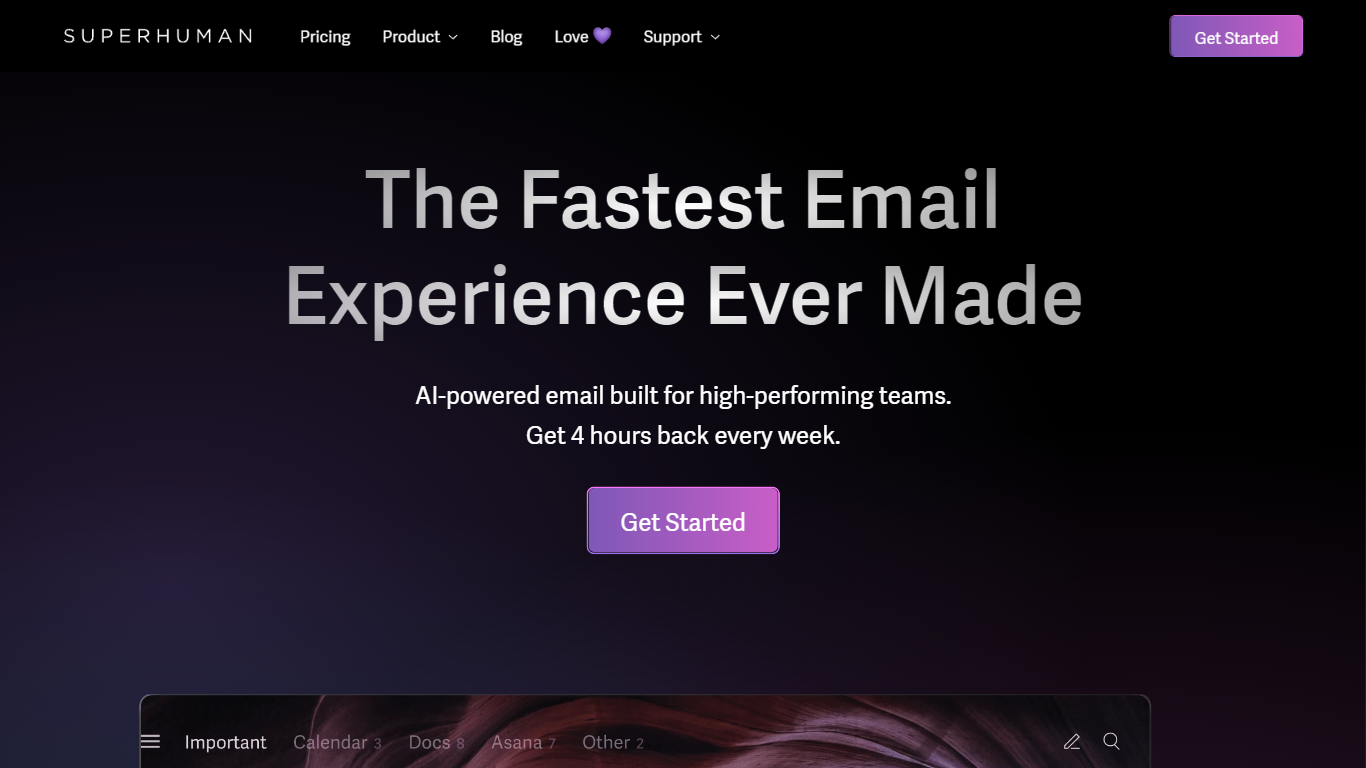
Superhuman is a revolutionary email platform designed to provide users with the fastest and most efficient email experience possible. With its blazingly fast performance, delightful user interface, and stress-free workflow, Superhuman aims to streamline the way people manage their emails and save them valuable time.
One of the standout features of Superhuman is its speed. The platform is engineered to load emails instantly, allowing users to navigate through their inbox with seamless speed and efficiency. With Superhuman, you can say goodbye to frustrating load times and never waste another minute waiting for your emails to load.
In addition to its speed, Superhuman also offers a delightful user experience. The platform is designed with a clean and intuitive interface that makes it easy to organize and manage your emails. From advanced search capabilities to customizable keyboard shortcuts, Superhuman puts you in control of your inbox and helps you stay organized.
But Superhuman doesn't stop at just providing a fast and delightful email experience. It also aims to give users back valuable time. According to their website, Superhuman users report getting an average of 4 hours back every single week. Imagine what you could do with that extra time – whether it's focusing on important tasks, spending time with loved ones, or simply enjoying some well-deserved relaxation.
Whether you're a busy professional, an entrepreneur, or just someone who wants to reclaim their time, Superhuman offers a game-changing solution to email management. Experience the future of email with Superhuman and discover a faster, more efficient way to stay on top of your inbox.
Email Bind Upvotes
Superhuman Upvotes
Email Bind Top Features
Convenience of Email: Use your regular email service to access AI chat models.
Broad Model Compatibility: Compatible with both ChatGPT and Google Bard including GPT-3.5/4 models.
Internet Connectivity: Google Bard access updates and information from the web.
Multilingual Support: Google Bard includes support for the Chinese language.
Customization & Advanced Settings: Unlock advanced features with the Email Bind app providing template and setting adjustments.
Superhuman Top Features
No top features listedEmail Bind Category
- Email Assistant
Superhuman Category
- Email Assistant
Email Bind Pricing Type
- Freemium
Superhuman Pricing Type
- Paid