EssayWriter vs Shakespeare Ai Toolbar
In the face-off between EssayWriter vs Shakespeare Ai Toolbar, which AI Writing Assistant tool takes the crown? We scrutinize features, alternatives, upvotes, reviews, pricing, and more.
In a face-off between EssayWriter and Shakespeare Ai Toolbar, which one takes the crown?
If we were to analyze EssayWriter and Shakespeare Ai Toolbar, both of which are AI-powered writing assistant tools, what would we find? In the race for upvotes, EssayWriter takes the trophy. EssayWriter has received 7 upvotes from aitools.fyi users, while Shakespeare Ai Toolbar has received 5 upvotes.
Disagree with the result? Upvote your favorite tool and help it win!
EssayWriter


What is EssayWriter?
EssayWriter, branded as EssayFlow on essaywriter.io, generates academic essays from a topic prompt with an optional undetectable mode. The site trains on millions of human-written essays and checks output against detectors like GPTZero, ZeroGPT, Turnitin, and Originality.ai before you submit. You can produce full drafts in one click or step through titles and outlines first.
Compared with general chatbots, EssayFlow optimizes for passing AI detection and plagiarism scans rather than open-ended brainstorming. The built-in detector panel shows scores from multiple engines in one view. That narrow goal helps students who want submission-ready drafts fast, but it also raises academic integrity concerns the site addresses in its FAQ.
Students and researchers use it for essays, research papers, dissertations, and literature reviews across 50 plus languages. A free plan lets you test generation before upgrading, and undetectable mode rewrites output to mimic human cadence.
Shakespeare Ai Toolbar
What is Shakespeare Ai Toolbar?
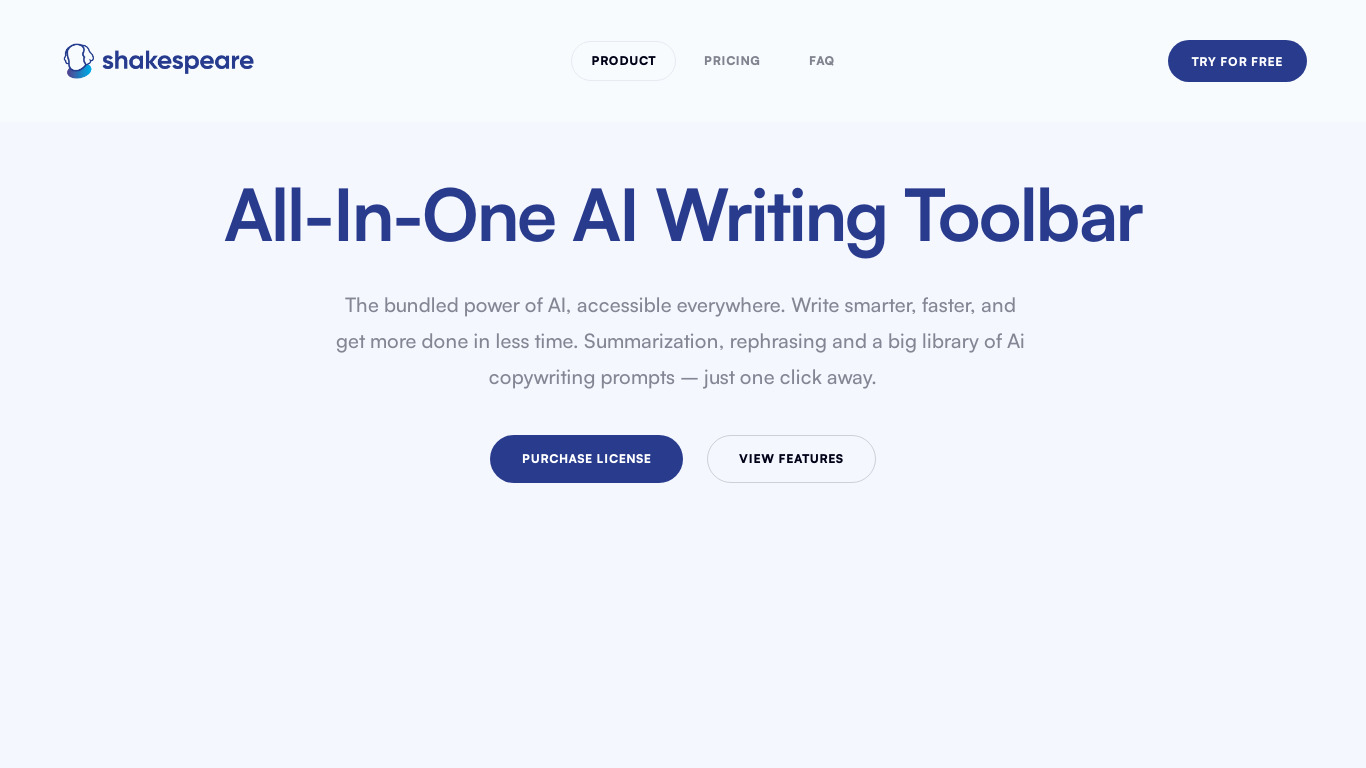
Shakespeare AI Toolbar is a writing assistant built as a Chrome extension that adds summarize, rephrase, and simplify actions to text you select on any site. Select a sentence in Gmail, Google Docs, LinkedIn, Notion, or Substack and a floating toolbar appears with shortcuts instead of opening a separate chat window.
Most browser writing tools ask you to copy text into a side panel. Shakespeare keeps you on the page you are already editing, which matters when you are replying to emails or polishing a Google Doc draft. The trade-off is that it is Chrome-only for site-wide use, and the free tier is limited to the web editor unless you buy the extension license.
The product fits marketers drafting social posts, support reps softening customer replies, and bloggers who want quick rewrites without tab switching. A free rich text editor at editor.shakespearetoolbar.com lets you test every toolbar action before paying for the extension.
EssayWriter Upvotes
Shakespeare Ai Toolbar Upvotes
EssayWriter Top Features
Undetectable mode targets human-like output that passes AI detectors
Built-in detector scans against GPTZero, ZeroGPT, Turnitin, and more
Supports essays, research papers, dissertations, and literature reviews
Generates content in more than 50 languages from one prompt form
Step-by-step workflow lets you edit titles and outlines before the final draft
Free plan available to test features before subscribing
Shakespeare Ai Toolbar Top Features
Chrome extension license is a $34 one-time payment for use across Gmail, LinkedIn, Notion, Substack, and Google Docs
Select any text on a page and the toolbar surfaces summarize, rephrase, and simplify actions instantly
Seven tone presets: Auto, Neutral, Conversation, Business, Friendly, Marketing, and Article
Free web editor at editor.shakespearetoolbar.com with unlimited use and no account required
Built-in library of AI copywriting prompts accessible from the toolbar with one click
Editor stores your text locally in the browser rather than on Shakespeare servers
EssayWriter Category
- Writing Assistant
Shakespeare Ai Toolbar Category
- Writing Assistant
EssayWriter Pricing Type
- Freemium
Shakespeare Ai Toolbar Pricing Type
- Freemium