Excelly-AI vs Ai Prompts (formerly Formula Generator)
Explore the showdown between Excelly-AI vs Ai Prompts (formerly Formula Generator) and find out which AI Excel tool wins. We analyze upvotes, features, reviews, pricing, alternatives, and more.
When comparing Excelly-AI and Ai Prompts (formerly Formula Generator), which one rises above the other?
When we contrast Excelly-AI with Ai Prompts (formerly Formula Generator), both of which are exceptional AI-operated excel tools, and place them side by side, we can spot several crucial similarities and divergences. Neither tool takes the lead, as they both have the same upvote count. Every vote counts! Cast yours and contribute to the decision of the winner.
Want to flip the script? Upvote your favorite tool and change the game!
Excelly-AI
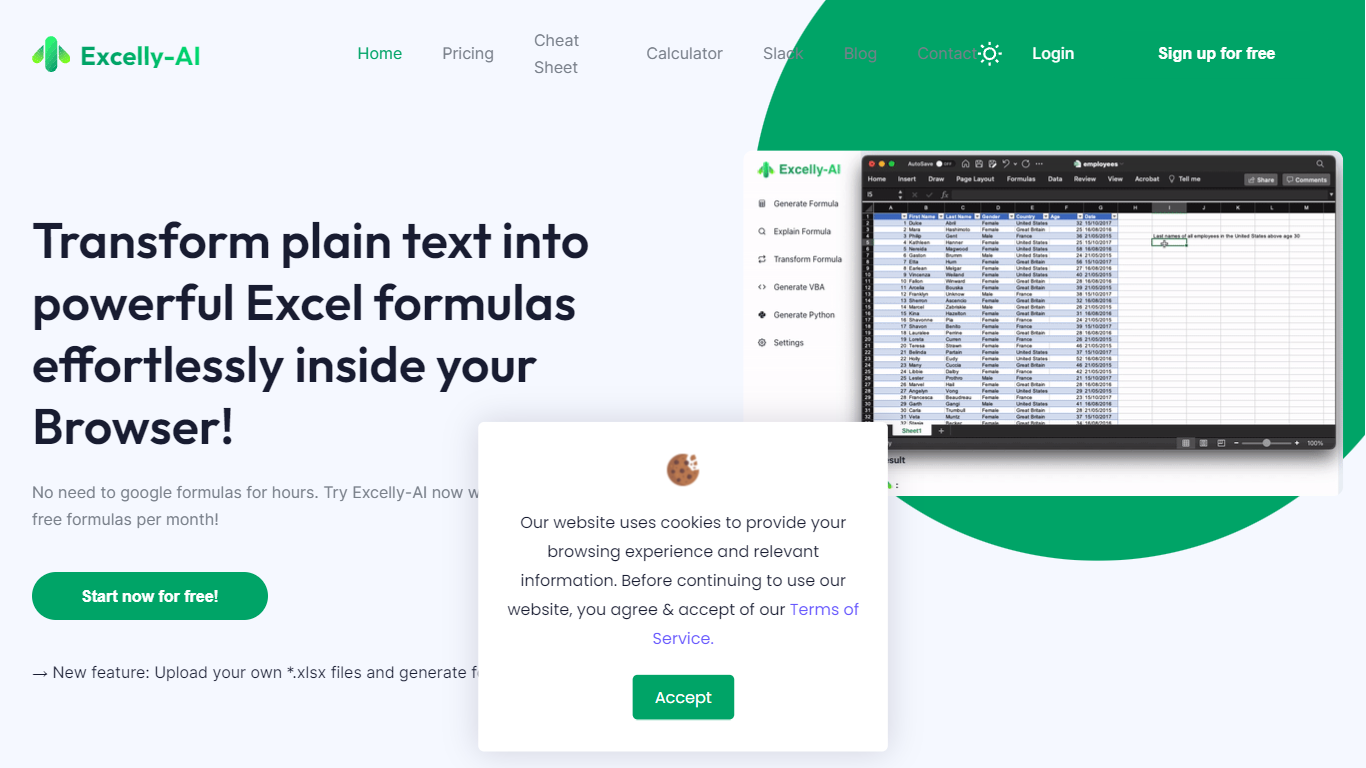

What is Excelly-AI?
Excelly-AI is the premier tool for transforming plain text into powerful Excel and Google Sheets formulas right within your browser or via Slack. Our cutting-edge technology allows users to generate or explain complex formulas effortlessly, catering both to Excel and VBA as well as Google Sheets users. With the unique *.xlsx file upload feature, Excelly-AI elevates your productivity by allowing you to craft customized prompts based on your spreadsheet's column schema, providing precise and context-aware formula generation. Excel enthusiasts can also convert formulas between Excel and Google Sheets instantly. Additionally, Excelly-AI integrates seamlessly with Slack, empowering teams of any size to streamline their spreadsheet-related tasks company-wide. Whether a beginner or a power user, start with 5 free formulas per month and witness the transformation of text to formulas without endlessly Googling.
Ai Prompts (formerly Formula Generator)
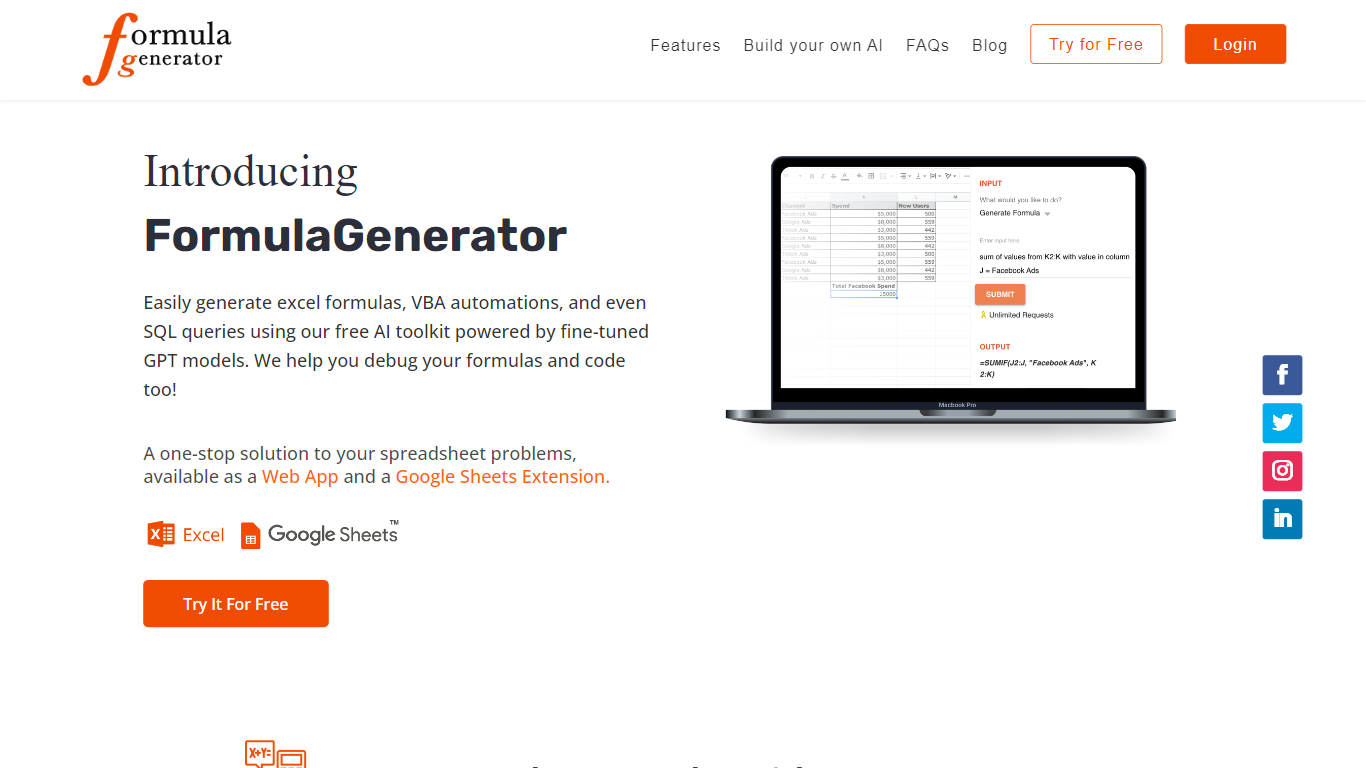
What is Ai Prompts (formerly Formula Generator)?
Ai Prompts at formulagenerator.app is a free educational site that teaches spreadsheet users how to get accurate Excel and Google Sheets formulas from ChatGPT. Instead of hosting a formula builder, it walks through prompt engineering, system instructions, and repeatable prompt templates so analysts can describe calculations in plain language and turn model output into working sheet logic.
The guides cover building formula generator setups with the OpenAI API, keeping context across sessions, and reviewing or debugging formulas when results look wrong. Readers also get practical prompt patterns for VBA macros, SQL queries, and Google Apps Script when they want automation beyond a single cell formula.
It fits finance teams, operations staff, and analysts who already work in spreadsheets and want a reference for prompting ChatGPT without writing code themselves. You bring your own ChatGPT or API access; the site itself is read-only content with no signup or hosted generator on the page.
Excelly-AI Upvotes
Ai Prompts (formerly Formula Generator) Upvotes
Excelly-AI Top Features
Generate Formulas: Support for both Excel and Google Sheets with explanations for every generated formula.
Upload .xlsx Files: Generate formulas based on your own spreadsheets with meaningful prompts.
Explain Formulas: Excelly-AI can simplify and explain complex formulas for easy understanding.
Generate VBA: Instantly create any VBA formula you need.
Transform Formulas: Easily convert formulas between Excel and Google Sheets formats.
Ai Prompts (formerly Formula Generator) Top Features
Prompt engineering walkthroughs for describing Excel and Google Sheets formulas in plain English
System instruction examples that keep spreadsheet context across follow-up ChatGPT prompts
Guide for wiring the OpenAI API into a Google Sheets or frontend formula workflow
Debugging tips for catching formula logic, structure, and reference errors in generated output
Sample prompts for VBA macros, SQL queries, and Google Apps Script automation
Excelly-AI Category
- Excel
Ai Prompts (formerly Formula Generator) Category
- Excel
Excelly-AI Pricing Type
- Freemium
Ai Prompts (formerly Formula Generator) Pricing Type
- Free