Explainpaper vs Browse AI
Dive into the comparison of Explainpaper vs Browse AI and discover which AI Research tool stands out. We examine alternatives, upvotes, features, reviews, pricing, and beyond.
When comparing Explainpaper and Browse AI, which one rises above the other?
When we compare Explainpaper and Browse AI, two exceptional research tools powered by artificial intelligence, and place them side by side, several key similarities and differences come to light. The upvote count shows a clear preference for Browse AI. Browse AI has 25 upvotes, and Explainpaper has 7 upvotes.
Want to flip the script? Upvote your favorite tool and change the game!
Explainpaper

What is Explainpaper?
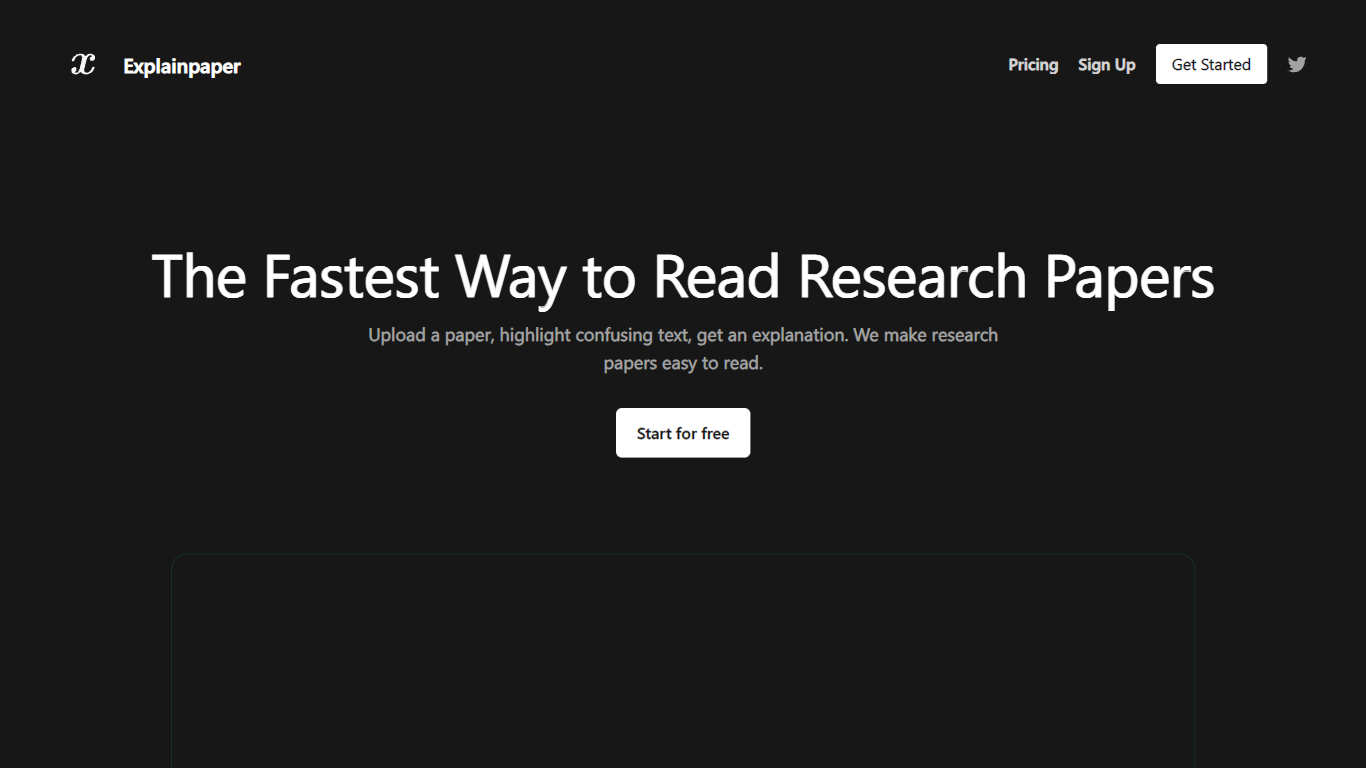
Explainpaper is a research paper reader that turns dense PDFs into something you can actually follow. Upload a paper, highlight any sentence that stops you cold, and get a plain-language explanation right there in the margins. Follow-up questions work too, so you can keep reading without tab-switching to look up every acronym.
Most PDF chat tools want you to ask broad questions about the whole file. Explainpaper is built around a narrower moment: you hit one paragraph of jargon and need it unpacked before you can move on. The interface stays inside the paper, with complexity you can dial from beginner to expert and explanations in more than 50 languages.
PhD students, undergrads reading outside their major, and working researchers crossing into a new specialty all use it for the same reason. You stay in the reading flow instead of losing 20 minutes deciphering a single notation block.
Pro adds Math Explain for equations and figures, full-paper summaries, and saved highlights at $16 per month. The free plan already covers unlimited highlight explanations and Zotero imports.
Browse AI
What is Browse AI?
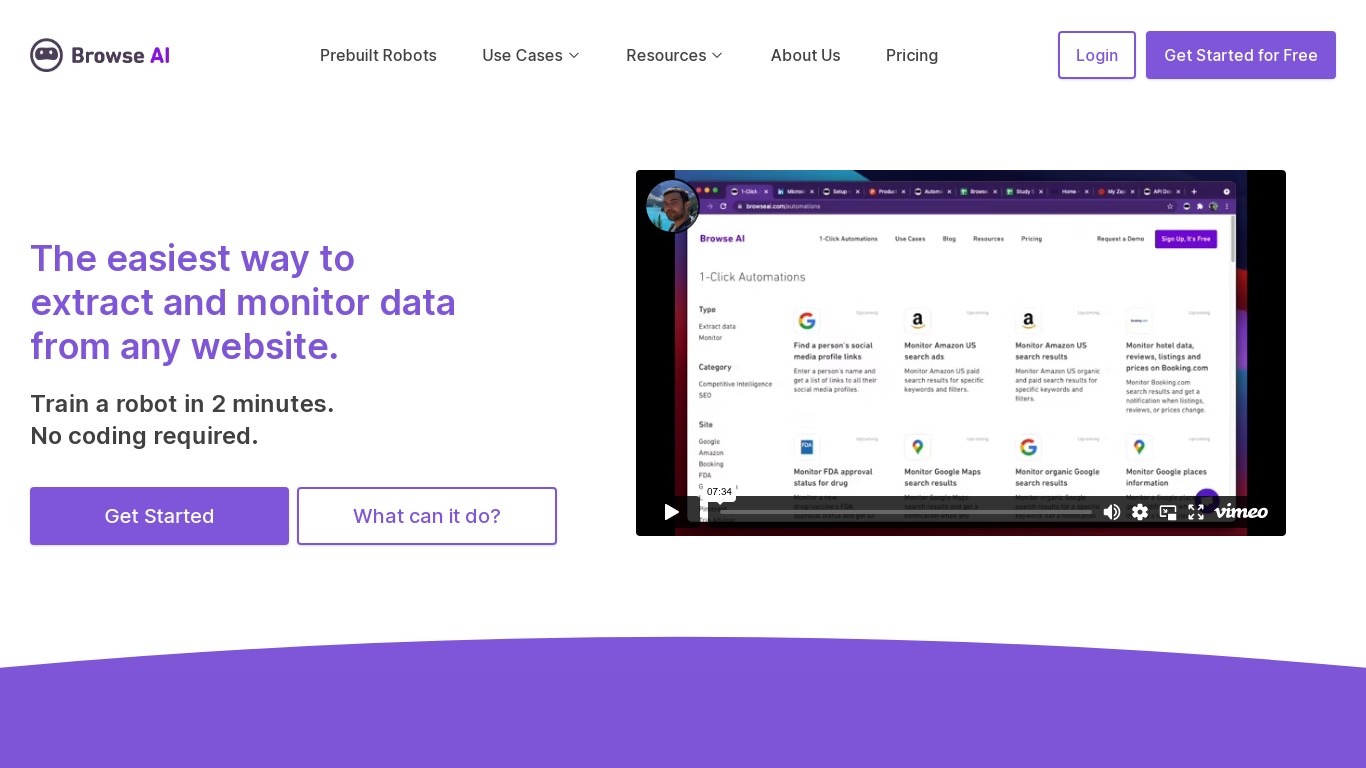
Browse AI is a no-code web scraping and website monitoring platform built for research teams that need structured data from sites they do not control. You train robots with point-and-click actions to extract lists, details, and screenshots, then schedule runs or set change alerts without writing scripts. The platform reports over 770,000 users and has delivered more than 10 billion rows of extracted data.
Where most scrapers break the moment a target site redesigns, Browse AI leans on adaptive change detection that adjusts robot selectors when layouts shift. That trade-off favors operators who monitor competitor pricing or job boards on a schedule and cannot babysit Python scripts every time a CSS class changes. You still get deep scraping workflows, bulk runs across up to 500,000 pages, and exports to Google Sheets, Airtable, Zapier, Make, webhooks, or a REST API.
Browse AI fits ecommerce analysts tracking catalogs, real estate teams pulling listings from Airbnb or Redfin, and growth operators building lead lists from directories. Over 250 prebuilt robots cover Amazon, Indeed, Google Maps, and other high-traffic sites. A Premium tier adds fully managed scraping with custom delivery for high-volume or complex pipelines.
Explainpaper Upvotes
Browse AI Upvotes
Explainpaper Top Features
Highlight any passage in a PDF and get an instant plain-language explanation
Explanations in 50+ languages with adjustable complexity from beginner to expert
Free tier includes unlimited highlight explanations and follow-up questions at $0 per month
Pro plan at $16 per month adds Math Explain for formulas and figures plus full-paper summaries
Import papers directly from your Zotero library on the free plan
Chat mode cites specific paper sections and handles follow-up questions in context
Browse AI Top Features
Point-and-click robot builder trains on any page with no code required
Adaptive change detection adjusts robots when target sites redesign layouts
250+ prebuilt robots for Amazon, Indeed, Google Maps, and other popular sites
Bulk extraction runs across up to 500,000 pages in a single operation
Paid plans monitor sites every 5 minutes; free plans allow hourly checks at minimum
Syncs to Google Sheets, Airtable, Zapier, Make, REST API, webhooks, or Amazon S3
Explainpaper Category
- Research
Browse AI Category
- Research
Explainpaper Pricing Type
- Freemium
Browse AI Pricing Type
- Freemium