Face Swap vs Background Remover - Stockphotos.com
In the contest of Face Swap vs Background Remover - Stockphotos.com, which AI Photo Editing tool is the champion? We evaluate pricing, alternatives, upvotes, features, reviews, and more.
If you had to choose between Face Swap and Background Remover - Stockphotos.com, which one would you go for?
When we examine Face Swap and Background Remover - Stockphotos.com, both of which are AI-enabled photo editing tools, what unique characteristics do we discover? Background Remover - Stockphotos.com is the clear winner in terms of upvotes. The upvote count for Background Remover - Stockphotos.com is 8, and for Face Swap it's 7.
Does the result make you go "hmm"? Cast your vote and turn that frown upside down!
Face Swap


What is Face Swap ?
AI Face Swap is a browser-based platform for swapping faces in photos, GIFs, and videos. The homepage positions single-photo face swap as free to use without sign-up, and also links to additional tools such as multiple-face swap, video face swap, and batch workflows.
The product includes account features like history, credit management, API access, and daily credit claims. It also publishes usage and content-policy language, including upload-rights confirmations and abuse reporting links.
Paid usage is sold through one-time credit bundles and promoted VIP benefits, such as faster queues, advanced video features, and higher-capacity processing options.
Background Remover - Stockphotos.com
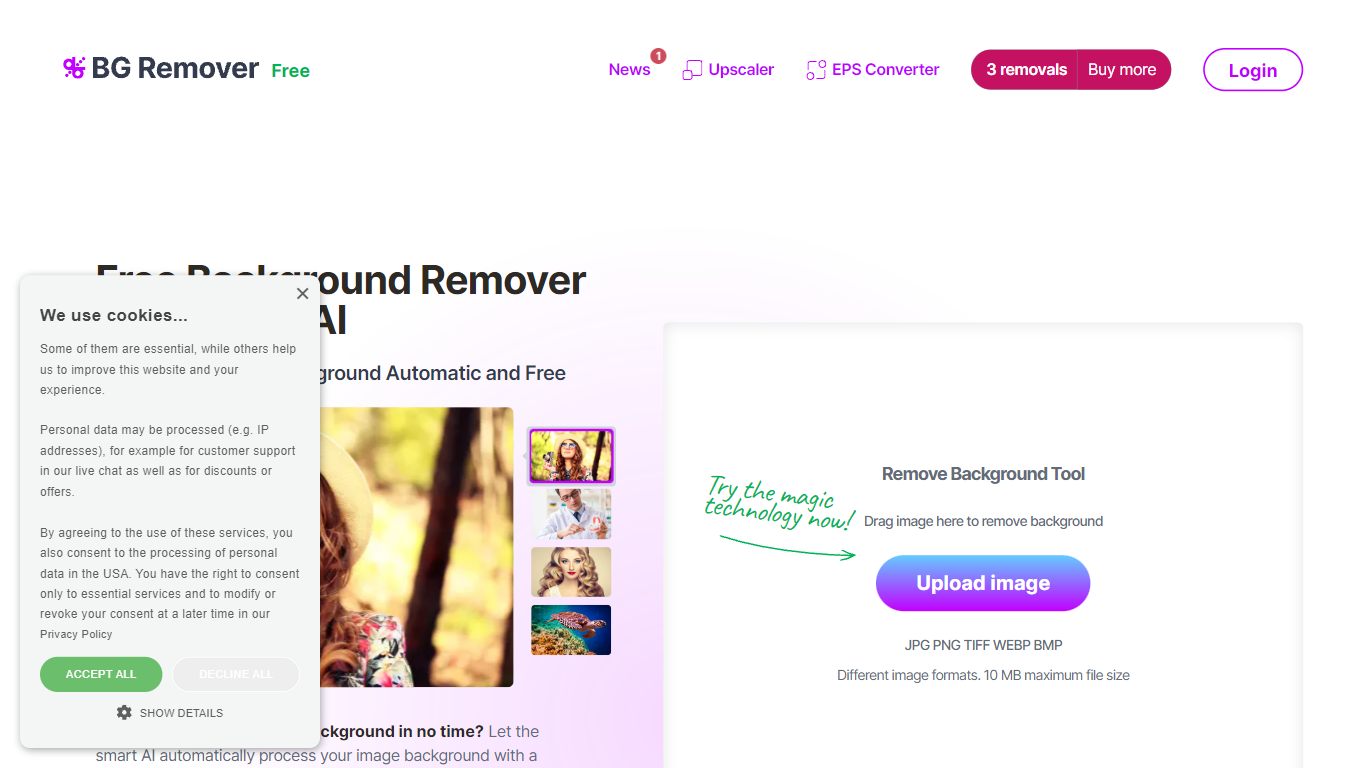
What is Background Remover - Stockphotos.com?
Discover the effortless way to remove image backgrounds with Stockphotos.com's AI Image Background Remover. This free online tool utilizes advanced artificial intelligence to swiftly and accurately extract objects from images, erasing backgrounds in an impressive 8 seconds per image. Compatible with multiple image formats such as JPG, PNG, TIFF, WEBP, and BMP, the tool simplifies the task without the need for manual image manipulation.
Enhance your creative process with capabilities like replacing backgrounds with ease, creating transparent PNG files, and upscaling images for finer detail. The AI technology seamlessly smoothens edges and ensures no pixelation, providing you a clean slate to place any new background. Furthermore, Stockphotos.com offers an API for easy integration into various web and mobile applications, expanding its use into e-commerce and designers' toolsets.
Face Swap Upvotes
Background Remover - Stockphotos.com Upvotes
Face Swap Top Features
No-login face swapping flow for single-photo use cases
Additional swap modes for multiple faces, GIFs, videos, and batch processing
Credit and VIP model that unlocks advanced features and faster queues
API management and API documentation links for developer integration
Multilingual interface options across several locales
Background Remover - Stockphotos.com Top Features
Automatic Removal: AI-powered removal process that clears backgrounds in seconds.
File Format Support: Works with a wide range of image formats including JPG PNG TIFF WEBP and BMP.
Free to Use: Offers 3 free removals with additional perks like 10 free upscales for image enlargement.
API for Integration: An accessible API to integrate background removal in other products and workflows.
Instant Download: Create and download images with new backgrounds or transparent PNGs immediately.
Face Swap Category
- Photo Editing
Background Remover - Stockphotos.com Category
- Photo Editing
Face Swap Pricing Type
- Freemium
Background Remover - Stockphotos.com Pricing Type
- Free