Face Swap vs Instant AI for Google Slides
In the clash of Face Swap vs Instant AI for Google Slides, which AI Photo Editing tool emerges victorious? We assess reviews, pricing, alternatives, features, upvotes, and more.
When we put Face Swap and Instant AI for Google Slides head to head, which one emerges as the victor?
Let's take a closer look at Face Swap and Instant AI for Google Slides, both of which are AI-driven photo editing tools, and see what sets them apart. There's no clear winner in terms of upvotes, as both tools have received the same number. You can help us determine the winner by casting your vote and tipping the scales in favor of one of the tools.
Not your cup of tea? Upvote your preferred tool and stir things up!
Face Swap


What is Face Swap ?
AI Face Swap is a browser-based platform for swapping faces in photos, GIFs, and videos. The homepage positions single-photo face swap as free to use without sign-up, and also links to additional tools such as multiple-face swap, video face swap, and batch workflows.
The product includes account features like history, credit management, API access, and daily credit claims. It also publishes usage and content-policy language, including upload-rights confirmations and abuse reporting links.
Paid usage is sold through one-time credit bundles and promoted VIP benefits, such as faster queues, advanced video features, and higher-capacity processing options.
Instant AI for Google Slides
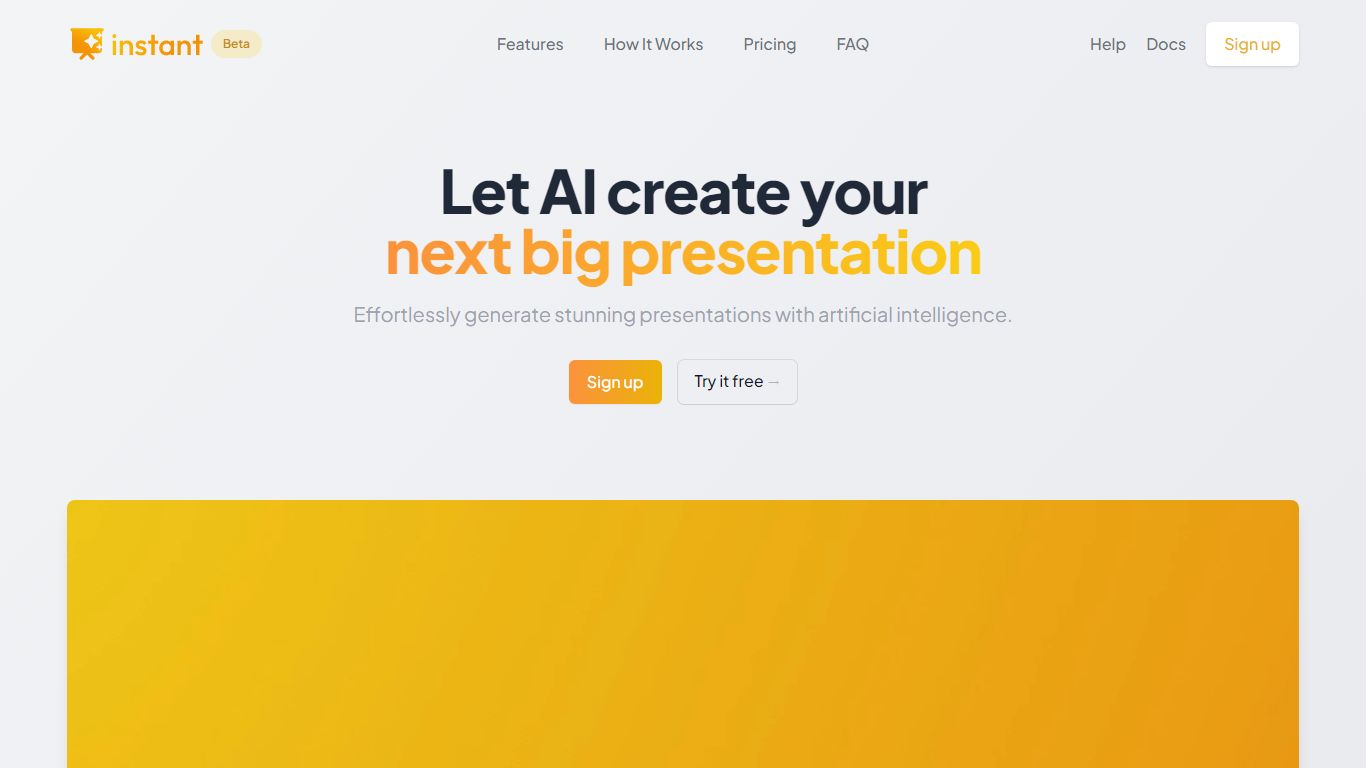
What is Instant AI for Google Slides?
Instant AI for Google Slides drafts full presentations inside Google Slides from a topic prompt. You pick length and deck type (investor, sales, and others), edit the AI outline, then auto-generate slides with suggested layouts. Finished decks stay fully editable in the Slides editor you already use.
Generic slide generators export static files or dump text blocks into default templates. Instant combines layout suggestions with 100+ designer-built templates, including flowcharts and infographics, and runs natively under the Extensions menu in Google Slides. That keeps your team in one tool instead of copying from a separate web app.
Startup founders, sales teams, and consultants who live in Google Workspace fit the workflow. The entry tier includes 15 slides and 10 rewrites at $0, while paid plans scale to 150 slides per month on Pro ($99) or unlimited slides on Premium ($199 per month).
Face Swap Upvotes
Instant AI for Google Slides Upvotes
Face Swap Top Features
No-login face swapping flow for single-photo use cases
Additional swap modes for multiple faces, GIFs, videos, and batch processing
Credit and VIP model that unlocks advanced features and faster queues
API management and API documentation links for developer integration
Multilingual interface options across several locales
Instant AI for Google Slides Top Features
Installs as a Google Workspace extension with access under the Extensions menu in Slides
100+ expert-designed templates with flowchart and infographic layout support
$0 entry tier includes 15 slides and 10 rewrites
Pro plan includes 150 slides per month for $99 and 90 rewrites
Premium plan at $199 per month offers unlimited slides and rewrites
Customize brand colors and fonts before generating each deck
Face Swap Category
- Photo Editing
Instant AI for Google Slides Category
- Photo Editing
Face Swap Pricing Type
- Freemium
Instant AI for Google Slides Pricing Type
- Freemium