Face Swapper vs AI Image Upscaler on AI Image Enlarger
Explore the showdown between Face Swapper vs AI Image Upscaler on AI Image Enlarger and find out which AI Photo Editing tool wins. We analyze upvotes, features, reviews, pricing, alternatives, and more.
In a face-off between Face Swapper and AI Image Upscaler on AI Image Enlarger, which one takes the crown?
When we contrast Face Swapper with AI Image Upscaler on AI Image Enlarger, both of which are exceptional AI-operated photo editing tools, and place them side by side, we can spot several crucial similarities and divergences. The upvote count shows a clear preference for Face Swapper. Face Swapper has 7 upvotes, and AI Image Upscaler on AI Image Enlarger has 6 upvotes.
Disagree with the result? Upvote your favorite tool and help it win!
Face Swapper
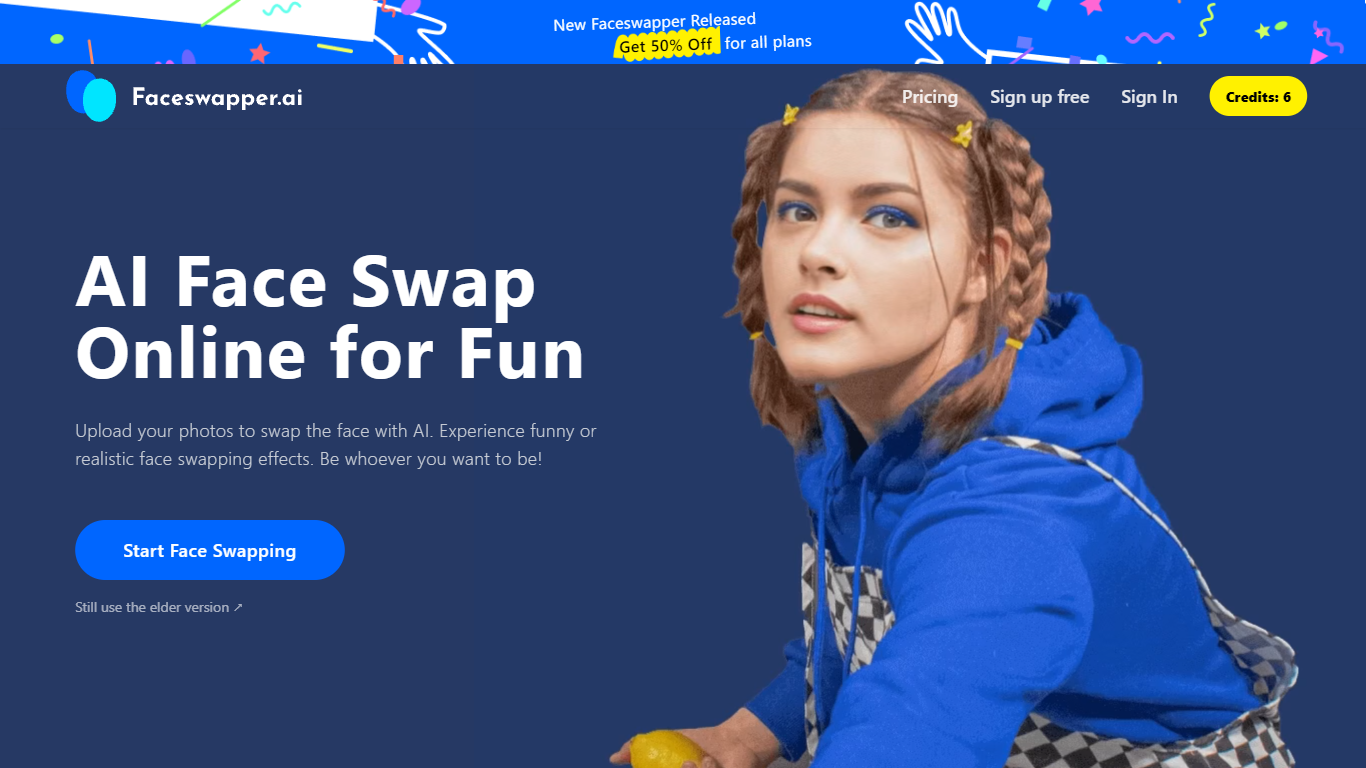

What is Face Swapper?
Face Swapper is a browser-based photo editing site that swaps one person's face onto another in photos, videos, and GIFs. You upload a source image and a target face, then the tool returns a new file in seconds with no account required. It also covers group shots with multiple faces, batch swaps across many photos, and a separate clothes-swap mode for outfit changes.
Most face swap apps stick to still images. Face Swapper bundles photo, video, GIF, batch, and multi-face modes on one homepage, and it runs entirely free with no credits or signup gate. The trade-off is strict content rules: NSFW uploads are banned, and the public pricing page is down even though every listed tool stays free.
Casual editors, meme makers, and short-form creators use it when they want a quick gag photo or a personalized GIF without opening desktop software. Privacy-focused users get uploads purged from servers every 6 hours, which limits how long any file sits on Face Swapper infrastructure.
AI Image Upscaler on AI Image Enlarger

What is AI Image Upscaler on AI Image Enlarger?
This Imglarger photo editing tool enlarges JPG, PNG, or WebP images to 2x or 4x resolution in your browser. You upload a file up to 10 MB and 1024 px wide, pick a scale factor, and the model sharpens edges and textures for 4K screens, product catalogs, or social posts. It handles portraits, AI art, anime frames, and product shots without installing desktop software.
Standard resize tools stretch pixels and leave blurry blocks. Imglarger's upscaler rebuilds detail with a focused workflow: upload, choose 200% or 400%, preview side by side, then download. You give up local batch power on the free tier and must trust cloud processing, though files auto-delete within six hours.
E-commerce teams batch-prepare catalog assets on paid plans. Digital artists upscale Midjourney or Stable Diffusion outputs, and photographers rescue compressed client files before print runs.
Face Swapper Upvotes
AI Image Upscaler on AI Image Enlarger Upvotes
Face Swapper Top Features
Accepts PNG, JPG, and WEBP uploads for photo face swaps
Swaps faces in videos, GIFs, and still images from one dashboard
Multiple Face Swapper handles group photos with several faces at once
Batch mode replaces the same face across multiple photos in one run
Uploaded files are purged every 6 hours per the privacy policy
No signup or credits required for unlimited swaps
AI Image Upscaler on AI Image Enlarger Top Features
Upscale images to 200% or 400% with a single upload step
Accepts JPG, PNG, and WebP files up to 10 MB and 1024 px input width
Preview upscaled output beside the original before downloading
Batch upscale multiple images on paid plans starting at $4.99 per month
Processed files are automatically deleted within six hours
Dedicated anime upscaler and enlarger tools live on the same Imglarger site
Face Swapper Category
- Photo Editing
AI Image Upscaler on AI Image Enlarger Category
- Photo Editing
Face Swapper Pricing Type
- Free
AI Image Upscaler on AI Image Enlarger Pricing Type
- Freemium