FaceApp vs Palette.fm
Dive into the comparison of FaceApp vs Palette.fm and discover which AI Photo Editing tool stands out. We examine alternatives, upvotes, features, reviews, pricing, and beyond.
When comparing FaceApp and Palette.fm, which one rises above the other?
When we compare FaceApp and Palette.fm, two exceptional photo editing tools powered by artificial intelligence, and place them side by side, several key similarities and differences come to light. The users have made their preference clear, Palette.fm leads in upvotes. Palette.fm has garnered 33 upvotes, and FaceApp has garnered 7 upvotes.
Not your cup of tea? Upvote your preferred tool and stir things up!
FaceApp
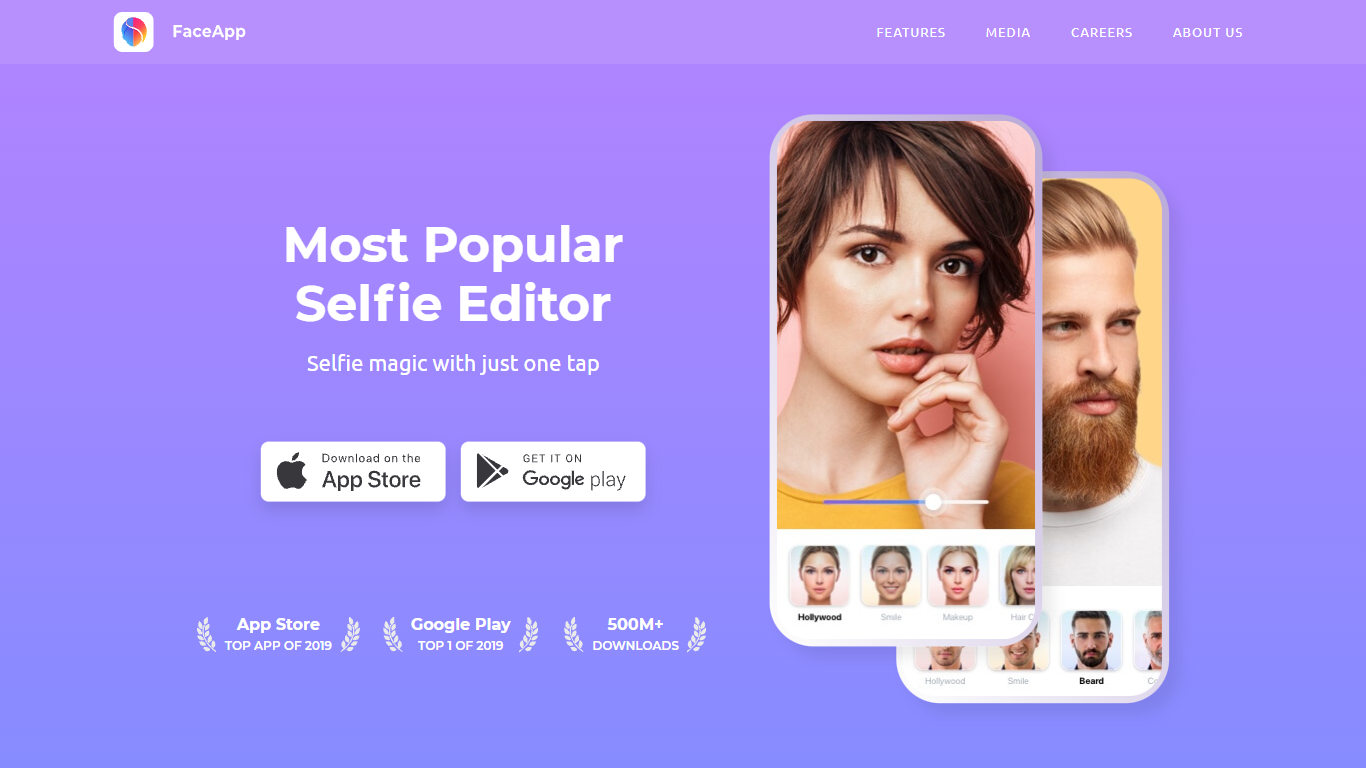

What is FaceApp?
FaceApp turns phone selfies into retouched portraits with one-tap filters for makeup, hair volume, skin cleanup, and age changes. The mobile app has passed one billion downloads and bundles photorealistic face edits that used to require desktop retouching, all from a camera roll photo on iOS or Android.
Unlike general photo editors that spread tools across layers and brushes, FaceApp focuses narrowly on faces and keeps edits to a single tap. That speed makes it popular for social posts, but you trade fine control for convenience compared with Lightroom or Photoshop.
FaceApp suits casual selfie editors, social media creators, and anyone experimenting with looks before a real haircut or makeup purchase. The app is free to download, and FaceApp Pro unlocks the full filter library without watermarks through monthly or annual subscriptions billed via the App Store or Google Play.
Palette.fm
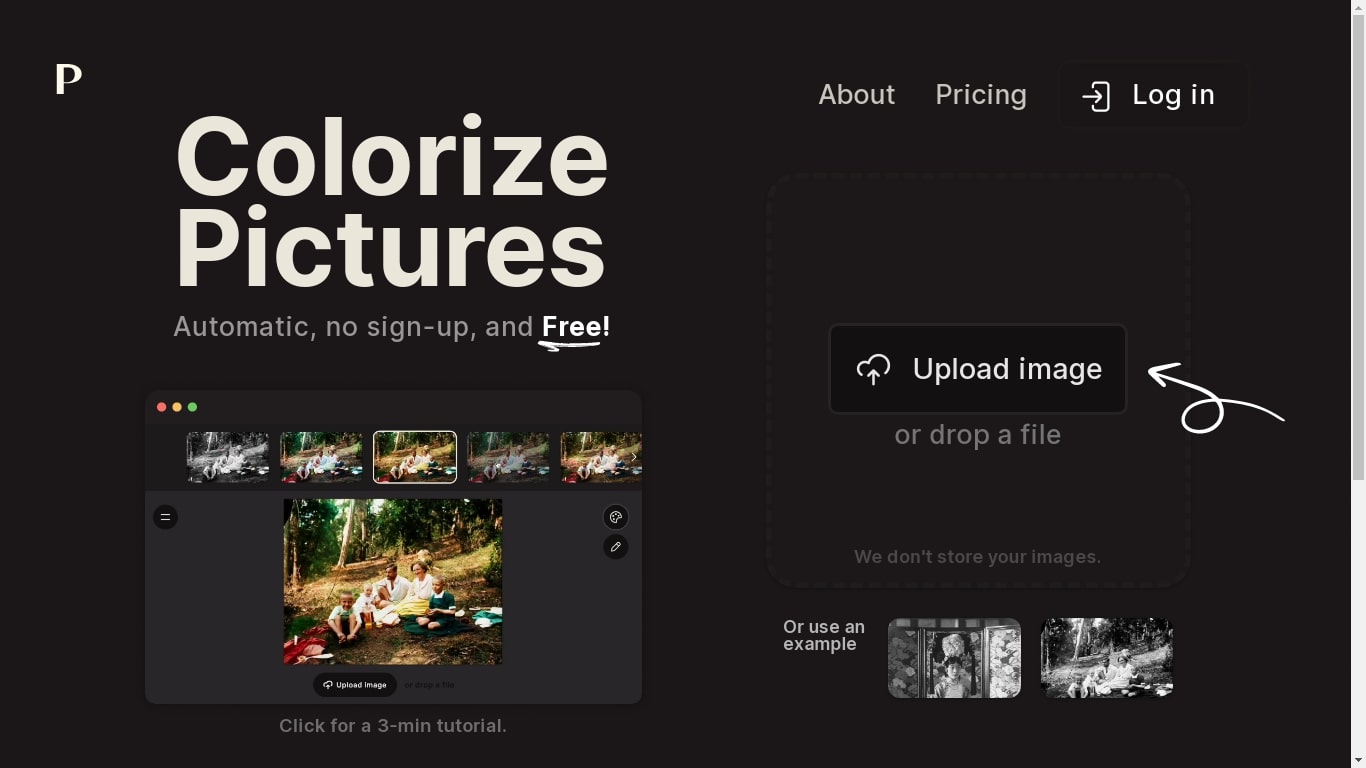
What is Palette.fm?
Palette.fm colorizes black-and-white photos through a browser upload flow with 21+ filter presets and keyword-based color tweaks. Upload an image, pick a filter, adjust descriptive keywords if needed, then download a full-resolution result or keep iterating on previews. The photo editing workflow targets family historians, photographers, and creators restoring old prints without opening Photoshop.
Most colorizers lean on heavy sepia and purple casts with little room to steer skin tones or fabric colors. Palette.fm lets you click a filter then fine-tune hues through plain-language keywords, and it sells one-time credit packs alongside subscriptions. Free previews cap at 500x500 pixels with a watermark, while paid credits remove the logo and support files up to 5000x5000 pixels.
Genealogy researchers, photo archivists, and YouTube educators use Palette.fm to batch-test color looks before committing credits. The site reports 54 million photos colorized and 6.6 million registered users, with an API option for teams that want programmatic access.
FaceApp Upvotes
Palette.fm Upvotes
FaceApp Top Features
More than 1 billion downloads with App of the Year honors on iOS and Android in 2024
Impression, Retouch, Makeup, and Hair Volume filters for one-tap portrait edits
FaceApp Pro unlocks all filters and removes watermarks via in-app subscription
Free download with optional monthly or annual Pro plans inside the app
Payments processed through Apple App Store or Google Play in local currency
Headquarters in Limassol, Cyprus, led by founder Yaroslav Goncharov
Palette.fm Top Features
21+ color filters with before-and-after previews on sample photos
Free plan includes unlimited 500x500 previews with Palette watermark
Paid credits export up to 5000x5000 pixels without the logo
Keyword adjustment panel fine-tunes colors after picking a filter
Annual subscription is $72 per year for 480 credits ($0.15 each)
One-time pack is $49 for 75 credits valid for 2 years
API and video integration options listed in the site footer
FaceApp Category
- Photo Editing
Palette.fm Category
- Photo Editing
FaceApp Pricing Type
- Freemium
Palette.fm Pricing Type
- Freemium