FacelessVideos.AI vs Timebolt
In the clash of FacelessVideos.AI vs Timebolt, which AI Video Editing tool emerges victorious? We assess reviews, pricing, alternatives, features, upvotes, and more.
If you had to choose between FacelessVideos.AI and Timebolt, which one would you go for?
Let's take a closer look at FacelessVideos.AI and Timebolt, both of which are AI-driven video editing tools, and see what sets them apart. The upvote count shows a clear preference for Timebolt. Timebolt has received 18 upvotes from aitools.fyi users, while FacelessVideos.AI has received 6 upvotes.
Want to flip the script? Upvote your favorite tool and change the game!
FacelessVideos.AI
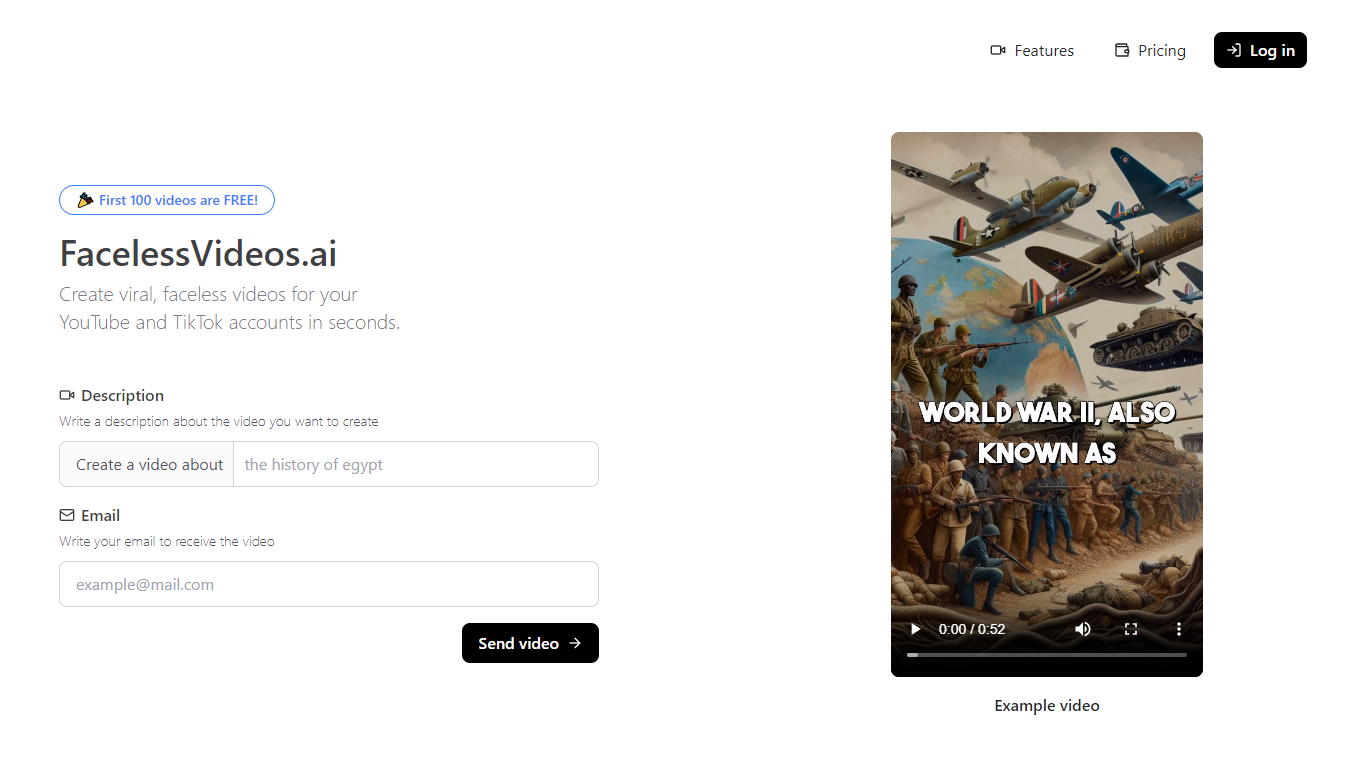

What is FacelessVideos.AI?
FacelessVideos.AI turns a short text prompt into a finished vertical video you can post on TikTok or YouTube without filming yourself. You describe the topic, the platform generates narration, visuals, and editing, then hands you a file ready to publish. The site advertises that your first video is free before you pick a monthly plan.
Most video editors still expect you to record footage or hunt stock clips. FacelessVideos.AI is built for faceless channels where the script drives everything. You write a brief like "the history of blues," and the service assembles the full short from that prompt instead of asking you to stitch scenes manually.
Niche channel owners use it to batch topic explainers, social managers test multiple hooks per week, and beginners launch faceless accounts without a camera setup. Paid plans range from 15 to 200 videos per month with per-second pricing from $0.022 down to $0.008 on the Advance tier.
Timebolt

What is Timebolt?
Timebolt is a desktop video editor built around waveform-first jump cuts for podcasts, interviews, and screen recordings. It strips silence, filler words, and bad takes with 0.01 second cut control, then exports timelines to Premiere Pro, Final Cut Pro, DaVinci Resolve, or Camtasia without re-cutting by hand.
Most text-based AI editors guess where pauses live and leave hundreds of missed cuts per hour. Timebolt measures the audio waveform first, which is why its benchmark claims zero mistakes left per hour while rivals like Descript and Gling still need manual cleanup. That trade-off favors editors who want frame-tight cuts over a chat-style transcript workflow.
Podcasters, YouTubers, and course creators use Timebolt to shrink raw talking-head footage before publishing. Post-production teams also route Riverside multicam sessions through Timebolt XML exports so senior editors finish polish work in their preferred NLE.
FacelessVideos.AI Upvotes
Timebolt Upvotes
FacelessVideos.AI Top Features
Create a faceless short video from a text prompt without recording on camera
Starter plan includes 15 videos per month for $19.99
Advance plan supports 200 videos per month at $0.008 per second
Unlimited storage on every paid tier
Dashboard workflow covers prompt, generation, and publish-ready export
First video is free before you subscribe
Timebolt Top Features
0.01 second cut control on waveform-based silence removal
Processes an hour of footage in about 13 seconds for jump cuts
Exports XML timelines to Premiere Pro, Final Cut Pro, and DaVinci Resolve
UMCHECK removes filler words automatically from recorded speech
Free 4K screen capture tool for Mac and Windows
Benchmark reports zero missed cuts per hour versus hundreds on rival AI editors
FacelessVideos.AI Category
- Video Editing
Timebolt Category
- Video Editing
FacelessVideos.AI Pricing Type
- Freemium
Timebolt Pricing Type
- Freemium