Feedbird vs SocialSnips
Compare Feedbird vs SocialSnips and see which AI Social Media Assistant tool is better when we compare features, reviews, pricing, alternatives, upvotes, etc.
Which one is better? Feedbird or SocialSnips?
When we compare Feedbird with SocialSnips, which are both AI-powered social media assistant tools, The community has spoken, SocialSnips leads with more upvotes. SocialSnips has been upvoted 10 times by aitools.fyi users, and Feedbird has been upvoted 6 times.
Not your cup of tea? Upvote your preferred tool and stir things up!
Feedbird

What is Feedbird?
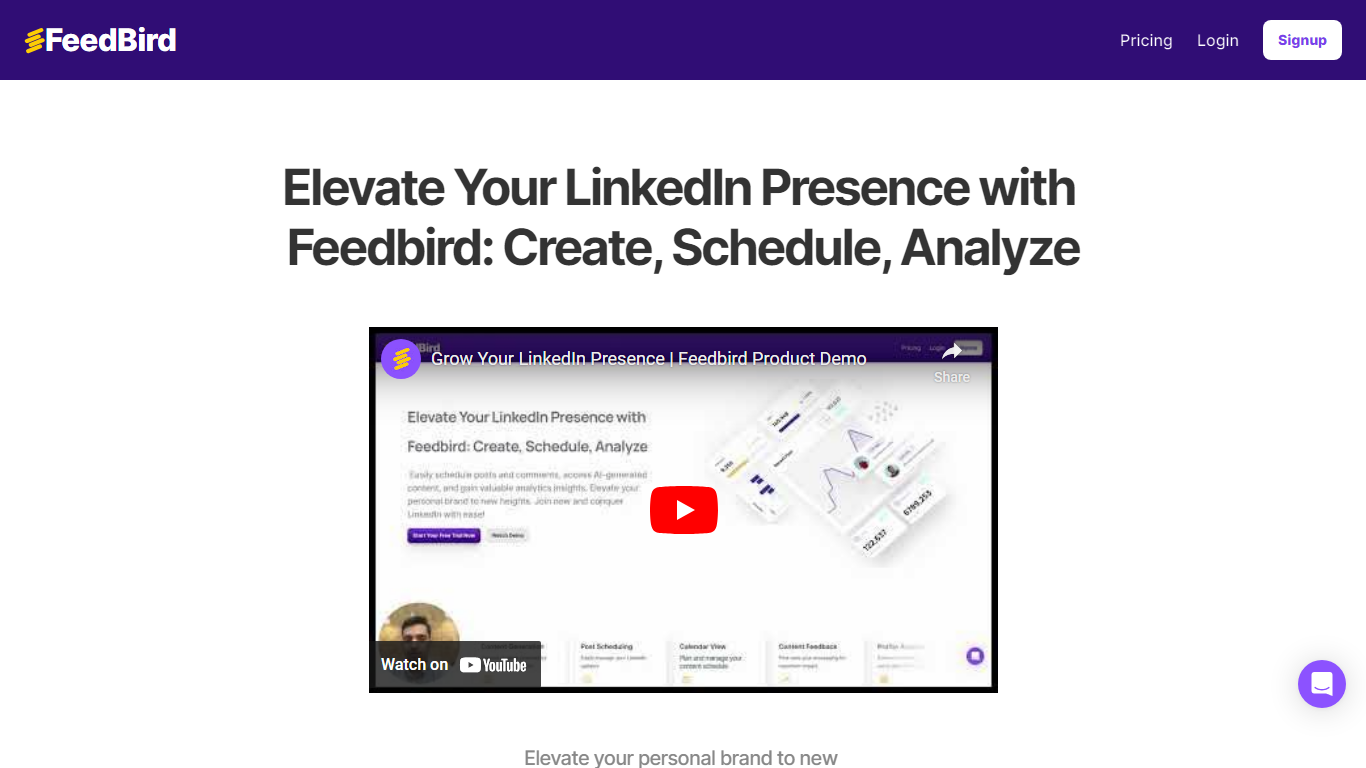
Feedbird is a social media assistant that turns a YouTube or podcast URL into LinkedIn posts, tweets, and blog drafts written from your perspective. You paste a link, it extracts insights and screenshots, then generates original text in your voice rather than a transcript summary.
Most repurposing tools assume you already publish video. Feedbird targets people who consume industry talks and want to post their take without spending 20 minutes fighting a generic ChatGPT workflow. Voice calibration learns from 2 to 3 of your past posts, and perspective steering can push a hot take, tactical breakdown, or personal story angle.
Founders, marketers, and agencies use it to post consistently from content they already watch. The homepage cites 1,200+ users and promises a first post in about 60 seconds, with screenshot extraction for slides and diagrams embedded in blog output.
SocialSnips
What is SocialSnips?
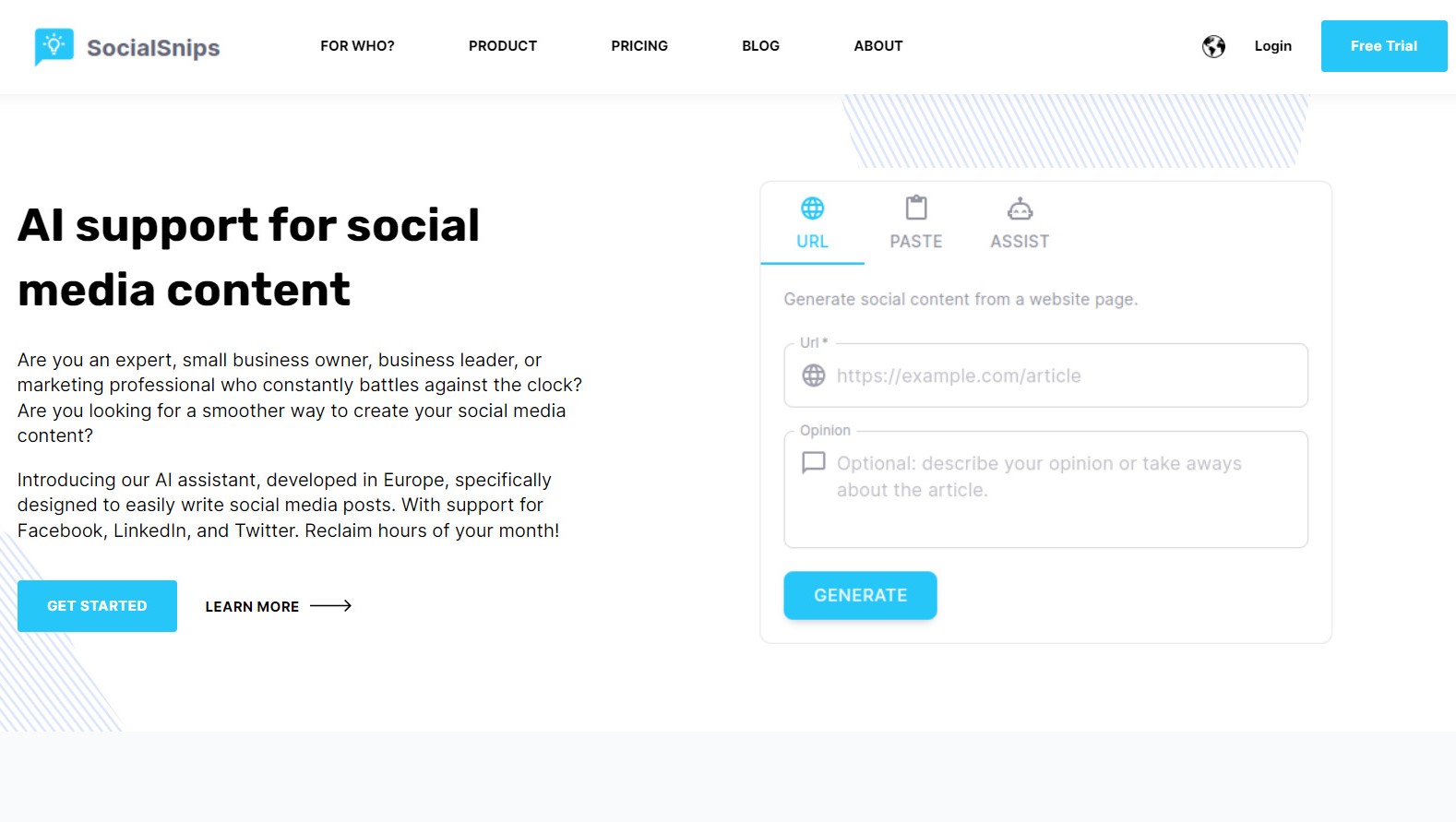
SocialSnips is a social media assistant that drafts, images, and schedules posts for Facebook, LinkedIn, and Twitter from articles, notes, or rough ideas. You feed it source material, review the output, and keep final say before anything goes live. The product is built in Europe and targets people who need a steady posting rhythm without hiring a copywriter.
Where many schedulers expect you to write every caption yourself, SocialSnips centers on repurposing. Its snipping engine turns blog posts and documents into platform-ready messages, then adds AI imagery or stock photo picks so you are not hunting visuals separately. That makes it a tighter fit for experts and marketers sitting on existing content than for teams that only need a blank calendar.
The workflow suits experts, small business owners, business leaders, and marketing professionals who hit writer's block or run short on time. Starter covers a single profile; Basic and Business add scheduling and more connected accounts for growing brands.
Feedbird Upvotes
SocialSnips Upvotes
Feedbird Top Features
Paste any public YouTube or podcast URL and generate content in under 60 seconds
Free plan includes 3 videos per month and 15 content pieces per video
Pro plan at $29 per month raises limits to 15 videos and 30 pieces per video
Voice calibration matches tone from 2 to 3 pasted sample posts during onboarding
Outputs LinkedIn posts, Twitter threads, and long-form blog articles from one video
Smart screenshot extraction pulls slides, diagrams, and charts into blog drafts
SocialSnips Top Features
Repurpose AI converts articles and documents into posts for Facebook, LinkedIn, and Twitter
Post generator writes in 6 languages: English, German, French, Spanish, Turkish, and Dutch
Starter plan includes 1 social profile at €9.99 per month; Business supports 5 profiles at €29.99
Scheduler and content calendar ship on Basic plans at €19.99 per month and above
Generates custom post images or selects relevant stock photos for each draft
Feedbird Category
- Social Media Assistant
SocialSnips Category
- Social Media Assistant
Feedbird Pricing Type
- Freemium
SocialSnips Pricing Type
- Paid