FeedMonky vs Onetab
In the contest of FeedMonky vs Onetab, which AI Web Apps tool is the champion? We evaluate pricing, alternatives, upvotes, features, reviews, and more.
If you had to choose between FeedMonky and Onetab, which one would you go for?
When we examine FeedMonky and Onetab, both of which are AI-enabled web apps tools, what unique characteristics do we discover? There's no clear winner in terms of upvotes, as both tools have received the same number. Join the aitools.fyi users in deciding the winner by casting your vote.
Disagree with the result? Upvote your favorite tool and help it win!
FeedMonky

What is FeedMonky?
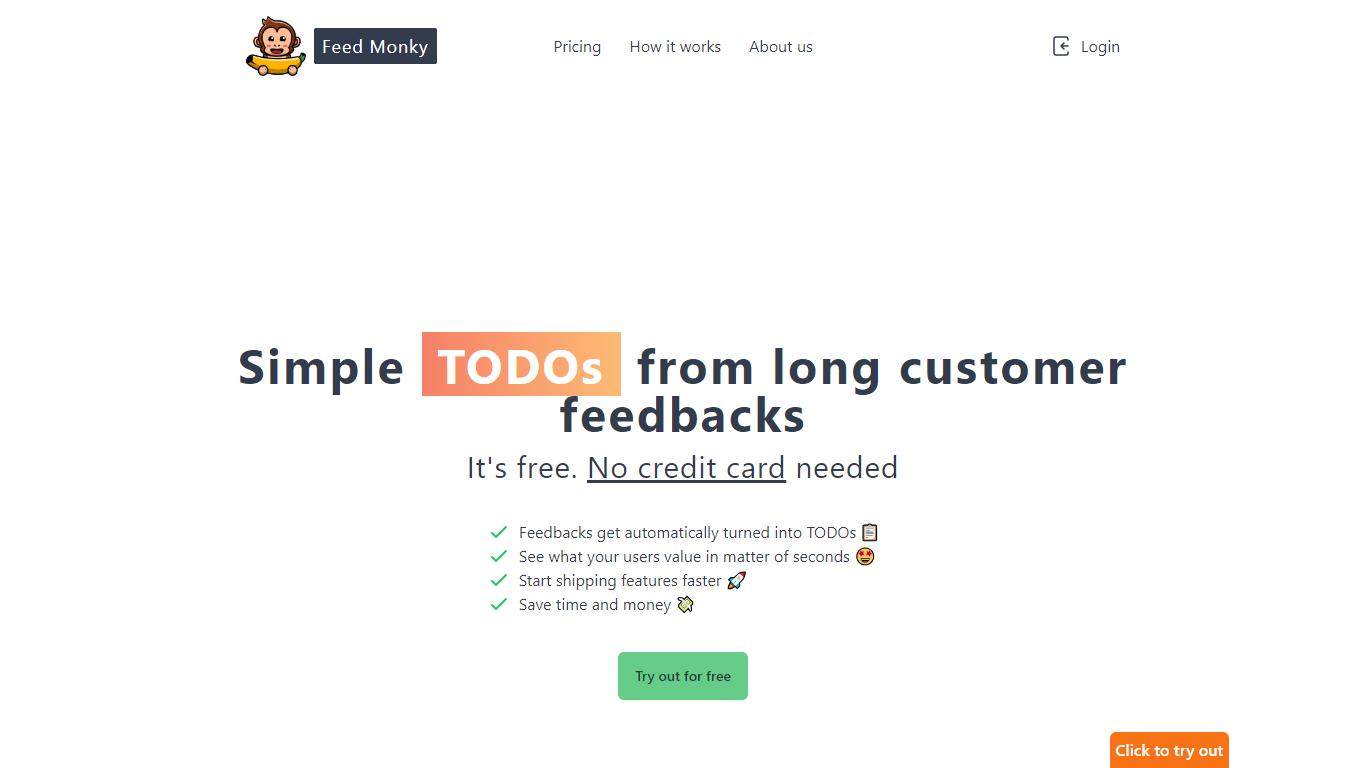
FeedMonky.com is a revolutionary tool that transforms extensive customer feedback into actionable TODO lists. It leverages a state-of-the-art language model to streamline the feedback processing, allowing businesses to quickly identify and address the needs and values of their customers.
With FeedMonky, you can integrate the service easily using various programming languages such as Vanilla JS, Vue, React, Angular, and PHP. This efficiency booster is available at no initial cost and requires no credit card to start.
Users can select between a Starter plan, perfect for small businesses, or a Pro plan that caters to the needs of growing companies. With FeedMonky, you'll experience the joy of creating, shipping features quicker, and saving both time and money.
Onetab

What is Onetab?
Onetab is an AI workflow automation platform for building, debugging, and deploying business processes with visual logic. Teams use its drag-and-drop editor to connect 100+ integrations, add JavaScript or Python code nodes, and orchestrate AI agents with human-in-the-loop checkpoints.
The product supports MCP connectivity, LangChain-based apps, natural language workflow building, and a centralized chat hub for governed model access. Onetab also offers OneOrbit, an enterprise agent layer, plus a template library and self-hosting options with queue mode scaling.
Onetab targets operations, IT, customer success, and revenue teams that need reliable automations beyond simple chatbots. The community edition can be self-hosted for free, while cloud and enterprise deployments add SOC 2 controls, secrets management, and role-based access.
FeedMonky Upvotes
Onetab Upvotes
FeedMonky Top Features
Automated Feedback Processing: Turns customer feedback into TODO lists automatically.
Rapid Insights: Gain quick insights into what customers value.
Faster Feature Deployment: Speed up the shipping of new features.
Money and Time Savings: Save on resources by using FeedMonky to optimize processes.
Easy Integration: Embed the tool into your site using popular languages/frameworks within minutes.
Onetab Top Features
Visual workflow builder with 100+ integrations and JavaScript or Python code nodes
AI orchestration with human-in-the-loop approvals, logging, and evaluation tooling
MCP support to expose custom workflows to external AI clients
Template library and natural language workflow generation for fast iteration
Self-hosting with queue mode scaling and SOC 2 Type II cloud option
FeedMonky Category
- Web Apps
Onetab Category
- Web Apps
FeedMonky Pricing Type
- Freemium
Onetab Pricing Type
- Freemium