FeedMonky vs Yuque
In the battle of FeedMonky vs Yuque, which AI Web Apps tool comes out on top? We compare reviews, pricing, alternatives, upvotes, features, and more.
Which one is better? FeedMonky or Yuque?
Upon comparing FeedMonky with Yuque, which are both AI-powered web apps tools, Both tools have received the same number of upvotes from aitools.fyi users. The power is in your hands! Cast your vote and have a say in deciding the winner.
Want to flip the script? Upvote your favorite tool and change the game!
FeedMonky

What is FeedMonky?
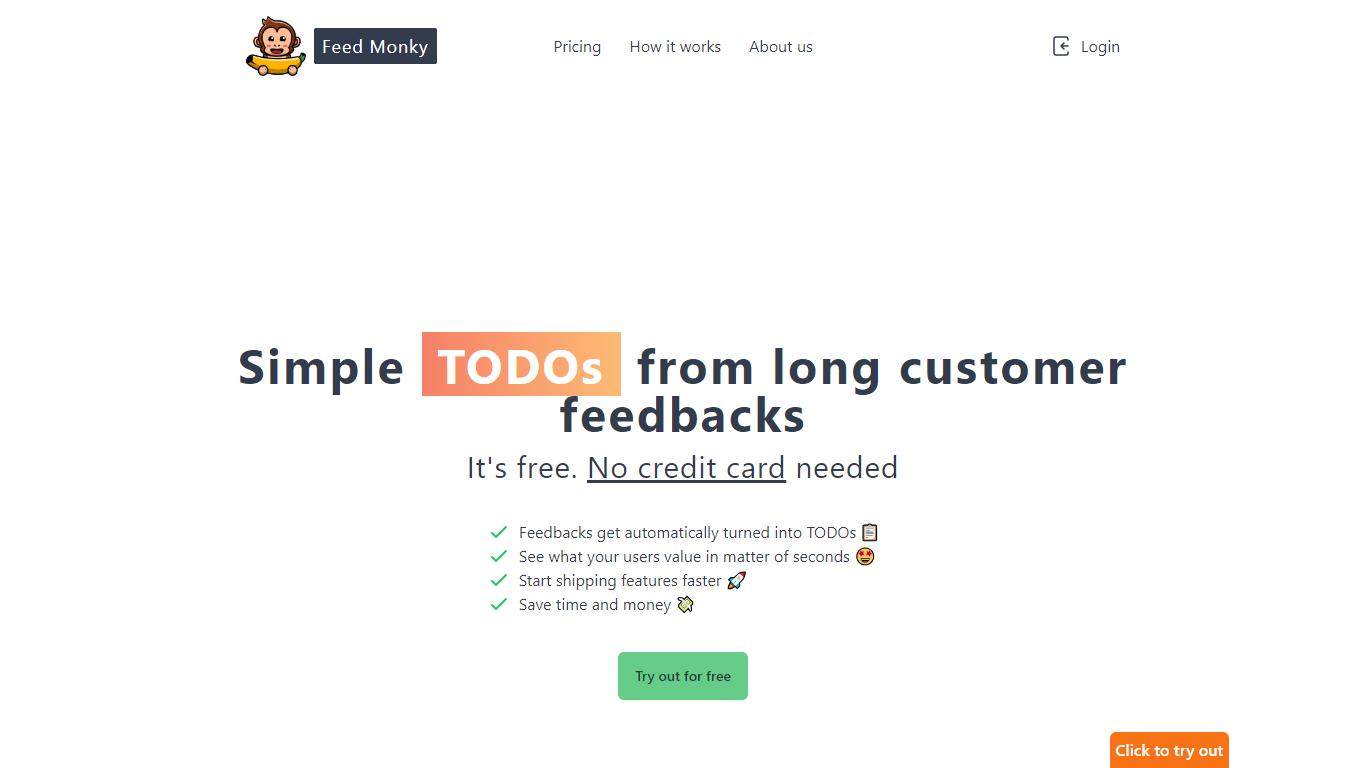
FeedMonky.com is a revolutionary tool that transforms extensive customer feedback into actionable TODO lists. It leverages a state-of-the-art language model to streamline the feedback processing, allowing businesses to quickly identify and address the needs and values of their customers.
With FeedMonky, you can integrate the service easily using various programming languages such as Vanilla JS, Vue, React, Angular, and PHP. This efficiency booster is available at no initial cost and requires no credit card to start.
Users can select between a Starter plan, perfect for small businesses, or a Pro plan that caters to the needs of growing companies. With FeedMonky, you'll experience the joy of creating, shipping features quicker, and saving both time and money.
Yuque
What is Yuque?
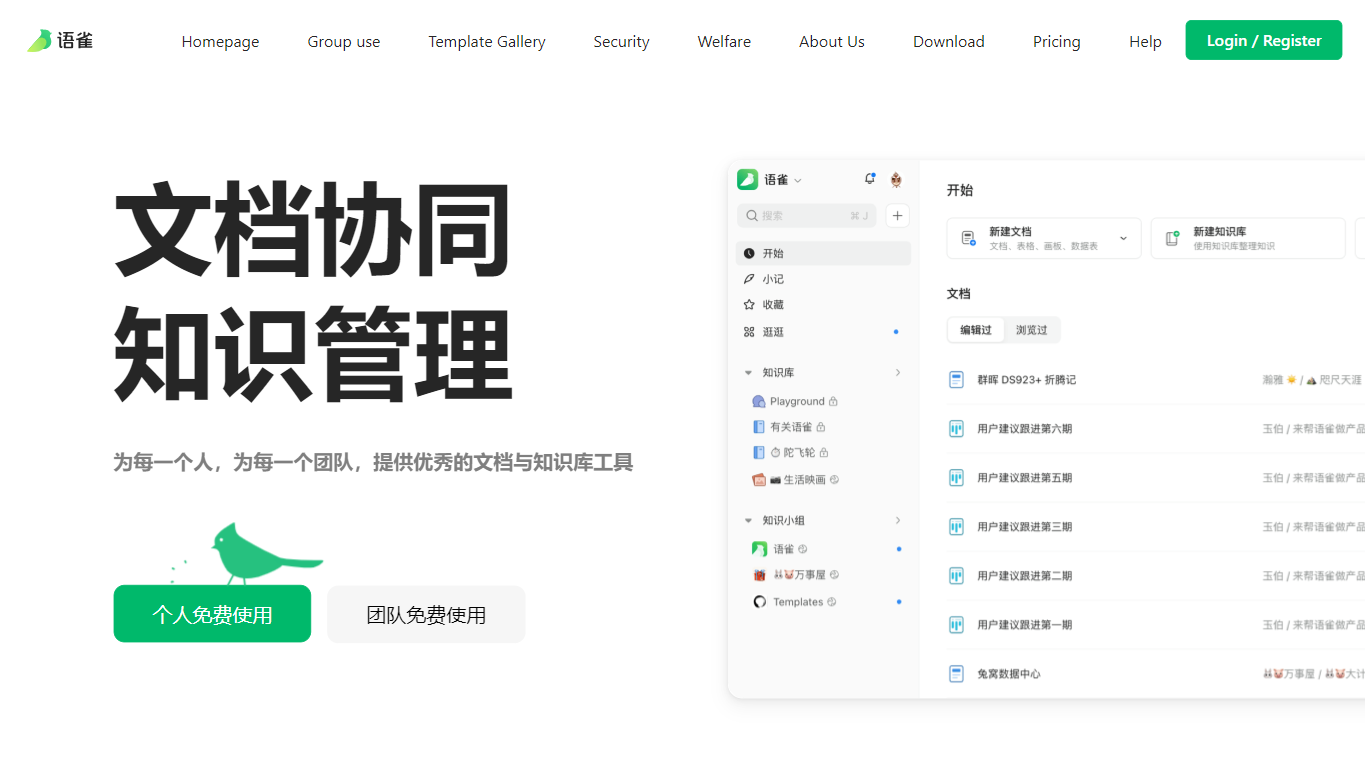
Yuque is a documentation and knowledge base platform for individuals and teams who want structured writing instead of scattered notes. It combines quick captures with organized knowledge libraries, so fragmented ideas turn into books-style repositories with clear tables of contents. Teams collaborate asynchronously around documents rather than chat threads.
Unlike basic note apps, Yuque ships a native editor with four document types: rich docs, boards, spreadsheets, and data tables. You get Markdown, code blocks, LaTeX, PlantUML, 40 plus embed cards, and previews for local video, Office files, and PDFs. Desktop apps for macOS and Windows (version 4.2.1.1333) plus mobile and browser extensions keep the same library everywhere.
Product teams, engineering groups, and creators use Yuque for internal wikis, API docs, and team handbooks. Personal and team accounts can start free from the homepage, with paid organization plans for larger deployments listed on the pricing page.
FeedMonky Upvotes
Yuque Upvotes
FeedMonky Top Features
Automated Feedback Processing: Turns customer feedback into TODO lists automatically.
Rapid Insights: Gain quick insights into what customers value.
Faster Feature Deployment: Speed up the shipping of new features.
Money and Time Savings: Save on resources by using FeedMonky to optimize processes.
Easy Integration: Embed the tool into your site using popular languages/frameworks within minutes.
Yuque Top Features
Four editor types: documents, boards, spreadsheets, and data tables
40 plus embed cards plus Markdown, LaTeX, PlantUML, and code blocks
Book-style knowledge bases with directory and outline navigation
Desktop apps for macOS and Windows version 4.2.1.1333 plus iOS and Android
Chrome and Edge browser extensions for quick capture
Granular permissions for edit, copy, share, and download controls
FeedMonky Category
- Web Apps
Yuque Category
- Web Apps
FeedMonky Pricing Type
- Freemium
Yuque Pricing Type
- Freemium