Fellow vs Mayday
Dive into the comparison of Fellow vs Mayday and discover which AI Meeting Assistant tool stands out. We examine alternatives, upvotes, features, reviews, pricing, and beyond.
When comparing Fellow and Mayday, which one rises above the other?
When we compare Fellow and Mayday, two exceptional meeting assistant tools powered by artificial intelligence, and place them side by side, several key similarities and differences come to light. The upvote count shows a clear preference for Fellow. Fellow has attracted 108 upvotes from aitools.fyi users, and Mayday has attracted 6 upvotes.
Think we got it wrong? Cast your vote and show us who's boss!
Fellow
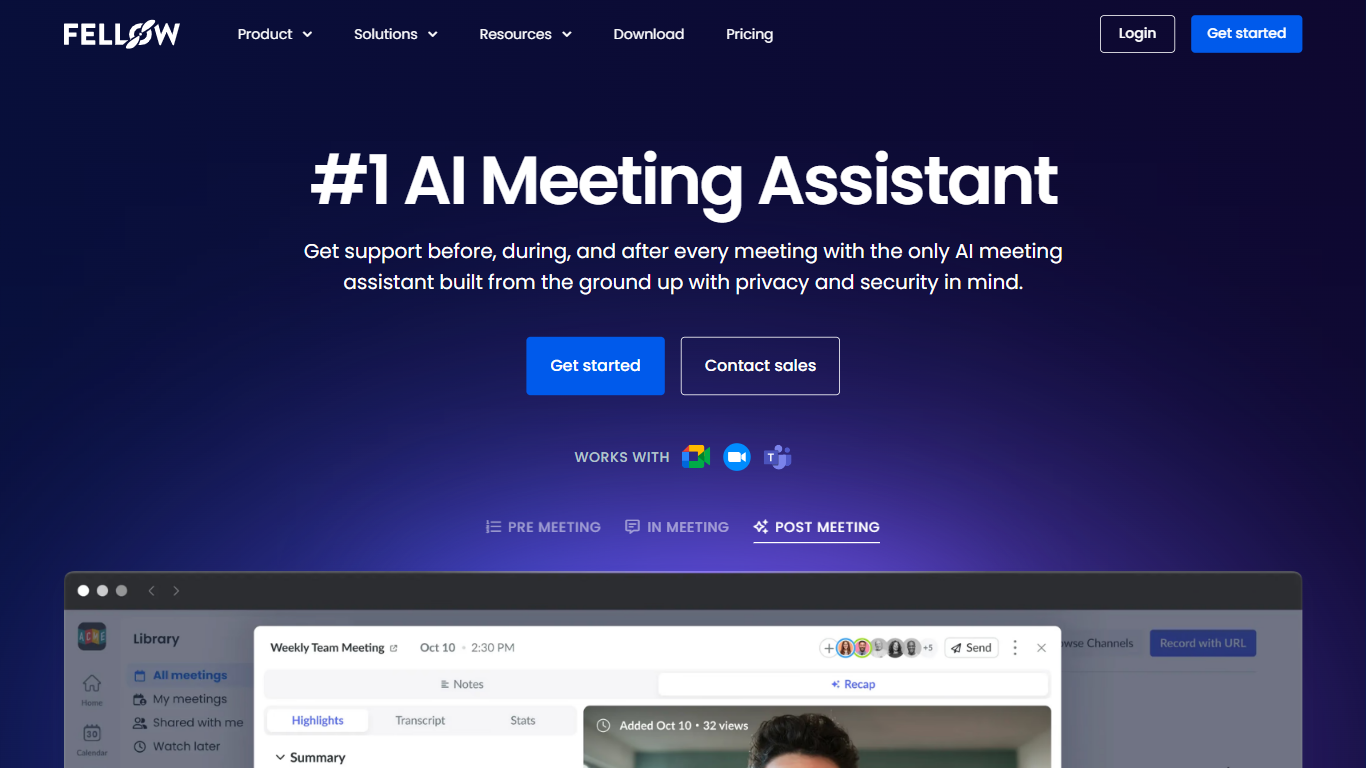

What is Fellow?
Fellow is a secure AI meeting assistant designed to record, transcribe, and summarize meetings across platforms like Zoom, Microsoft Teams, and Google Meet. It prioritizes privacy, ensuring meeting data is accessible only to authorized users with granular controls and compliance with SOC 2, HIPAA, and GDPR standards. The platform supports pre-meeting preparation with collaborative agendas and AI-generated briefs, helping teams stay focused and productive. Post-meeting, Fellow automates follow-ups, action items, and CRM updates, integrating with over 50 tools including Salesforce, HubSpot, Jira, and Slack. It offers botless recording options for added privacy and supports regulated industries such as finance and healthcare with features like transcript redaction and audit trails. Fellow serves diverse teams from sales and marketing to engineering and operations, centralizing meeting knowledge and streamlining workflows.
Mayday
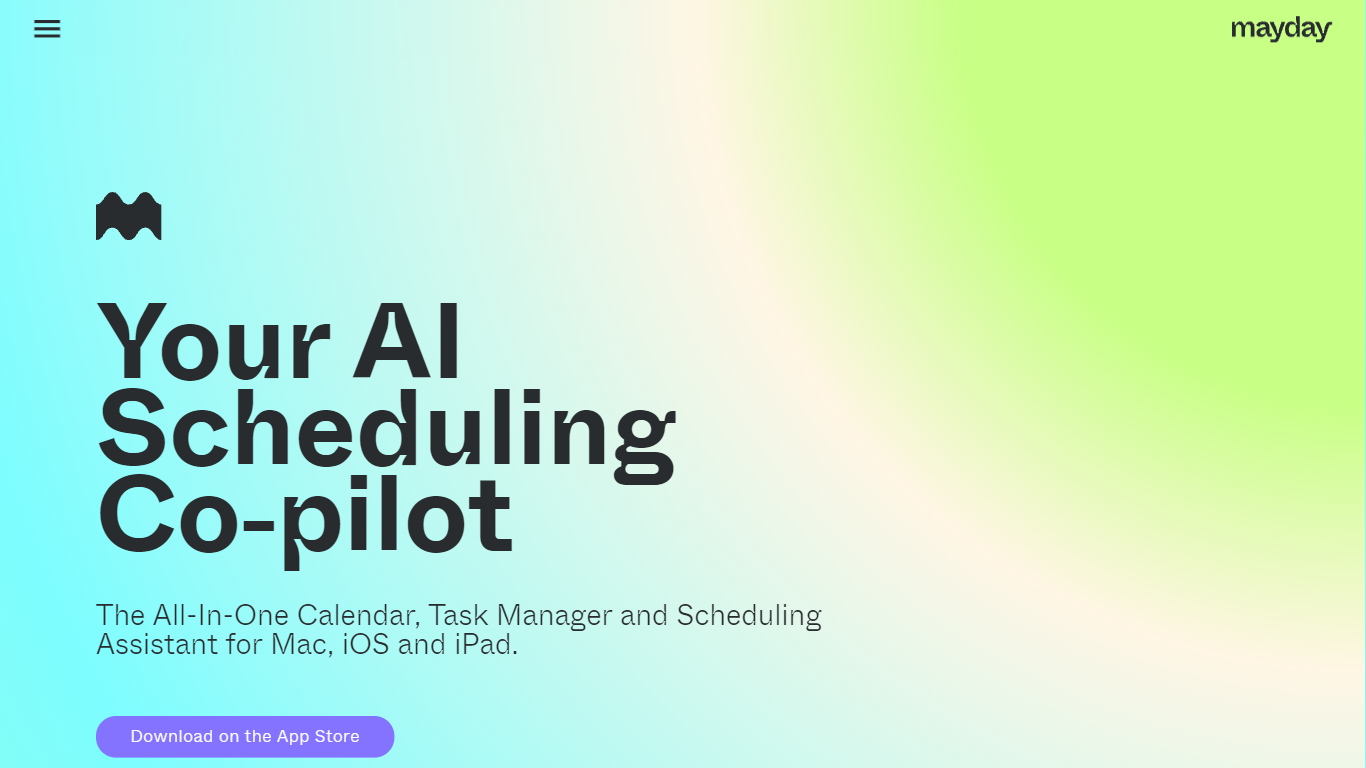
What is Mayday?
Mayday is an innovative AI-assisted calendar app designed to optimize time management for users with busy schedules. Available for download on iOS, macOS, and iPadOS, Mayday serves as an all-in-one calendar, task manager, and scheduling assistant. By leveraging artificial intelligence, the app intuitively organizes your day, protects your time, and manages your tasks by auto-scheduling meetings based on availability and priorities. With features like automatic and one-click rescheduling, Mayday keeps your calendar flexible and dynamic, ensuring you can adjust on the fly to any changes in your day. Streamlined scheduling for teams and AI-scheduled tasks turn Mayday into a collaborative and smart planning tool that fits both individual needs and team coordination. Whether you are trying to organize your day, manage a team, or simply achieve better work-life balance, Mayday represents the future of scheduling with intelligent productivity enhancements.
Fellow Upvotes
Mayday Upvotes
Fellow Top Features
🔒 Privacy-first design with SOC 2, HIPAA, and GDPR compliance ensures your meeting data stays secure and private.
📝 AI-powered meeting notes and summaries capture key points and action items automatically during calls.
🤖 AskFellow AI agent generates follow-up emails, documents, and CRM updates to keep workflows moving.
📚 Centralized recording library with granular access controls lets teams organize and share meeting knowledge safely.
🔗 Integrates with 50+ tools like Salesforce, HubSpot, Jira, Slack, and Zapier to sync meeting insights across workflows.
Mayday Top Features
Auto-schedule Everything: Mayday finds meeting times and prioritizes tasks without manual schedule interpretation.
Always Learning: The platform tailors scheduling to individual preferences and productivity best practices.
Streamlined Scheduling for Teams: Suggests optimal meeting times using AI without the need to check co-worker's calendars.
AI-scheduled Tasks: Determines the best times for tasks with minimal user input required.
Automatic Rescheduling: Features both automatic and one-click rescheduling options to maintain a dynamic and adaptable calendar.
Fellow Category
- Meeting Assistant
Mayday Category
- Meeting Assistant
Fellow Pricing Type
- Freemium
Mayday Pricing Type
- Freemium