Fellow vs MeetGeek
Compare Fellow vs MeetGeek and see which AI Meeting Assistant tool is better when we compare features, reviews, pricing, alternatives, upvotes, etc.
Which one is better? Fellow or MeetGeek?
When we compare Fellow with MeetGeek, which are both AI-powered meeting assistant tools, With more upvotes, Fellow is the preferred choice. The number of upvotes for Fellow stands at 108, and for MeetGeek it's 17.
Want to flip the script? Upvote your favorite tool and change the game!
Fellow
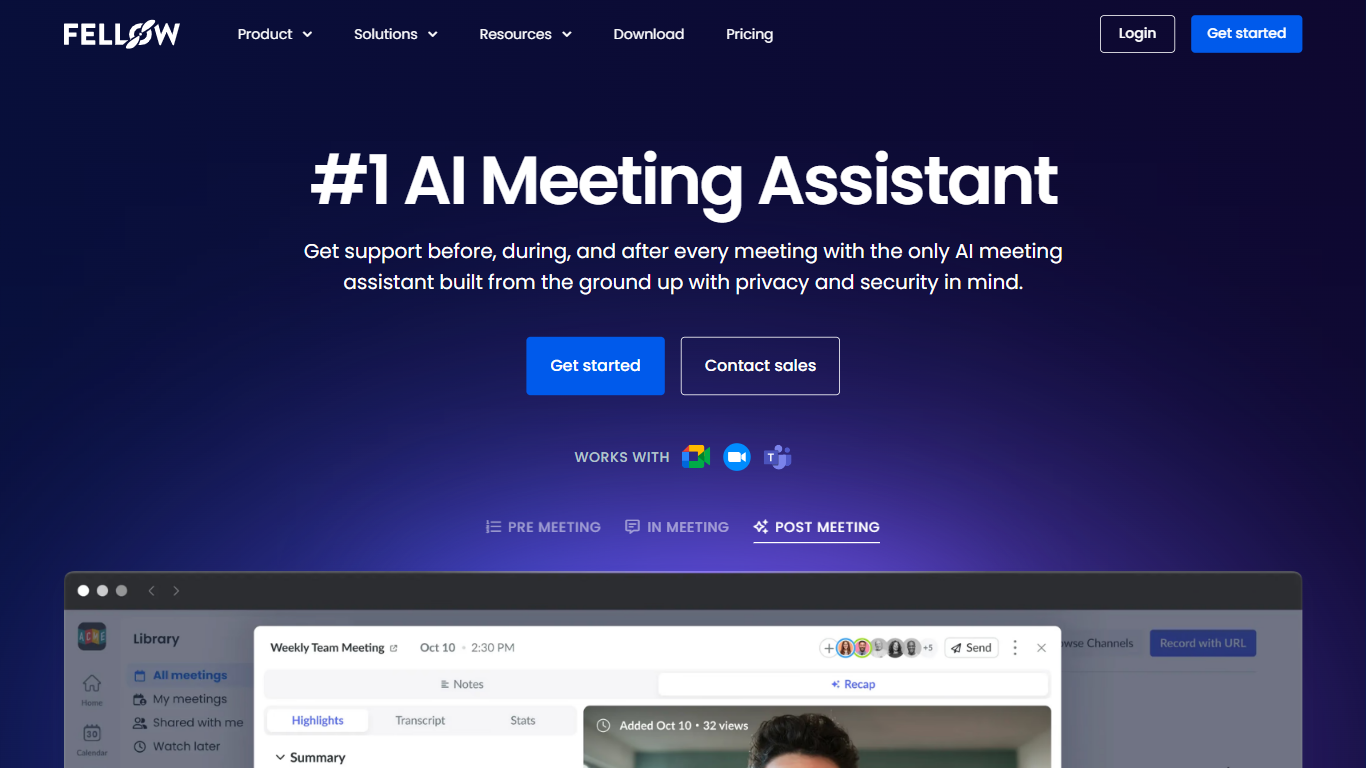

What is Fellow?
Fellow is a secure AI meeting assistant designed to record, transcribe, and summarize meetings across platforms like Zoom, Microsoft Teams, and Google Meet. It prioritizes privacy, ensuring meeting data is accessible only to authorized users with granular controls and compliance with SOC 2, HIPAA, and GDPR standards. The platform supports pre-meeting preparation with collaborative agendas and AI-generated briefs, helping teams stay focused and productive. Post-meeting, Fellow automates follow-ups, action items, and CRM updates, integrating with over 50 tools including Salesforce, HubSpot, Jira, and Slack. It offers botless recording options for added privacy and supports regulated industries such as finance and healthcare with features like transcript redaction and audit trails. Fellow serves diverse teams from sales and marketing to engineering and operations, centralizing meeting knowledge and streamlining workflows.
MeetGeek
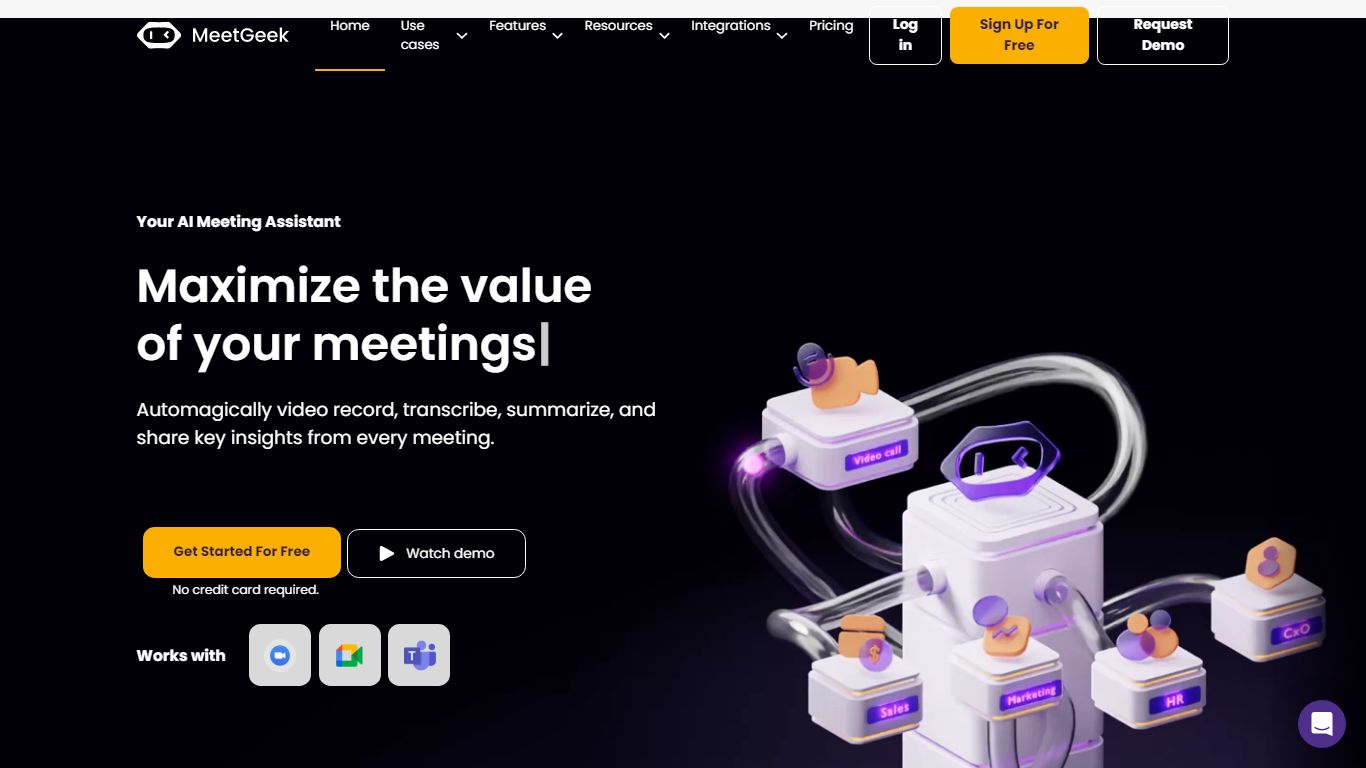
What is MeetGeek?
MeetGeek is a meeting assistant that records, transcribes, and summarizes calls across Zoom, Google Meet, Microsoft Teams, and other conferencing tools. It stores searchable transcripts, AI chat over past meetings, and workflow automations so teams can share notes without rewatching every recording.
Unlike lightweight note bots that only dump a summary, MeetGeek layers meeting templates, CRM integrations, and no-bot browser recording on top of transcription. That stack targets teams that need governance, analytics, and Zapier-style automation rather than a single post-call email.
Sales, customer success, and product teams use MeetGeek for customer calls, interviews, and internal standups. Educators and agencies also adopt it for online classes and client meetings where shared folders and role-based access matter.
Fellow Upvotes
MeetGeek Upvotes
Fellow Top Features
🔒 Privacy-first design with SOC 2, HIPAA, and GDPR compliance ensures your meeting data stays secure and private.
📝 AI-powered meeting notes and summaries capture key points and action items automatically during calls.
🤖 AskFellow AI agent generates follow-up emails, documents, and CRM updates to keep workflows moving.
📚 Centralized recording library with granular access controls lets teams organize and share meeting knowledge safely.
🔗 Integrates with 50+ tools like Salesforce, HubSpot, Jira, Slack, and Zapier to sync meeting insights across workflows.
MeetGeek Top Features
Auto-detects 100+ languages with speaker identification
Records Zoom, Google Meet, Microsoft Teams, and Webex calls
30+ meeting summary templates with meeting type auto-detection
No-bot recording via browser extension and desktop app
CRM sync to HubSpot, Salesforce, Pipedrive, and Zoho
API and MCP access for custom meeting workflows
Fellow Category
- Meeting Assistant
MeetGeek Category
- Meeting Assistant
Fellow Pricing Type
- Freemium
MeetGeek Pricing Type
- Freemium