Findly vs TypingMind
In the face-off between Findly vs TypingMind, which AI Chat Bot tool takes the crown? We scrutinize features, alternatives, upvotes, reviews, pricing, and more.
In a face-off between Findly and TypingMind, which one takes the crown?
If we were to analyze Findly and TypingMind, both of which are AI-powered chat bot tools, what would we find? Both tools have received the same number of upvotes from aitools.fyi users. You can help us determine the winner by casting your vote and tipping the scales in favor of one of the tools.
Think we got it wrong? Cast your vote and show us who's boss!
Findly

What is Findly?
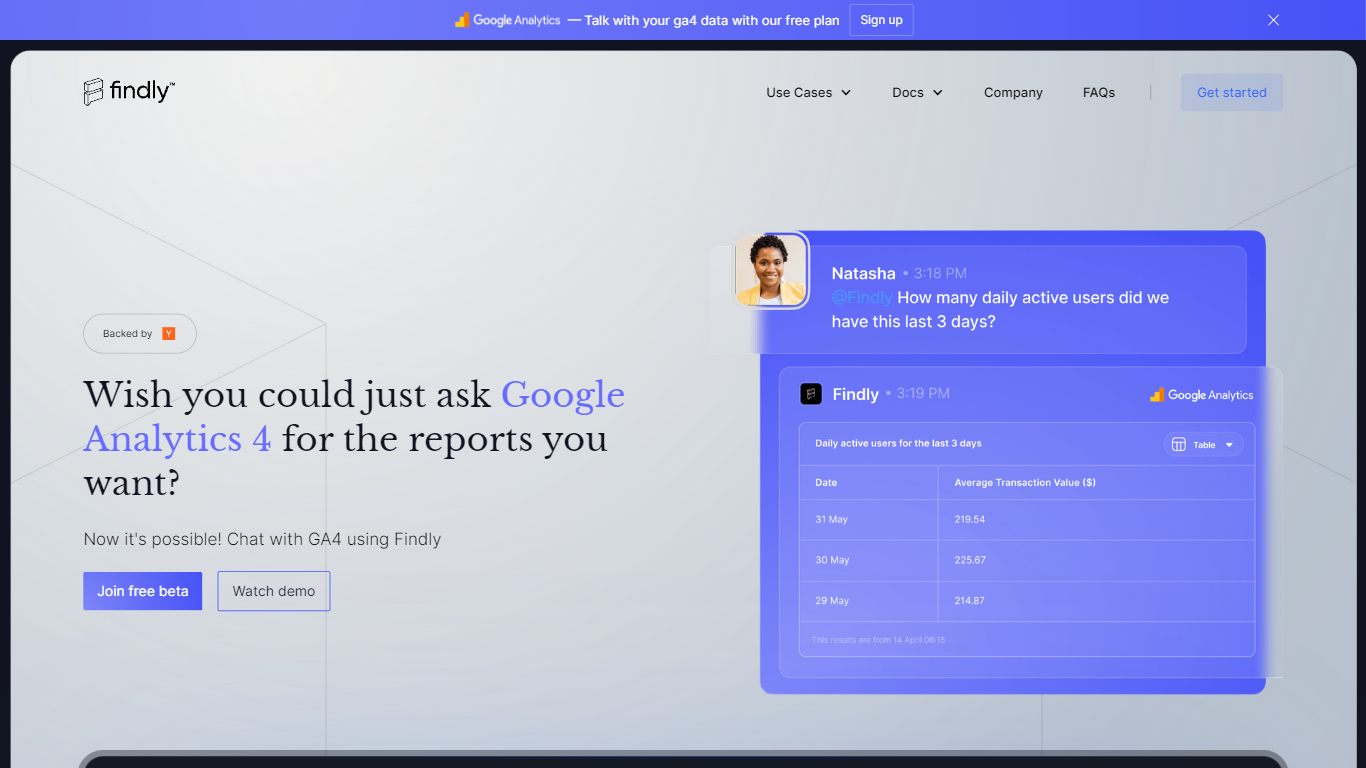
Findly lets teams ask business questions in plain language and get charts, forecasts, and reports back without writing SQL. You connect sources like Google Analytics, Facebook Ads, Shopify, BigQuery, or custom SQL databases, then chat with the data through a conversational interface or Slack. The platform pairs large language models with a semantic layer so answers stay tied to your actual schema instead of drifting into guesses.
Most analytics chatbots stop at marketing dashboards. Findly also targets specialized forecasting for trading, supply chain, energy, and consulting workflows through products like Darling and Semantica. It runs real-time predictions, threshold alerts, and pattern analysis across connected feeds, which puts it closer to an industry analytics layer than a simple GA4 question bot. Partnership programs also let agencies white-label or embed the assistant for clients.
Findly fits marketing teams that need faster report generation, trading desks tracking commodity prices and cargo risk, consultants delivering client forecasts, and enterprise teams that want a branded internal data assistant. The free tier supports up to 3 users on core marketing connectors, while Standard and Enterprise plans expand integrations, seats, and deployment options.
TypingMind
What is TypingMind?
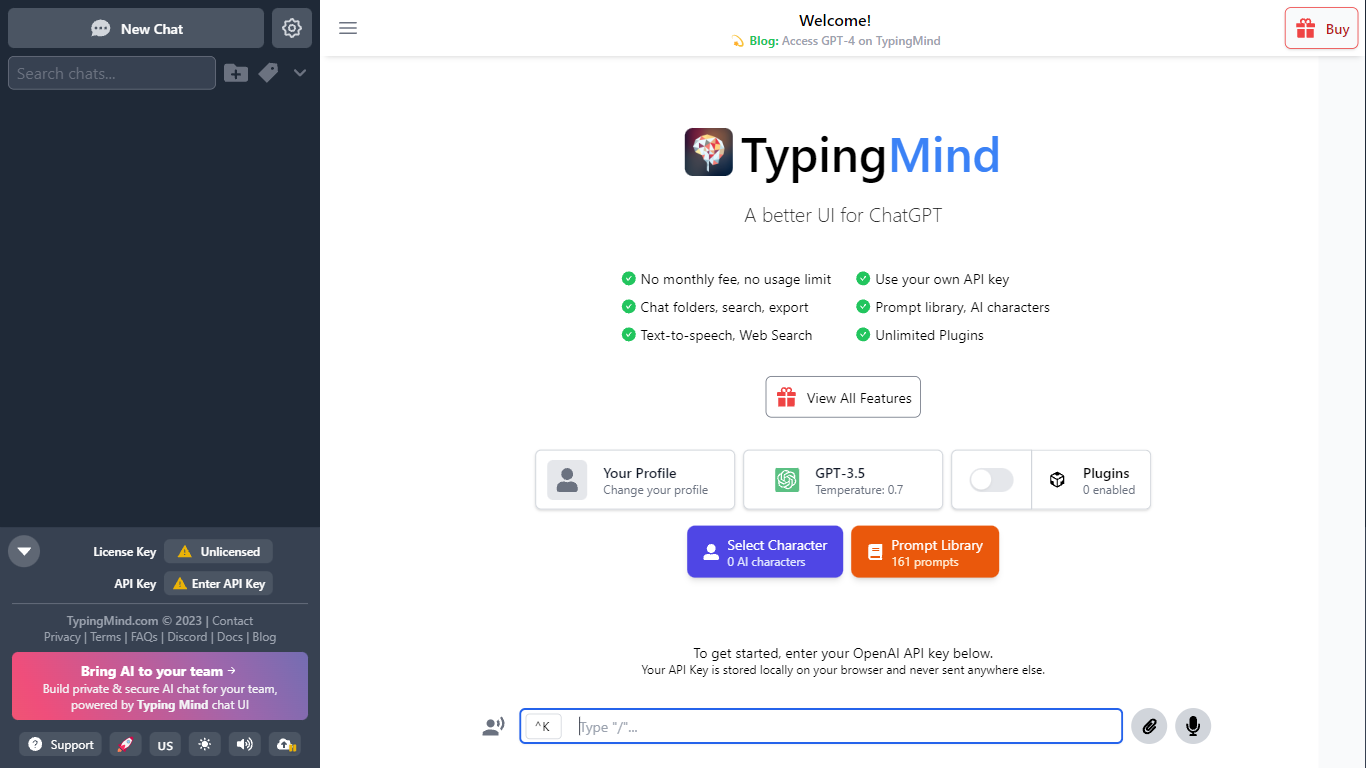
TypingMind gives you one chat interface for ChatGPT, Claude, Gemini, DeepSeek, and other LLMs while you bring your own API keys. You pay a one-time license fee to TypingMind, then only for the tokens each model provider charges. Chats, folders, agents, and API credentials stay in local browser storage by default, so your conversations are not sent for model training.
Where ChatGPT Plus locks you into OpenAI and caps usage, TypingMind lets you switch models mid-conversation, run multi-model parallel chats, and connect MCP tools, RAG knowledge bases, and custom plugins. Prompt caching can cut token costs up to 90% on supported models. Over 50 pre-built agents cover coding, research, and marketing workflows out of the box.
TypingMind suits power users and teams who already pay for API access and want a richer UI than vendor defaults. More than 20,641 customers use it daily, and a separate TypingMind for Teams product adds admin controls, custom branding, and self-hosting for companies.
Findly Upvotes
TypingMind Upvotes
Findly Top Features
Free plan supports up to 3 users with Google Analytics and Facebook Ads connections
Standard plan is $149 per month (70% launch discount from $497) with up to 10 users
Connects Google Analytics, Facebook Ads, Shopify Ads, Google Search Console, and BigQuery on paid tiers
LLM queries run through a semantic layer model built for schema-aware answers
Slack integration shares query results and alerts inside team channels
SOC 2 Type II and ISO 27001 compliant with a public trust center at trust.findly.ai
TypingMind Top Features
Access ChatGPT, Claude, Gemini, and 20+ LLMs from one interface
Lifetime licenses from $39 Standard to $99 Premium with no TypingMind subscription
Prompt caching reduces token costs up to 90% on supported models
50+ pre-built AI agents plus custom agent and plugin builder
MCP connectors for Figma, GitHub, GitLab, Redis, Make, and Apify
Local-first storage keeps chats and API keys on your device by default
Findly Category
- Chat Bot
TypingMind Category
- Chat Bot
Findly Pricing Type
- Freemium
TypingMind Pricing Type
- Paid