FineShare FineVoice vs Audioread
Compare FineShare FineVoice vs Audioread and see which AI Audio Generation tool is better when we compare features, reviews, pricing, alternatives, upvotes, etc.
Which one is better? FineShare FineVoice or Audioread?
When we compare FineShare FineVoice with Audioread, which are both AI-powered audio generation tools, The upvote count is neck and neck for both FineShare FineVoice and Audioread. Since other aitools.fyi users could decide the winner, the ball is in your court now to cast your vote and help us determine the winner.
Don't agree with the result? Cast your vote and be a part of the decision-making process!
FineShare FineVoice

What is FineShare FineVoice?
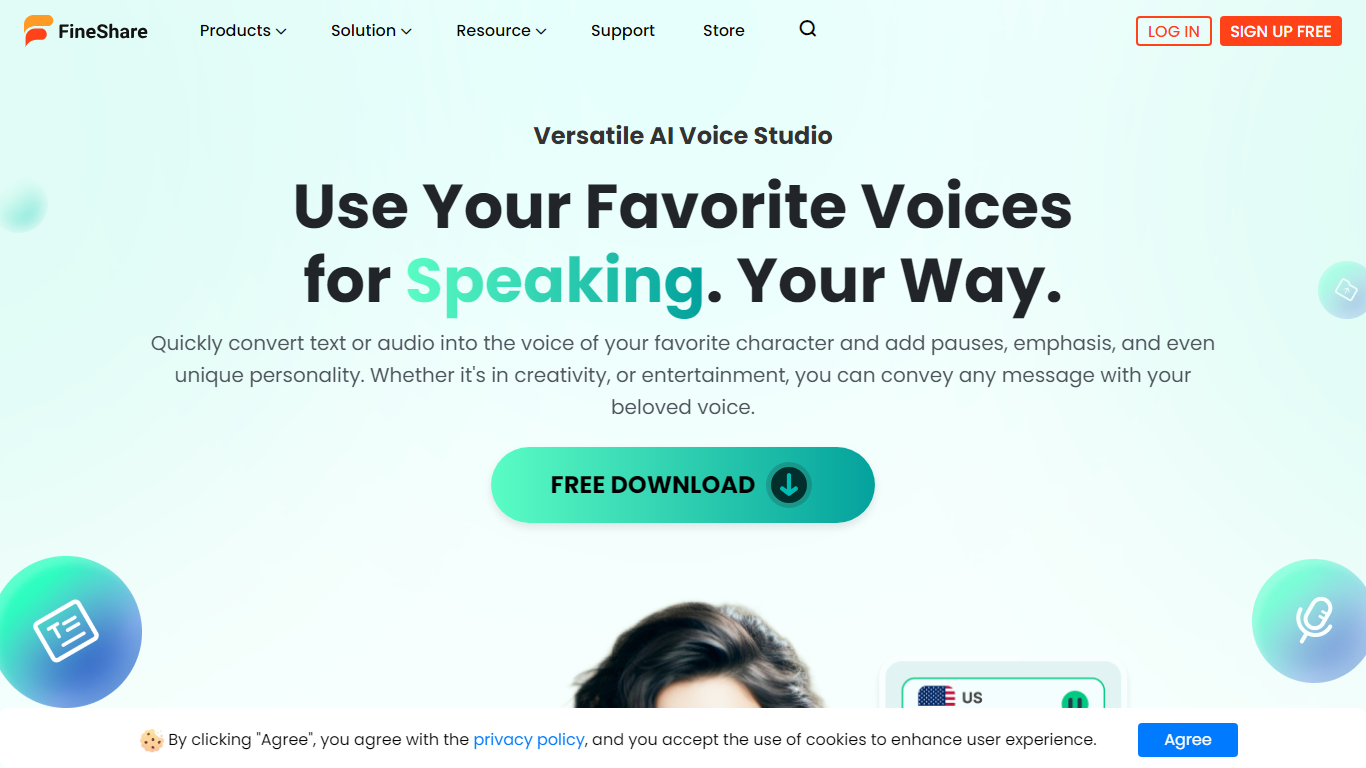
FineShare FineVoice is a browser-based AI audio studio for text-to-speech, voice changing, cloning, and sound design. You can generate narration from scripts, swap voices in recordings, design custom voices from text prompts, and create royalty-free sound effects or background music without opening separate apps.
Most voice generators focus on narration alone. FineVoice bundles speech-to-text, voice enhancement, lip sync, talking photos, and podcast generation in one workspace, plus a linked VoiceTrans desktop app with 1,000+ real-time voice models for games and chat. Video voiceover export and full video localization are still marked Coming Soon, so it fits audio-first creators more than teams that need finished video exports today.
YouTube creators, podcasters, educators, marketers, and developers use FineVoice for multilingual voiceovers, character acting, and API-driven apps. The marketing site advertises no sign-up for core online trials, with paid tiers that raise monthly character quotas, clone slots, and speech-to-text minutes.
Audioread
What is Audioread?
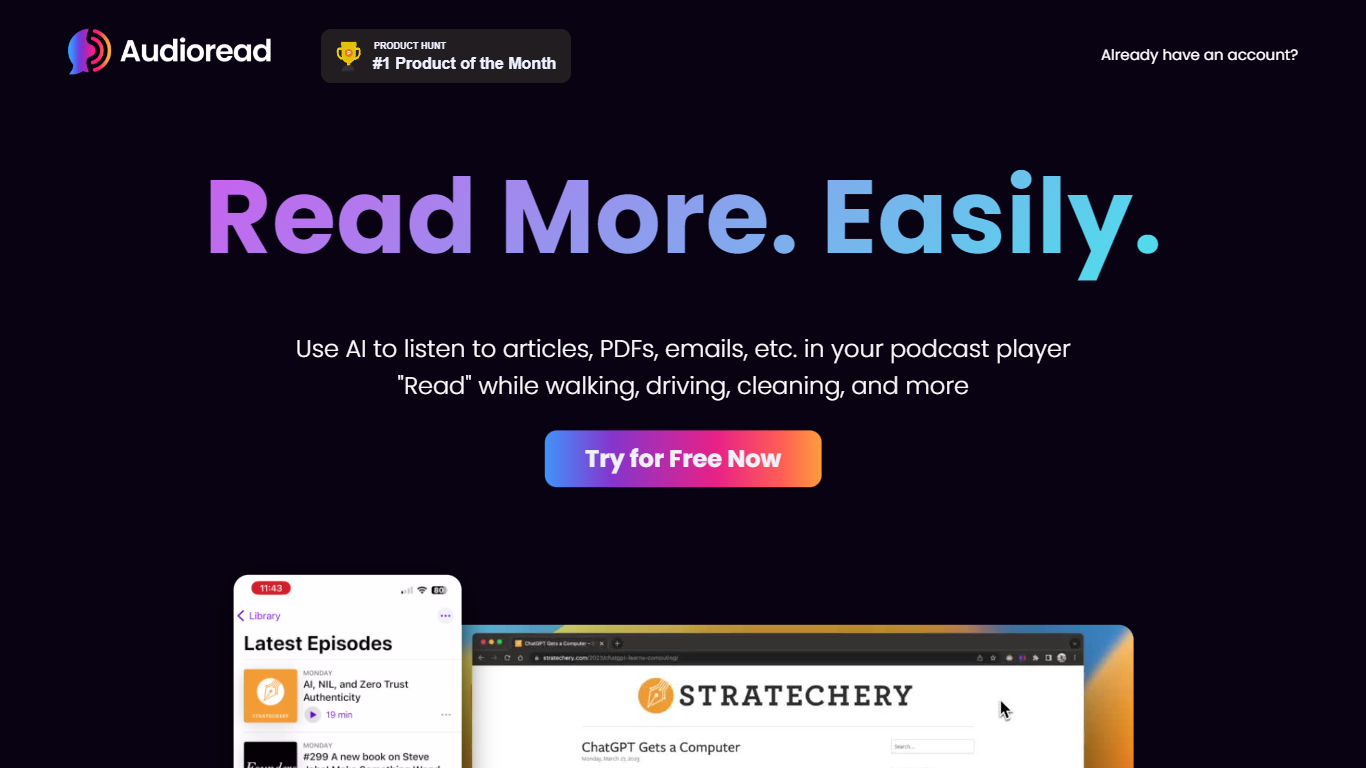
Audioread converts articles, PDFs, emails, and RSS feeds into spoken audio you can stream in a browser or sync to any podcast player. Paste a link, upload a document, forward a newsletter, or subscribe to a feed, and the platform builds a private playlist plus podcast feed for offline listening.
Where most read-aloud tools keep audio inside one browser tab, Audioread publishes each conversion to a private RSS feed. That lets you finish long articles in Apple Podcasts, Spotify, or Pocket Casts with downloads and playback speed controls, instead of leaving a tab open on your phone.
The service targets commuters, graduate students, researchers, and anyone with a reading backlog they want to clear while walking, cooking, or exercising. Browser extensions for Chrome, Edge, and Brave, native iOS and Android apps, email forwarding, and Slack digests cover most input workflows without extra setup.
FineShare FineVoice Upvotes
Audioread Upvotes
FineShare FineVoice Top Features
1,500+ text-to-speech voices across 154 languages and accents
Voice cloning in 30 seconds with uploadable RVC models for custom workflows
AI voice changer with emotion tags like angry, happy, and sad for expressive speech
Speech-to-text exports in TXT, JSON, SRT, and VTT with automatic punctuation
Royalty-free AI sound effects and background music generated from text prompts
Developer API advertised with 99.9% uptime and JSON, SRT, and VTT output formats
Audioread Top Features
Nearly 1,000 AI voices across 150+ languages with region-specific options
Private podcast feed syncs to Apple Podcasts, Spotify, and Pocket Casts
Free tier includes 3 articles per month with 1,000 characters per conversion
Pro plan includes 1 million characters per month for $9.99
Chrome, Edge, and Brave extensions for one-click article conversion
Native iOS and Android apps plus Safari Shortcuts and an Android PWA
Privacy Mode auto-deletes uploads after 30 days with no content sharing
FineShare FineVoice Category
- Audio Generation
Audioread Category
- Audio Generation
FineShare FineVoice Pricing Type
- Freemium
Audioread Pricing Type
- Freemium