Firebender vs Finding Words
When comparing Firebender vs Finding Words, which AI Fun tool shines brighter? We look at pricing, alternatives, upvotes, features, reviews, and more.
In a comparison between Firebender and Finding Words, which one comes out on top?
When we put Firebender and Finding Words side by side, both being AI-powered fun tools, With more upvotes, Firebender is the preferred choice. The upvote count for Firebender is 7, and for Finding Words it's 6.
Think we got it wrong? Cast your vote and show us who's boss!
Firebender


What is Firebender?
Firebender is an Android-native coding agent delivered as a JetBrains plugin for Android Studio. It writes features, runs tests in the emulator, and fixes issues on its own, so Android developers can stay inside the IDE they already use.
The plugin hooks into Android Studio refactor tools, the debugger, and logcat rather than acting like a generic chat window pasted on top. You can paste a Figma link to generate Jetpack Compose UI that fits an existing design system, or spin up custom agents and sub-agents for workflows like crash triage and code review.
Engineering teams at Instacart, Netflix, DoorDash, Slack, and other companies use it for daily Android work. It supports frontier models from OpenAI, Anthropic, Google, and xAI, plus bring-your-own-key options, with SOC 2 Type II and ISO 27001 certification and a zero data retention policy for uploaded code.
Finding Words
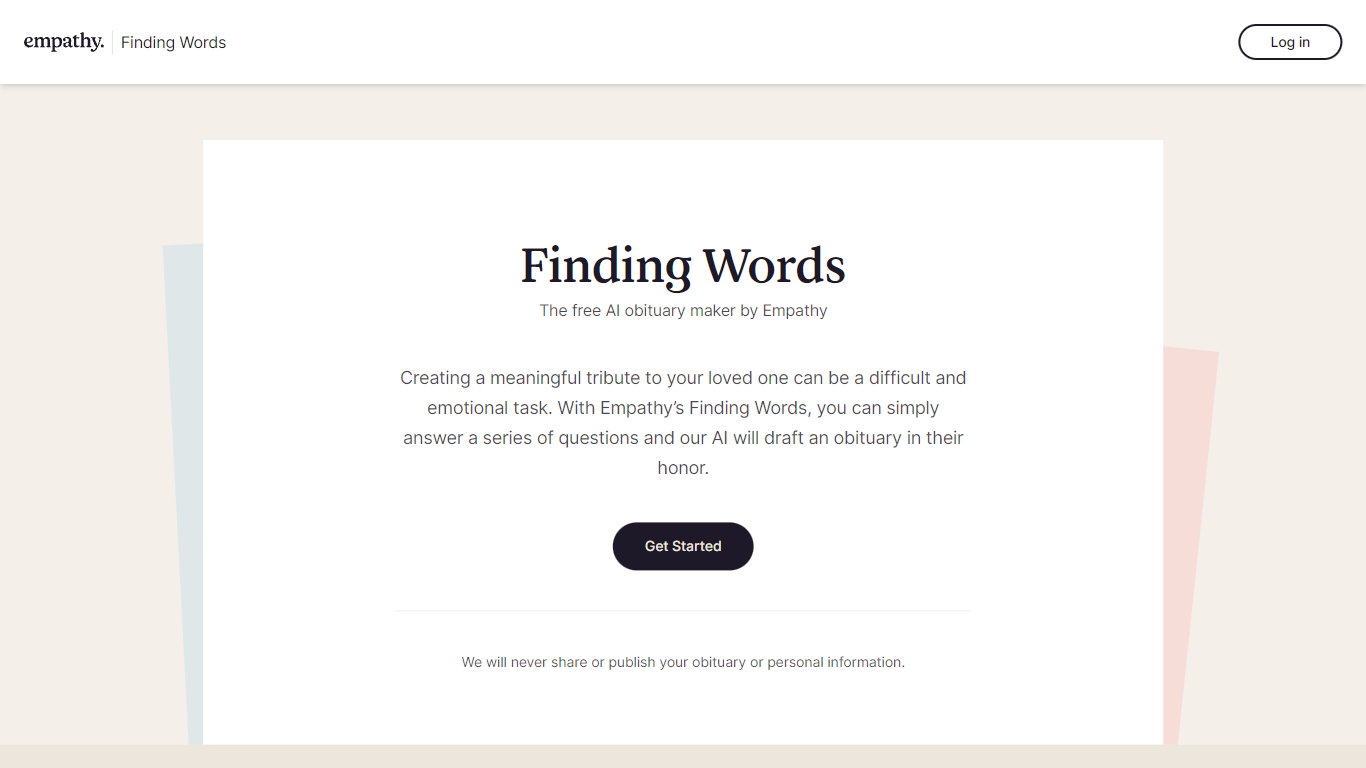
What is Finding Words?
Finding Words is a powerful and user-friendly obituary maker developed by Empathy. With this free online tool, you can honor your loved ones by creating beautifully written tribute obituaries. This AI-powered obituary maker simplifies the process by guiding you through a series of simple and thoughtful questions to generate a heartfelt obituary that truly captures the essence of your loved one's life.
Whether you're an experienced writer or someone who struggles with putting emotions into words, Finding Words is designed to assist you in creating a meaningful and memorable obituary. The AI technology behind Finding Words understands the importance of personalization, and it ensures that each obituary is unique, reflecting the individuality and significance of the person being honored.
Creating an obituary with Finding Words is a straightforward process. Answer a few key questions about your loved one's life, such as their name, age, hometown, achievements, and passions. You can also include details about their family, close friends, and any significant events or milestones. The obituary maker by Empathy intelligently incorporates this information into a well-crafted tribute, ensuring that the final result is an authentic and heartfelt portrayal of your loved one's life.
In addition to guiding you through the obituary creation process, Finding Words offers various customization options. You can choose from different writing styles, such as formal, casual, or poetic, to match the tone and personality of your loved one. The obituary maker also allows you to select from a range of templates and fonts, enabling you to create a visually appealing tribute that reflects your loved one's unique character and spirit.
Finding Words is an invaluable tool for individuals and families facing the challenging task of writing an obituary. It eliminates the stress and uncertainty of crafting a fitting tribute, allowing you to focus on grieving and cherishing the memories of your loved one. The obituary maker's AI technology ensures that the obituary is comprehensive, well-written, and honors the life and legacy of the person being remembered.
Firebender Upvotes
Finding Words Upvotes
Firebender Top Features
Paste a Figma link and get Jetpack Compose output that respects your existing design system and components
The agent drives the Android emulator directly, running tests and fixing failures without leaving the IDE
Select code, hit Cmd+K, and describe what you want rewritten inline in a few seconds
Define custom agents with agent.md files or deploy sub-agents that triage crashes and inspect code paths on their own
Switch between Claude Sonnet 4.5, Claude Opus 4.5, GPT 5.1 Codex, Gemini 3 Pro, and Grok Code, or plug in your own API key
Voice mode lets you describe changes out loud when typing would slow you down
Finding Words Top Features
No top features listedFirebender Category
- Fun
Finding Words Category
- Fun
Firebender Pricing Type
- Freemium
Finding Words Pricing Type
- Freemium