Flaminyo vs AutoDraw
In the face-off between Flaminyo vs AutoDraw, which AI Design tool takes the crown? We scrutinize features, alternatives, upvotes, reviews, pricing, and more.
When we put Flaminyo and AutoDraw head to head, which one emerges as the victor?
If we were to analyze Flaminyo and AutoDraw, both of which are AI-powered design tools, what would we find? The upvote count favors AutoDraw, making it the clear winner. The upvote count for AutoDraw is 16, and for Flaminyo it's 6.
You don't agree with the result? Cast your vote to help us decide!
Flaminyo

What is Flaminyo?
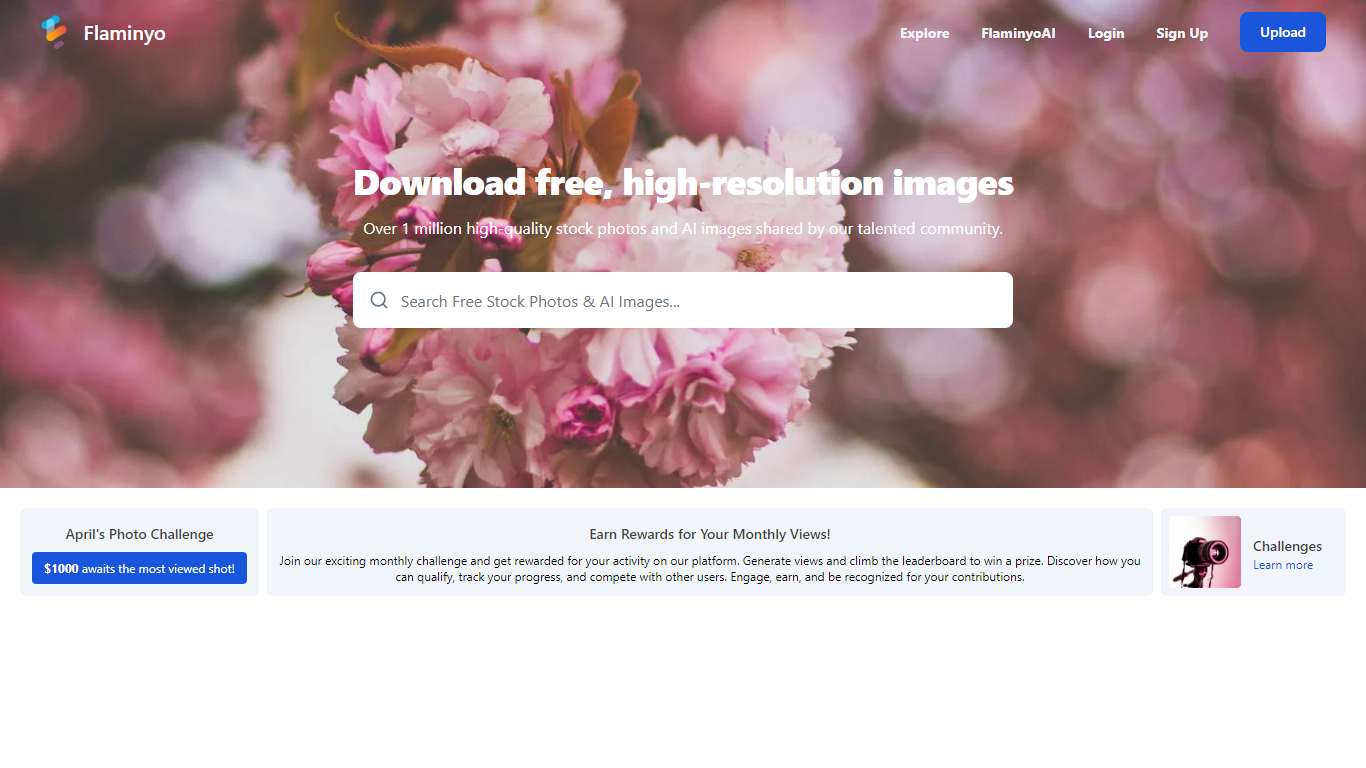
Flaminyo is a free stock photo platform where you can browse and download over a million high-quality images, including community uploads and AI-generated visuals. It targets designers, marketers, and content creators who need royalty-free photos without subscription fees or ads.
The platform blends traditional stock photography with a dedicated AI image section called FlaminyoAI. AI-generated photos carry a badge so you can tell them apart from camera shots, and many images are exclusive to the platform since they are created by its community of AI enthusiasts.
Photographers can upload their work, compete on a monthly leaderboard, and join themed photo challenges with cash prizes. The site emphasizes unlimited free downloads and a community-driven catalog rather than a paid stock library model.
AutoDraw
What is AutoDraw?
AutoDraw turns rough sketches into clean clip-art style illustrations inside your browser. You doodle on the canvas, pick a suggested icon from the toolbar, and the messy line work swaps for a polished drawing from Google's free web drawing tool. It runs on phones, tablets, and desktops with no install or account.
Most drawing apps assume you already have illustration skills. AutoDraw uses the same machine learning approach as Quick, Draw! to guess what your scribble represents and offers artist-made replacements in a row above the canvas. That guess-and-replace loop is the whole workflow, which keeps the tool fast for worksheets, slides, and social posts.
Beyond suggestions, the editor includes freehand drawing, shapes, text, and color fill. Finished work downloads as a PNG or shares through a link. The clip library covers hundreds of objects, and Google invites artists to contribute additional drawings over time.
Flaminyo Upvotes
AutoDraw Upvotes
Flaminyo Top Features
Over 1 million royalty-free stock photos and AI images to download
Dedicated FlaminyoAI section with badge-labeled AI-generated visuals
Unlimited free downloads with no ads on the platform
Monthly photo challenges with cash prizes up to $1,000
Leaderboard ranking photographers by views over the last 30 days
AutoDraw Top Features
Suggests hundreds of artist-made icons as you sketch on the canvas
Uses Quick, Draw! machine learning to recognize rough doodles in real time
Runs in any modern browser with mouse, touch, or stylus input
Completely free with no download, login, or subscription required
Exports finished artwork as a PNG file or shareable link
Flaminyo Category
- Design
AutoDraw Category
- Design
Flaminyo Pricing Type
- Free
AutoDraw Pricing Type
- Free