Formula Dog vs Formularizer
Explore the showdown between Formula Dog vs Formularizer and find out which AI Excel tool wins. We analyze upvotes, features, reviews, pricing, alternatives, and more.
In a face-off between Formula Dog and Formularizer, which one takes the crown?
When we contrast Formula Dog with Formularizer, both of which are exceptional AI-operated excel tools, and place them side by side, we can spot several crucial similarities and divergences. In the race for upvotes, Formularizer takes the trophy. Formularizer has 7 upvotes, and Formula Dog has 6 upvotes.
Not your cup of tea? Upvote your preferred tool and stir things up!
Formula Dog
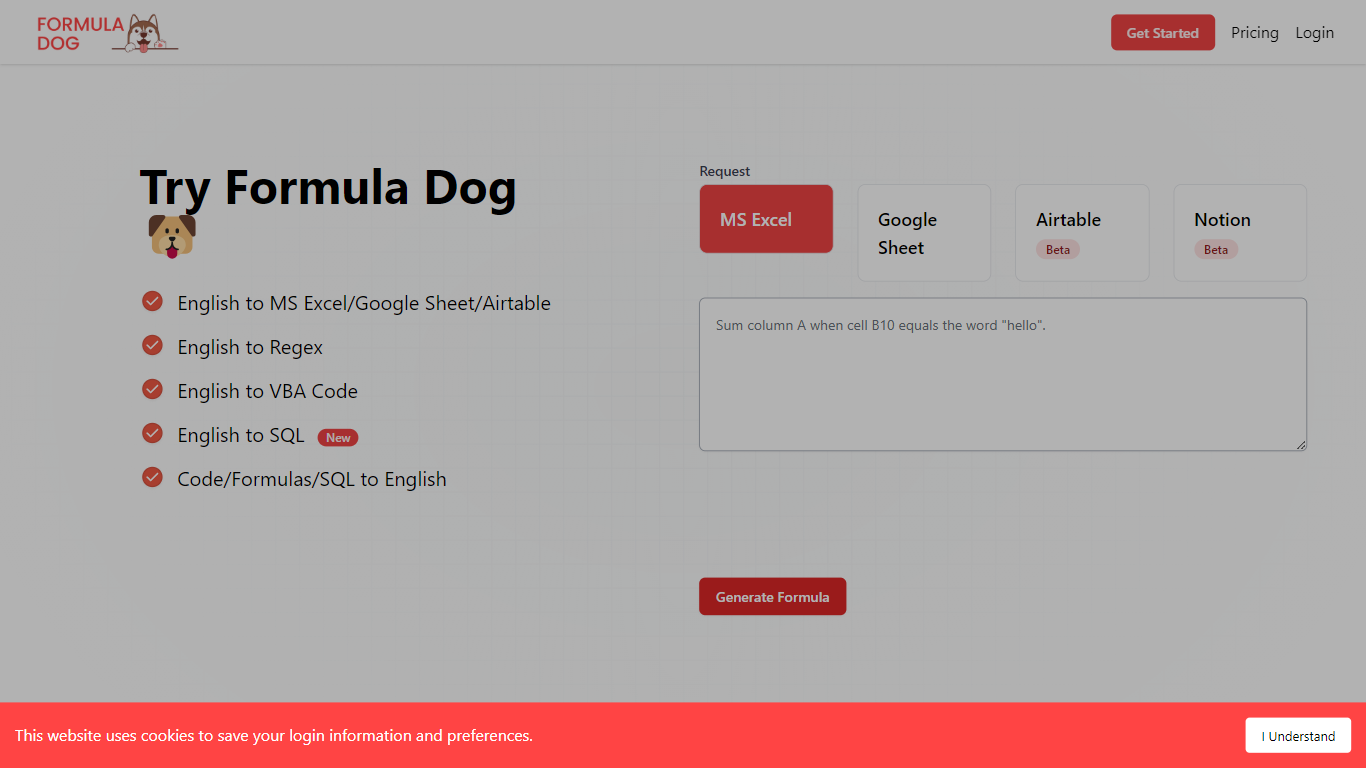

What is Formula Dog?
Formula Dog turns spreadsheet problems written in plain English into working Excel or Google Sheets formulas. You describe what you need, and the tool returns a paste-ready formula, often with a short explanation of how it works. The first five requests each day are free with no account required.
The product centers on a fine-tuned model trained on real spreadsheet formulas paired with human-written descriptions. That focus shows up in the output: fewer invented function names and syntax tuned for Excel, Google Sheets, VBA, regex helpers, and basic Airtable or Notion formulas.
It fits analysts, ops teams, and anyone who lives in spreadsheets but does not want to memorize every function variant. The site also ships a searchable cheat sheet, a playground with worked examples, and support for 12 interface languages.
Formularizer
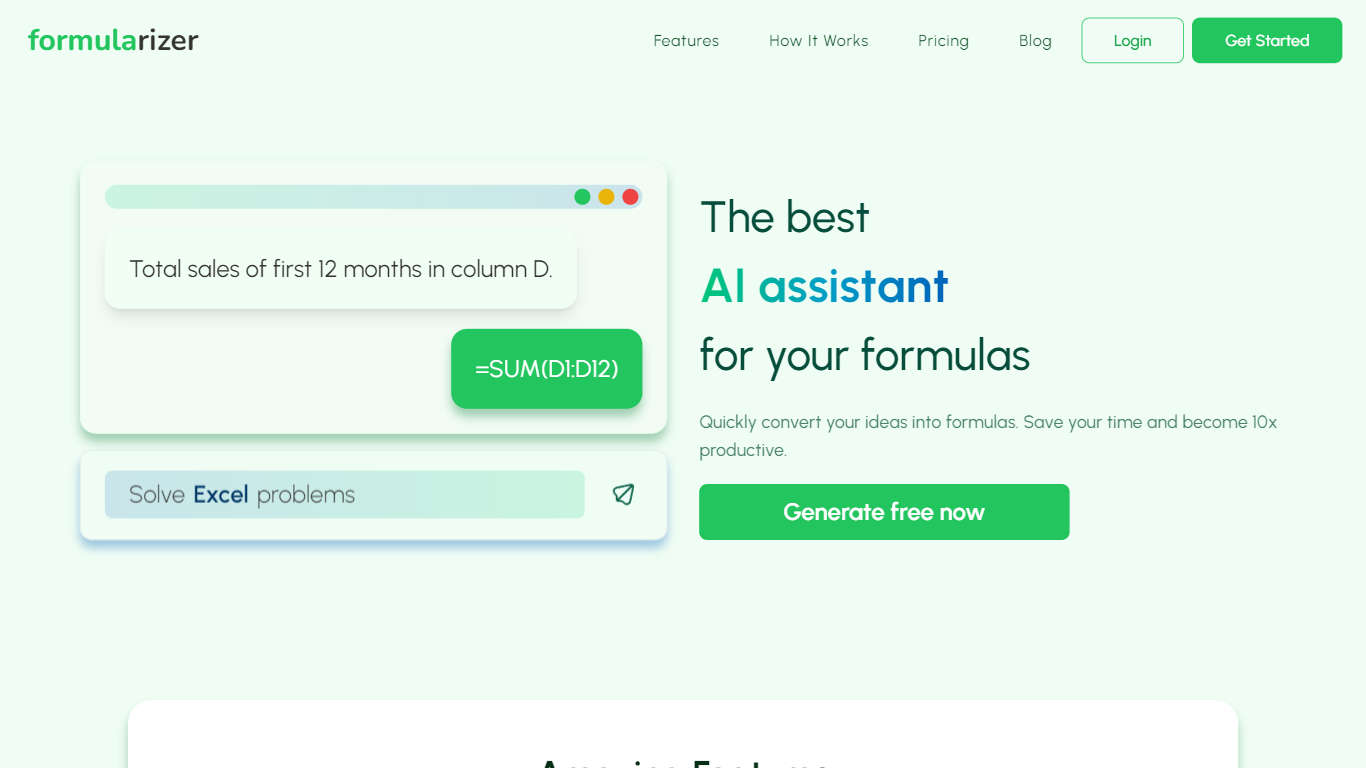
What is Formularizer?
Formularizer is a web assistant for spreadsheet and data work. Choose from four focused helpers: formulas for Excel and Google Sheets, SQL queries, regular expressions, and scripts in Excel VBA or Google Apps Script. Describe what you need in plain language, or paste an existing formula to get an explanation.
Each assistant supports Generate mode to build something new from a description and Explain mode to break down code you already have. For spreadsheet formulas, you pick the target platform so outputs match Excel or Google Sheets syntax. Adding sample data through the input panel helps accuracy on trickier requests.
The site gives you 3 free credits to try before creating an account. Signing up unlocks 50 free credits each month plus faster, more accurate responses. Accounts can be created with email or Google sign-in.
Formularizer fits analysts, students, and anyone who spends their day in spreadsheets but would rather not dig through function docs for every task.
Formula Dog Upvotes
Formularizer Upvotes
Formula Dog Top Features
Describe a spreadsheet task in plain English and get a paste-ready formula back
Covers Excel, Google Sheets, VBA macros, regex helpers, and basic Airtable or Notion syntax
Five free formula generations per day with no signup required
Built-in playground with six worked examples from COUNTIF to conditional VBA
Searchable cheat sheet for common sums, lookups, dates, arrays, and VBA snippets
Interface available in 12 languages including English, French, German, Spanish, and Japanese
Formularizer Top Features
Four assistants cover formulas, SQL, regex, and spreadsheet scripts in one workspace
Anonymous visitors get 3 free credits; registered accounts receive 50 free credits each month
Formula Assistant outputs Excel or Google Sheets syntax from a platform dropdown
Generate mode writes formulas, SQL queries, regex patterns, or VBA scripts from a plain-language prompt
Add sample data through the three-dot menu on the input box to sharpen results on complex requests
Formula Dog Category
- Excel
Formularizer Category
- Excel
Formula Dog Pricing Type
- Freemium
Formularizer Pricing Type
- Freemium