Formula Dog vs SheetGod
In the battle of Formula Dog vs SheetGod, which AI Excel tool comes out on top? We compare reviews, pricing, alternatives, upvotes, features, and more.
Between Formula Dog and SheetGod, which one is superior?
Upon comparing Formula Dog with SheetGod, which are both AI-powered excel tools, The upvote count is neck and neck for both Formula Dog and SheetGod. Be a part of the decision-making process. Your vote could determine the winner.
Not your cup of tea? Upvote your preferred tool and stir things up!
Formula Dog

What is Formula Dog?
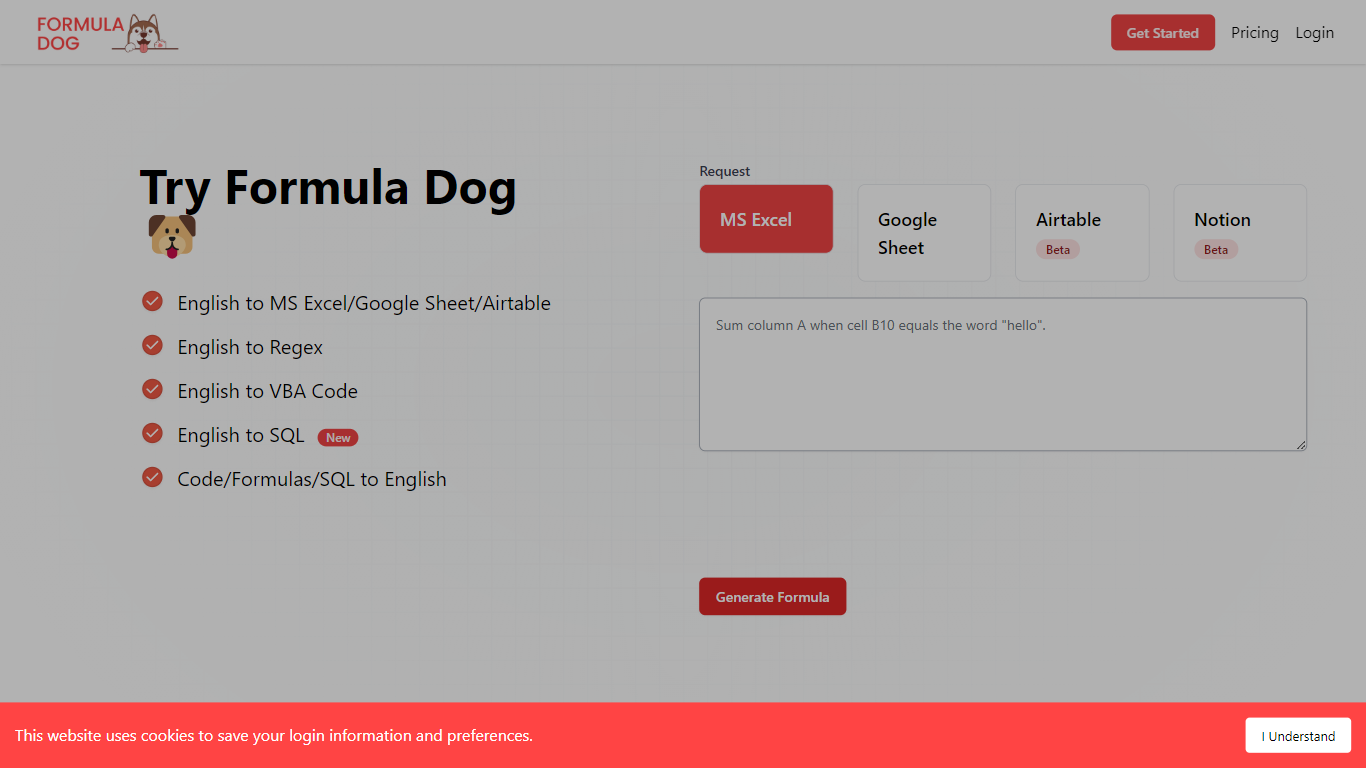
Formula Dog turns spreadsheet problems written in plain English into working Excel or Google Sheets formulas. You describe what you need, and the tool returns a paste-ready formula, often with a short explanation of how it works. The first five requests each day are free with no account required.
The product centers on a fine-tuned model trained on real spreadsheet formulas paired with human-written descriptions. That focus shows up in the output: fewer invented function names and syntax tuned for Excel, Google Sheets, VBA, regex helpers, and basic Airtable or Notion formulas.
It fits analysts, ops teams, and anyone who lives in spreadsheets but does not want to memorize every function variant. The site also ships a searchable cheat sheet, a playground with worked examples, and support for 12 interface languages.
SheetGod
What is SheetGod?
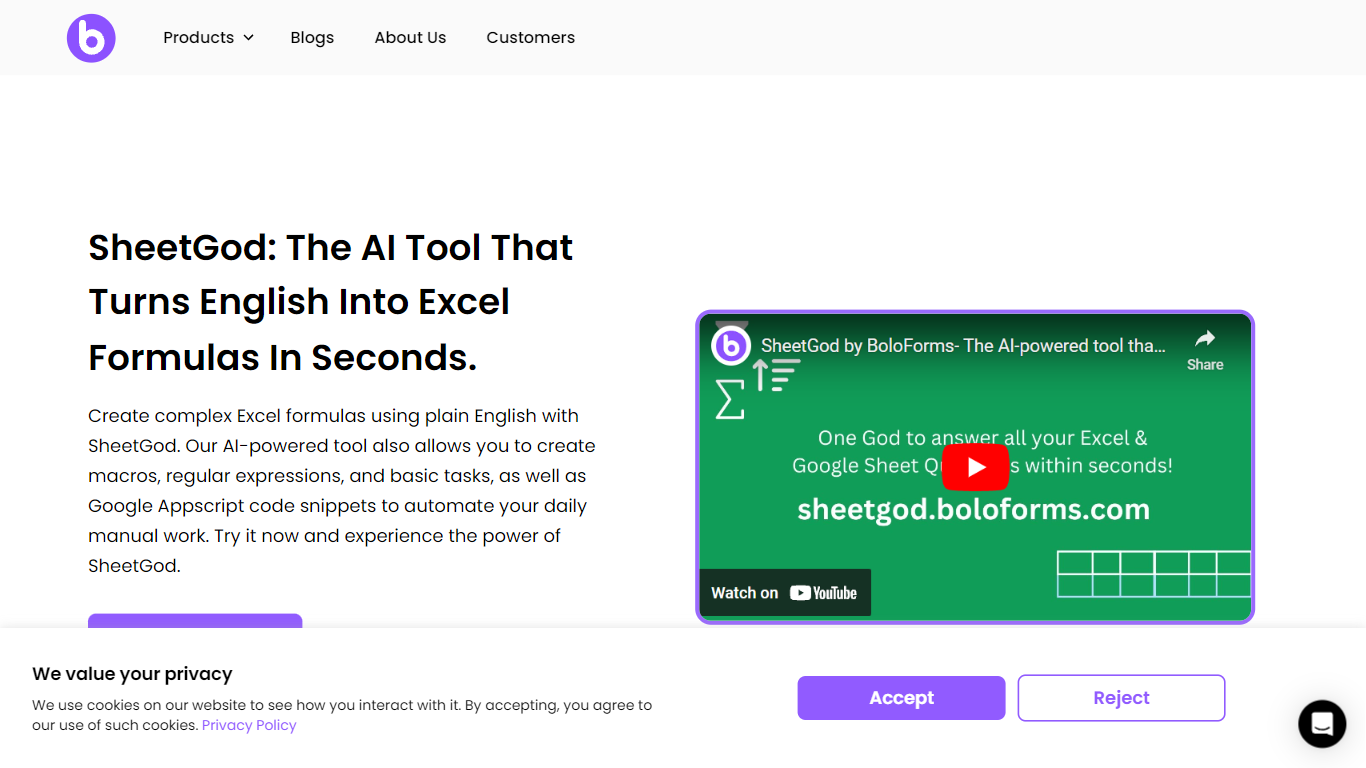
SheetGod is a spreadsheet helper from BoloForms that turns plain English into Excel formulas, VBA macros, Google Apps Script snippets, and regex patterns. You pick one of five categories (Formulas, VBA, Regex, Apps Script, or Basic Tasks), describe what you need, and paste the output into Microsoft Excel or Google Sheets. The product page says more than 50,000 businesses use it.
Most formula generators stop at a single cell calculation. SheetGod stretches further into automation code, regex extraction, built-in tutorials, bulk marketing emails, PDF generation from spreadsheet rows, and add-on scaffolding for Google Workspace and Excel. Its parent company BoloSign is part of the NVIDIA Inception program, though SheetGod itself is a standalone spreadsheet tool rather than an eSignature product.
SheetGod suits beginners who want step-by-step Excel and Sheets tutorials alongside generated answers, and spreadsheet-heavy teams tired of hunting syntax for VBA or Apps Script. Support channels include live chat, email, a help center, and bookable Google Meet sessions, plus one-on-one Zoom and WhatsApp onboarding on signup.
Formula Dog Upvotes
SheetGod Upvotes
Formula Dog Top Features
Describe a spreadsheet task in plain English and get a paste-ready formula back
Covers Excel, Google Sheets, VBA macros, regex helpers, and basic Airtable or Notion syntax
Five free formula generations per day with no signup required
Built-in playground with six worked examples from COUNTIF to conditional VBA
Searchable cheat sheet for common sums, lookups, dates, arrays, and VBA snippets
Interface available in 12 languages including English, French, German, Spanish, and Japanese
SheetGod Top Features
Five request categories: Formulas, VBA, Regex, Apps Script, and Basic Tasks
Generates VBA and Google Apps Script code to automate repetitive spreadsheet work
Regex support for extracting specific values from messy datasets
Built-in step-by-step tutorials for common Excel and Google Sheets tasks
Creates bulk marketing emails and PDFs from spreadsheet data
Builds Google Workspace add-ons and Microsoft Excel add-ins from prompts
Formula Dog Category
- Excel
SheetGod Category
- Excel
Formula Dog Pricing Type
- Freemium
SheetGod Pricing Type
- Freemium