Framedrop vs Timebolt
Explore the showdown between Framedrop vs Timebolt and find out which AI Video Editing tool wins. We analyze upvotes, features, reviews, pricing, alternatives, and more.
In a face-off between Framedrop and Timebolt, which one takes the crown?
When we contrast Framedrop with Timebolt, both of which are exceptional AI-operated video editing tools, and place them side by side, we can spot several crucial similarities and divergences. The users have made their preference clear, Timebolt leads in upvotes. Timebolt has 18 upvotes, and Framedrop has 6 upvotes.
Not your cup of tea? Upvote your preferred tool and stir things up!
Framedrop
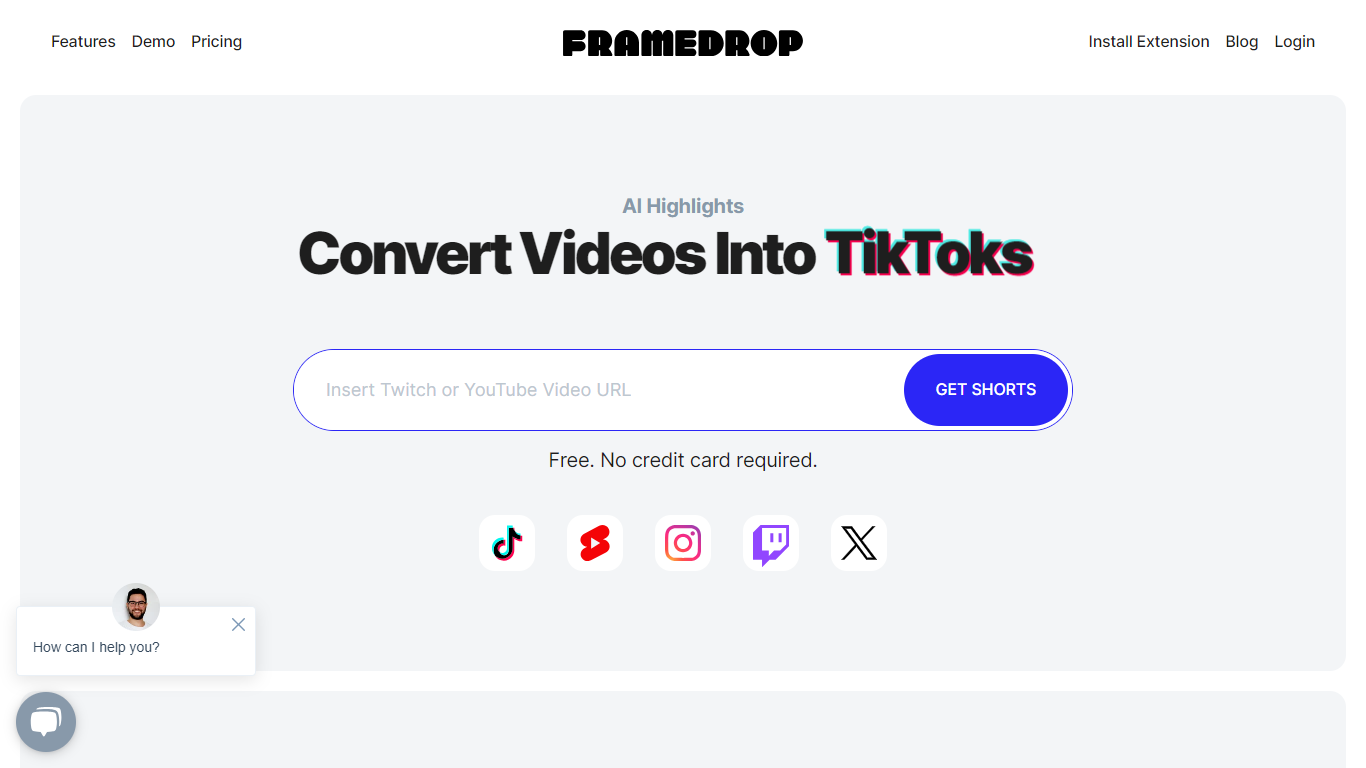

What is Framedrop?
Framedrop is an innovative platform designed to enhance content creators' reach by using AI-powered technology to generate highlights from long-form content on YouTube and Twitch. With Framedrop, turning your content into engaging short-form videos suitable for platforms like TikTok, YouTube Shorts, Instagram Reels, and more is quick and effortless.
This service is particularly useful for creators looking to expand their audience and increase engagement by repurposing their content into formats favored by different social media platforms. Whether you are a gamer, a vlogger, or an educator, Framedrop ensures that your best moments don't go unnoticed by creating snappy, shareable video clips.
Simplicity is at the core of Framedrop's functionality, offering a streamlined process that saves time and amplifies online presence.
Timebolt

What is Timebolt?
Timebolt is a desktop video editor built around waveform-first jump cuts for podcasts, interviews, and screen recordings. It strips silence, filler words, and bad takes with 0.01 second cut control, then exports timelines to Premiere Pro, Final Cut Pro, DaVinci Resolve, or Camtasia without re-cutting by hand.
Most text-based AI editors guess where pauses live and leave hundreds of missed cuts per hour. Timebolt measures the audio waveform first, which is why its benchmark claims zero mistakes left per hour while rivals like Descript and Gling still need manual cleanup. That trade-off favors editors who want frame-tight cuts over a chat-style transcript workflow.
Podcasters, YouTubers, and course creators use Timebolt to shrink raw talking-head footage before publishing. Post-production teams also route Riverside multicam sessions through Timebolt XML exports so senior editors finish polish work in their preferred NLE.
Framedrop Upvotes
Timebolt Upvotes
Framedrop Top Features
AI-Powered Technology: Enables the automatic creation of video highlights from long-form content.
Multiple Platform Sharing: Easily share your content on TikTok, YouTube Shorts, and Instagram Reels for increased reach.
User-Friendly Interface: Simplifies the process of converting videos to ensure efficiency and ease of use.
Time-Saving Tool: Quickly turns your longer streams and videos into short, engaging clips without manual editing.
Content Amplification: Aids in boosting online presence and engagement by repurposing existing content.
Timebolt Top Features
0.01 second cut control on waveform-based silence removal
Processes an hour of footage in about 13 seconds for jump cuts
Exports XML timelines to Premiere Pro, Final Cut Pro, and DaVinci Resolve
UMCHECK removes filler words automatically from recorded speech
Free 4K screen capture tool for Mac and Windows
Benchmark reports zero missed cuts per hour versus hundreds on rival AI editors
Framedrop Category
- Video Editing
Timebolt Category
- Video Editing
Framedrop Pricing Type
- Freemium
Timebolt Pricing Type
- Freemium