Free Headshot AI Generator vs Clipdrop
Compare Free Headshot AI Generator vs Clipdrop and see which AI Design tool is better when we compare features, reviews, pricing, alternatives, upvotes, etc.
Which one is better? Free Headshot AI Generator or Clipdrop?
When we compare Free Headshot AI Generator with Clipdrop, which are both AI-powered design tools, Both tools are equally favored, as indicated by the identical upvote count. Every vote counts! Cast yours and contribute to the decision of the winner.
Feeling rebellious? Cast your vote and shake things up!
Free Headshot AI Generator
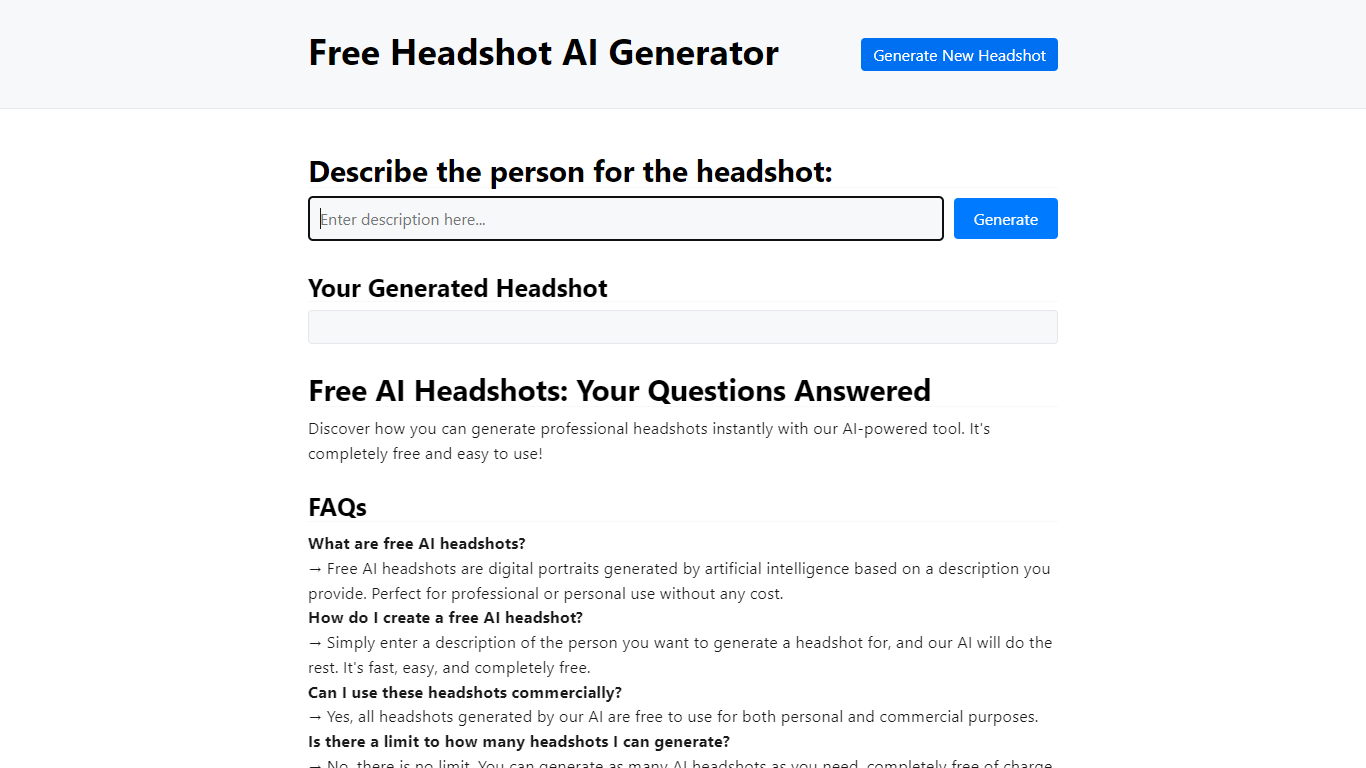

What is Free Headshot AI Generator?
Free Headshot AI Generator is a design-focused portrait studio that builds professional headshot photos from a text description on headshotaigenerator.com. You pick a style preset (Corporate, Business Casual, Creative, or Medical), choose an aspect ratio, set a creativity level, and download a high-resolution result in seconds.
Traditional headshot services charge $150 to $500 per session and need scheduling. This tool sells credit packs instead: $9.99 for 50 headshots, $29.99 for 220 credits, or $59.99 for 575 credits with no subscription and commercial use included. The site uses the Krea v2 model and advertises photorealistic output for LinkedIn, resumes, and team pages.
Job seekers, freelancers, and remote teams who need a polished profile photo without a studio visit are the target users. You control clothing, background, and lighting through the prompt, and can regenerate until the portrait matches your professional brand.
Clipdrop
What is Clipdrop?
Clipdrop lets you remove backgrounds, clean up objects, generate images from text, upscale photos, and relight scenes through nine browser-based tools. Free users get daily quotas on most tools, such as 20 background removals and 50 text removals per 24 hours. The platform also ships iOS and Android apps plus a developer API now marketed under Jasper.
Canva and Adobe target full creative suites, while Clipdrop keeps each task in a separate one-click page. That makes it faster for quick fixes like removing a product photo background or upscaling a logo 4x, but you jump between URLs instead of working in one canvas. Background removal handles images up to 5000x5000 pixels, and commercial use of generated images is permitted under Clipdrop terms.
E-commerce sellers, photographers, marketers, and app developers are the core users. Portrait and product photo modes on the remove-background page target those workflows specifically. InitML, the company behind Clipdrop, joined Y Combinator in 2021, was acquired by Stability AI in 2023, and later sold to Jasper in 2024.
Free Headshot AI Generator Upvotes
Clipdrop Upvotes
Free Headshot AI Generator Top Features
Starter pack is $9.99 for 50 headshot generations with commercial use rights
Popular pack is $29.99 for 220 credits across every style preset
Pro pack is $59.99 for 575 credits for team profile batches
Four quick styles: Corporate, Business Casual, Creative, and Medical
Three output formats: Square 1:1, Portrait 3:4, and Landscape 4:3
Creativity slider with Raw, Low, Balanced, and High settings
Uses Krea v2 model for photorealistic portrait generation
Clipdrop Top Features
Nine image tools including remove background, cleanup, and text-to-image
Free tier: 20 background removals and 20 cleanups per 24 hours
Background removal supports images up to 5000x5000 pixels
Image upscaler enlarges photos by 2x or 4x with noise reduction
Text-to-image with 15 style presets and 5 aspect ratios
Pro tier raises limits to 1000 high-resolution operations per 24 hours
Developer API for background removal, cleanup, and upscaling
Free Headshot AI Generator Category
- Design
Clipdrop Category
- Design
Free Headshot AI Generator Pricing Type
- Paid
Clipdrop Pricing Type
- Freemium