Free Headshot AI Generator vs Framer
Explore the showdown between Free Headshot AI Generator vs Framer and find out which AI Design tool wins. We analyze upvotes, features, reviews, pricing, alternatives, and more.
When comparing Free Headshot AI Generator and Framer, which one rises above the other?
When we contrast Free Headshot AI Generator with Framer, both of which are exceptional AI-operated design tools, and place them side by side, we can spot several crucial similarities and divergences. Both tools have received the same number of upvotes from aitools.fyi users. The power is in your hands! Cast your vote and have a say in deciding the winner.
Does the result make you go "hmm"? Cast your vote and turn that frown upside down!
Free Headshot AI Generator

What is Free Headshot AI Generator?
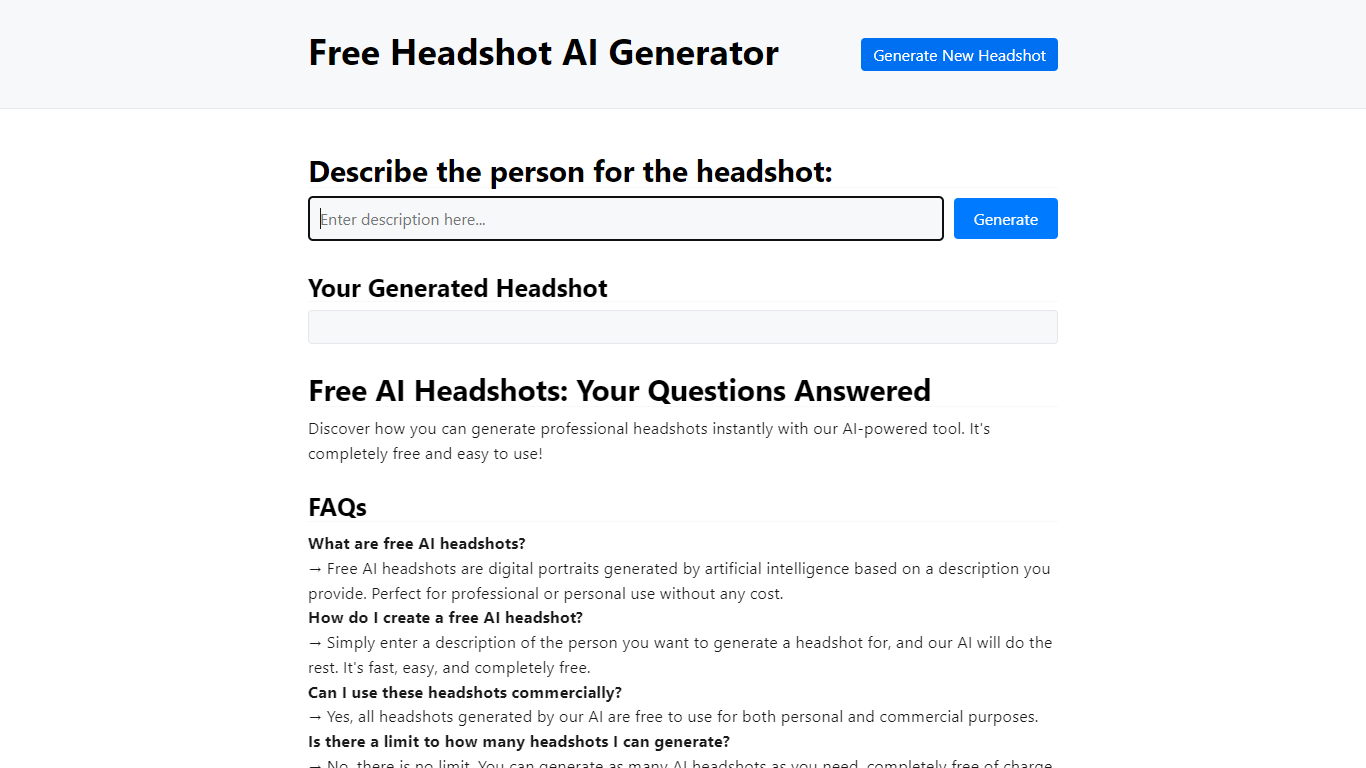
Free Headshot AI Generator is a design-focused portrait studio that builds professional headshot photos from a text description on headshotaigenerator.com. You pick a style preset (Corporate, Business Casual, Creative, or Medical), choose an aspect ratio, set a creativity level, and download a high-resolution result in seconds.
Traditional headshot services charge $150 to $500 per session and need scheduling. This tool sells credit packs instead: $9.99 for 50 headshots, $29.99 for 220 credits, or $59.99 for 575 credits with no subscription and commercial use included. The site uses the Krea v2 model and advertises photorealistic output for LinkedIn, resumes, and team pages.
Job seekers, freelancers, and remote teams who need a polished profile photo without a studio visit are the target users. You control clothing, background, and lighting through the prompt, and can regenerate until the portrait matches your professional brand.
Framer
What is Framer?
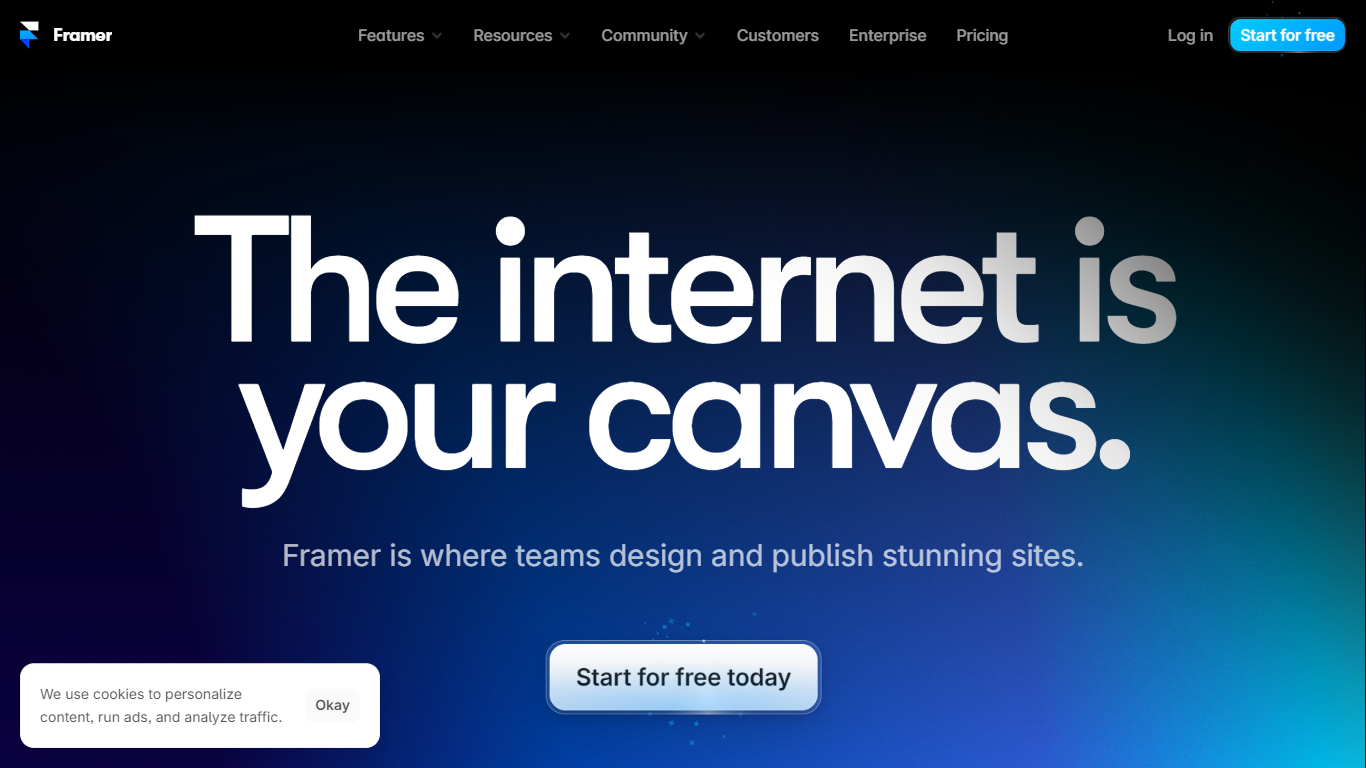
Framer lets design and marketing teams build, publish, and iterate on professional websites from one visual canvas with built-in CMS, hosting, and AI agents. You lay out pages, connect collections for blogs and landing pages, tune SEO metadata, and ship to a global CDN without handing off static files to a separate dev stack. Freelancers, agencies, and startup marketers use Framer when they want Figma-level control on a live site.
Page builders either trap you in rigid templates or push you into code exports. Framer keeps design on the canvas while agents generate layout variations, populate CMS entries, and even write custom code effects you can edit in place. External agents can also connect from Slack, GitHub, or Claude Code to update copy and CMS rows without opening the browser editor.
Growth teams run localization across locales, A/B tests on homepages, and staging branches before publish. Pricing scales from a free tier with 500 AI credits to Pro at $30 per month with 10 CMS collections, 100 GB bandwidth, redirects, and staging. Enterprise adds SSO, SCIM, and custom limits for mission-critical sites.
Free Headshot AI Generator Upvotes
Framer Upvotes
Free Headshot AI Generator Top Features
Starter pack is $9.99 for 50 headshot generations with commercial use rights
Popular pack is $29.99 for 220 credits across every style preset
Pro pack is $59.99 for 575 credits for team profile batches
Four quick styles: Corporate, Business Casual, Creative, and Medical
Three output formats: Square 1:1, Portrait 3:4, and Landscape 4:3
Creativity slider with Raw, Low, Balanced, and High settings
Uses Krea v2 model for photorealistic portrait generation
Framer Top Features
Free plan includes 500 AI credits and a Framer subdomain
Basic at $10 per month adds a custom domain and 50 GB bandwidth
Pro at $30 per month includes 10 CMS collections and staging environments
Canvas agents generate layouts, CMS content, and custom code on site
External agents connect from Claude Code, Cursor, Codex, and ChatGPT
Localization add-on supports up to 20 locales at $20 per locale
Convert add-on runs A/B tests billed per 500,000 analytics events
Free Headshot AI Generator Category
- Design
Framer Category
- Design
Free Headshot AI Generator Pricing Type
- Paid
Framer Pricing Type
- Freemium