Free Headshot AI Generator vs Khroma
When comparing Free Headshot AI Generator vs Khroma, which AI Design tool shines brighter? We look at pricing, alternatives, upvotes, features, reviews, and more.
Between Free Headshot AI Generator and Khroma, which one is superior?
When we put Free Headshot AI Generator and Khroma side by side, both being AI-powered design tools, With more upvotes, Khroma is the preferred choice. Khroma has received 7 upvotes from aitools.fyi users, while Free Headshot AI Generator has received 6 upvotes.
Think we got it wrong? Cast your vote and show us who's boss!
Free Headshot AI Generator
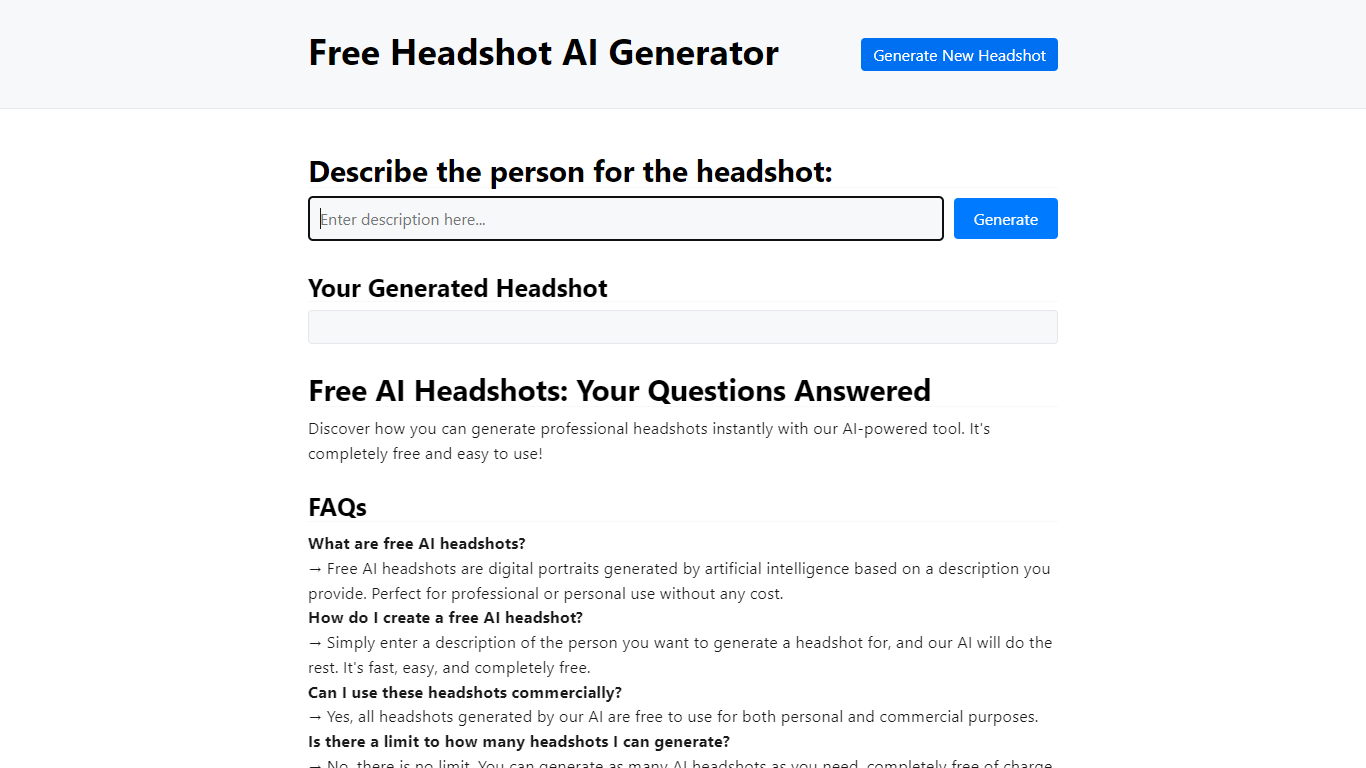

What is Free Headshot AI Generator?
Free Headshot AI Generator is a design-focused portrait studio that builds professional headshot photos from a text description on headshotaigenerator.com. You pick a style preset (Corporate, Business Casual, Creative, or Medical), choose an aspect ratio, set a creativity level, and download a high-resolution result in seconds.
Traditional headshot services charge $150 to $500 per session and need scheduling. This tool sells credit packs instead: $9.99 for 50 headshots, $29.99 for 220 credits, or $59.99 for 575 credits with no subscription and commercial use included. The site uses the Krea v2 model and advertises photorealistic output for LinkedIn, resumes, and team pages.
Job seekers, freelancers, and remote teams who need a polished profile photo without a studio visit are the target users. You control clothing, background, and lighting through the prompt, and can regenerate until the portrait matches your professional brand.
Khroma
What is Khroma?
Train Khroma on the colors you like, and it becomes a design palette generator tuned to your taste. A browser-based neural network learns your picks, produces limitless combos, and lets you search and save favorites with hex, RGB, CSS, and WCAG data attached.
Most palette generators spin random harmonies or ask you to build schemes by hand. Khroma learns from your color picks and blocks hues you reject, so results skew toward your aesthetic instead of generic color theory. Preview modes cover typography, gradients, four-color palettes, and custom image overlays.
UI designers, brand designers, and front-end developers use it when they want palettes that feel personal without manual swatch hunting. The one-time training asks for 50 colors, and favorites save to local browser storage on your device.
Free Headshot AI Generator Upvotes
Khroma Upvotes
Free Headshot AI Generator Top Features
Starter pack is $9.99 for 50 headshot generations with commercial use rights
Popular pack is $29.99 for 220 credits across every style preset
Pro pack is $59.99 for 575 credits for team profile batches
Four quick styles: Corporate, Business Casual, Creative, and Medical
Three output formats: Square 1:1, Portrait 3:4, and Landscape 4:3
Creativity slider with Raw, Low, Balanced, and High settings
Uses Krea v2 model for photorealistic portrait generation
Khroma Top Features
One-time training asks you to pick 50 colors so the neural network learns your taste in the browser
Search the generator by hue, tint, value, hex codes, and RGB values
Preview every combo as typography, gradient, four-color palette, or custom image overlay
Each saved pair includes color names, hex codes, RGB values, CSS snippets, and WCAG ratings
Build an unlimited favorites library stored in your browser via local storage
Algorithm trained on thousands of human-made palettes from across the internet
Free Headshot AI Generator Category
- Design
Khroma Category
- Design
Free Headshot AI Generator Pricing Type
- Paid
Khroma Pricing Type
- Free