Genius PDF vs PDF.ai
In the face-off between Genius PDF vs PDF.ai, which AI PDF tool takes the crown? We scrutinize features, alternatives, upvotes, reviews, pricing, and more.
In a face-off between Genius PDF and PDF.ai, which one takes the crown?
If we were to analyze Genius PDF and PDF.ai, both of which are AI-powered pdf tools, what would we find? Neither tool takes the lead, as they both have the same upvote count. Join the aitools.fyi users in deciding the winner by casting your vote.
Think we got it wrong? Cast your vote and show us who's boss!
Genius PDF
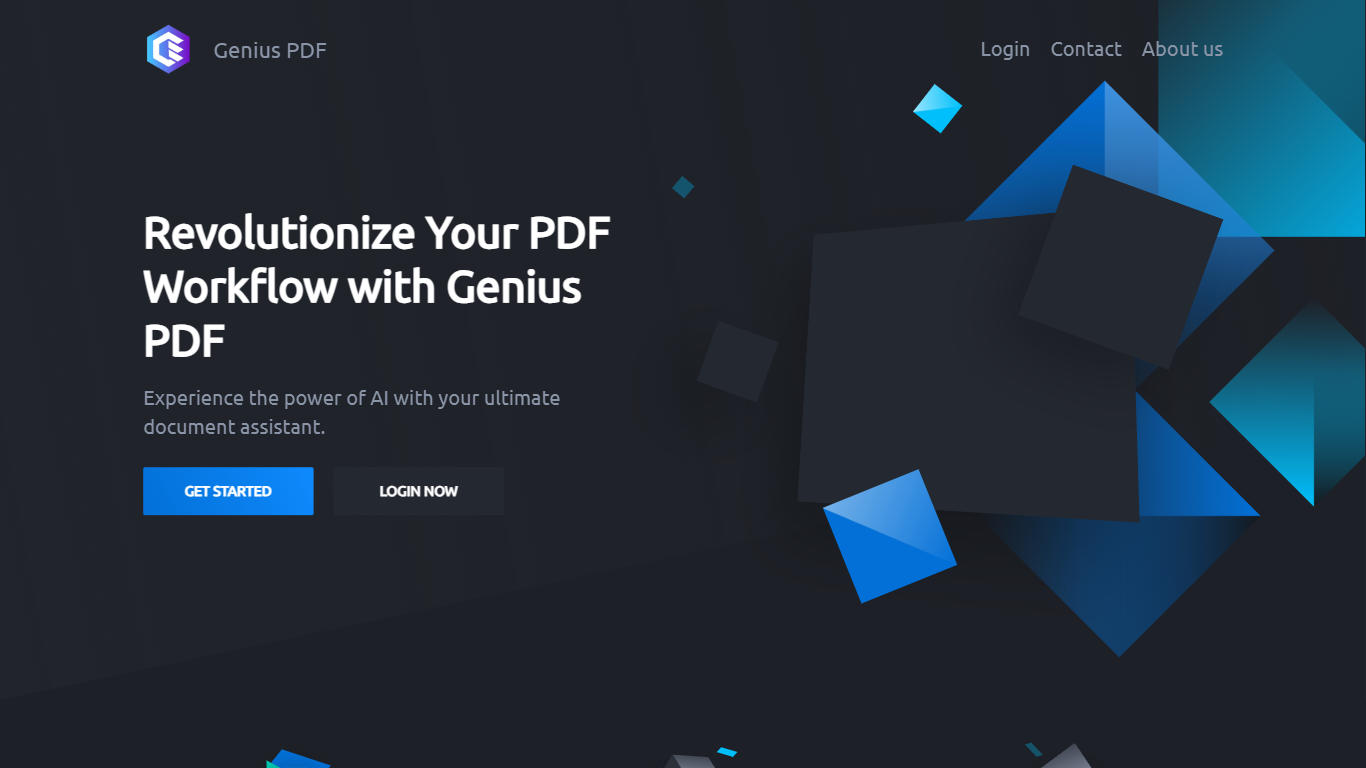

What is Genius PDF?
Upload a PDF to Genius PDF, ask questions about its text, and get answers pulled straight from the document in your browser. The site pitches the tool to students reviewing coursework, professionals scanning business documents, and readers exploring literature or historical archives.
Most PDF apps focus on editing or converting files. Genius PDF stays narrow: it reads what you upload and answers in plain language. The free tier caps you at 50 questions, 50 pages, and 3 PDFs per month, which is enough to test the workflow before paying $5 or $15 monthly for higher limits.
Students can query textbooks, handouts, presentations, and research papers without flipping page by page. Professionals use it on financial reports, sales data, proposals, training manuals, and legal contracts stored in secure cloud storage you can delete anytime. The tool understands multiple languages and answers in the language you prefer.
PDF.ai
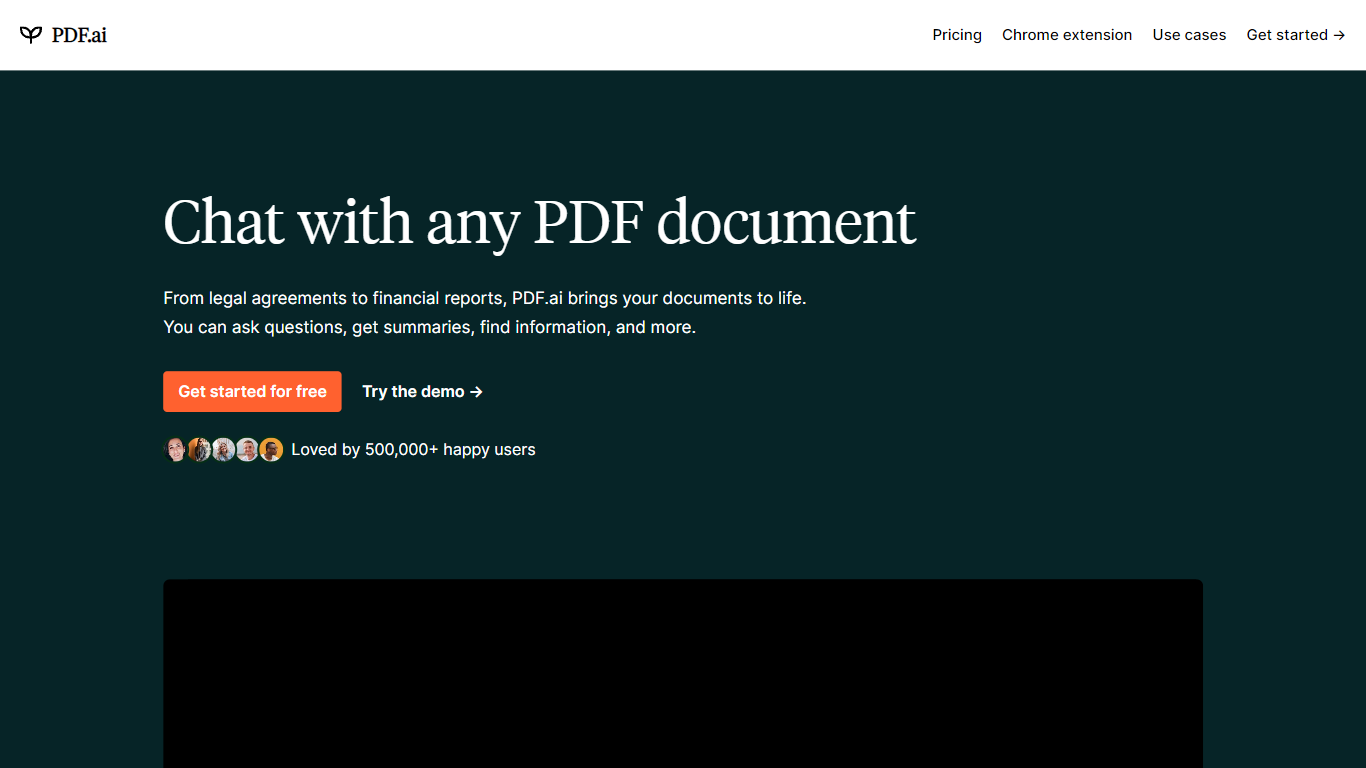
What is PDF.ai?
PDF.ai is a PDF chat and document processing platform with both a web app for asking questions about uploaded files and a developer API for parsing, extracting, and splitting documents. Upload a PDF, chat with its contents, or send files to REST endpoints that return structured JSON with headings, tables, and figures.
Generic PDF readers show pages; PDF.ai targets two different jobs. The chat side handles Q&A over contracts and research papers, while the API side turns scanned or complex layouts into machine-readable data for automation pipelines. Parse responses land in under 5 seconds for most documents, and files are deleted after processing.
PDF.ai fits students reviewing coursework, analysts pulling fields from invoices, and developers building document workflows without training their own OCR models. The free Hobby plan allows 1 upload and 100 questions per month, while API users get 200 free credits monthly with no card required.
Genius PDF Upvotes
PDF.ai Upvotes
Genius PDF Top Features
Free tier includes 50 questions per month across up to 50 pages and 3 PDF uploads
$5 per month plan raises limits to 650 questions, 150 pages, and 10 PDFs
$15 per month plan allows 2,500 questions, 1,000 pages, 25 PDFs, and up to 10 users
Answers questions in your preferred language even when the source PDF uses another language
Stores uploads in encrypted cloud storage with optional deletion at any time
Students can query textbooks, handouts, and academic articles without manual page flipping
PDF.ai Top Features
Parse API returns structured JSON with headings, paragraphs, tables, and figures from any PDF
Extract API pulls custom fields like names, dates, and amounts using prompt-based extraction
Hobby chat plan is free with 1 PDF upload and 100 questions per month
API free tier includes 200 credits per month with no credit card required
Split API separates PDFs into custom sections identified automatically
Pro API plan at $99 per month includes 10,000 credits at $0.010 per credit
Genius PDF Category
- PDF
PDF.ai Category
- PDF
Genius PDF Pricing Type
- Freemium
PDF.ai Pricing Type
- Freemium