Genius PDF vs PDFGPT.IO
Compare Genius PDF vs PDFGPT.IO and see which AI PDF tool is better when we compare features, reviews, pricing, alternatives, upvotes, etc.
Which one is better? Genius PDF or PDFGPT.IO?
When we compare Genius PDF with PDFGPT.IO, which are both AI-powered pdf tools, The upvote count is neck and neck for both Genius PDF and PDFGPT.IO. Every vote counts! Cast yours and contribute to the decision of the winner.
Disagree with the result? Upvote your favorite tool and help it win!
Genius PDF
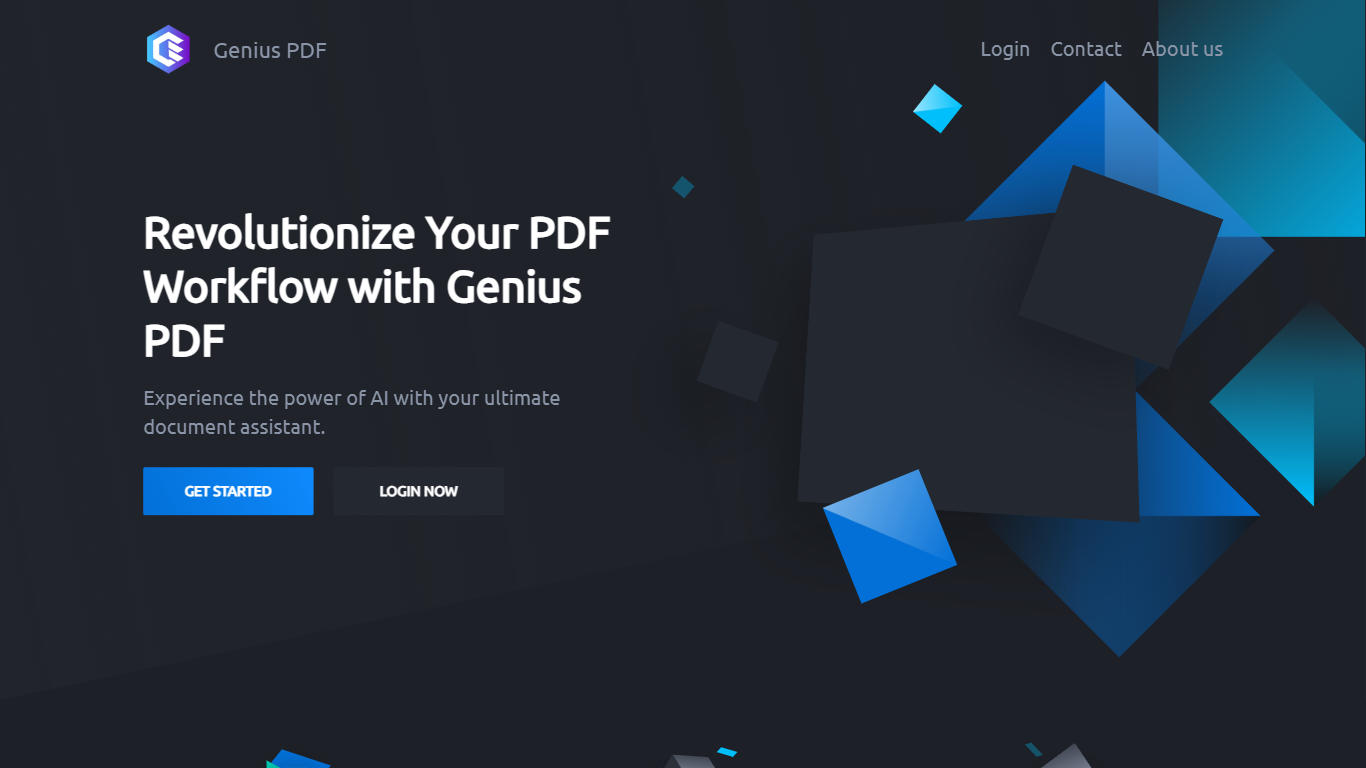

What is Genius PDF?
Upload a PDF to Genius PDF, ask questions about its text, and get answers pulled straight from the document in your browser. The site pitches the tool to students reviewing coursework, professionals scanning business documents, and readers exploring literature or historical archives.
Most PDF apps focus on editing or converting files. Genius PDF stays narrow: it reads what you upload and answers in plain language. The free tier caps you at 50 questions, 50 pages, and 3 PDFs per month, which is enough to test the workflow before paying $5 or $15 monthly for higher limits.
Students can query textbooks, handouts, presentations, and research papers without flipping page by page. Professionals use it on financial reports, sales data, proposals, training manuals, and legal contracts stored in secure cloud storage you can delete anytime. The tool understands multiple languages and answers in the language you prefer.
PDFGPT.IO
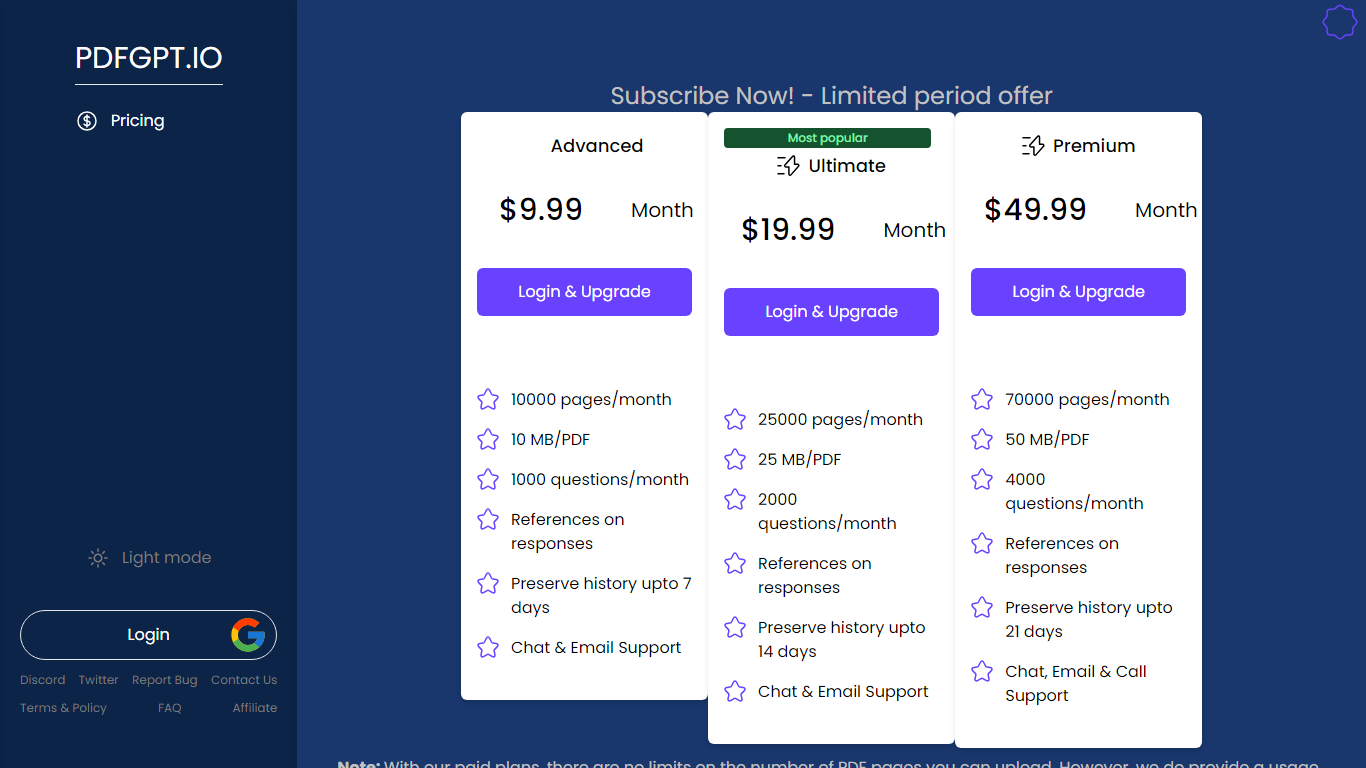
What is PDFGPT.IO?
PDFGPT.IO is a PDF chat workspace where you upload documents and ask questions with page-cited answers. The homepage advertises free access without signup, a library for saved files, and Skills for specialized document tasks. It targets researchers, students, and professionals who need to pull facts from long reports without reading every page.
Compared with generic chatbots, PDFGPT.IO grounds replies in uploaded PDFs and returns references to specific pages. That makes it stronger for contract review or literature scans than open-ended brainstorming, but weaker when you need analysis outside the files you uploaded. Multi-document chat and image or table interpretation sit behind paid tiers on third-party plan breakdowns.
Marketers, academics, lawyers, and analysts use it to summarize contracts, research papers, and manuals. The site claims 160,000 plus users and supports models like GPT-4o and Claude on higher plans. Google sign-in is available alongside email accounts.
Genius PDF Upvotes
PDFGPT.IO Upvotes
Genius PDF Top Features
Free tier includes 50 questions per month across up to 50 pages and 3 PDF uploads
$5 per month plan raises limits to 650 questions, 150 pages, and 10 PDFs
$15 per month plan allows 2,500 questions, 1,000 pages, 25 PDFs, and up to 10 users
Answers questions in your preferred language even when the source PDF uses another language
Stores uploads in encrypted cloud storage with optional deletion at any time
Students can query textbooks, handouts, and academic articles without manual page flipping
PDFGPT.IO Top Features
Homepage offers free PDF chat with no signup required
Answers include page citations tied to uploaded documents
Free tier supports up to 200 pages per document per plan docs
Paid Basic plan lists 30,000 pages per month at about $5.62
Advanced tier scales to 100,000 pages per month with 50MB uploads
Skills section hosts specialized agents for research and redlining tasks
Genius PDF Category
- PDF
PDFGPT.IO Category
- PDF
Genius PDF Pricing Type
- Freemium
PDFGPT.IO Pricing Type
- Freemium