Geniverse vs Blend AI Studio
Explore the showdown between Geniverse vs Blend AI Studio and find out which AI Design tool wins. We analyze upvotes, features, reviews, pricing, alternatives, and more.
In a face-off between Geniverse and Blend AI Studio, which one takes the crown?
When we contrast Geniverse with Blend AI Studio, both of which are exceptional AI-operated design tools, and place them side by side, we can spot several crucial similarities and divergences. The upvote count is neck and neck for both Geniverse and Blend AI Studio. Every vote counts! Cast yours and contribute to the decision of the winner.
Think we got it wrong? Cast your vote and show us who's boss!
Geniverse
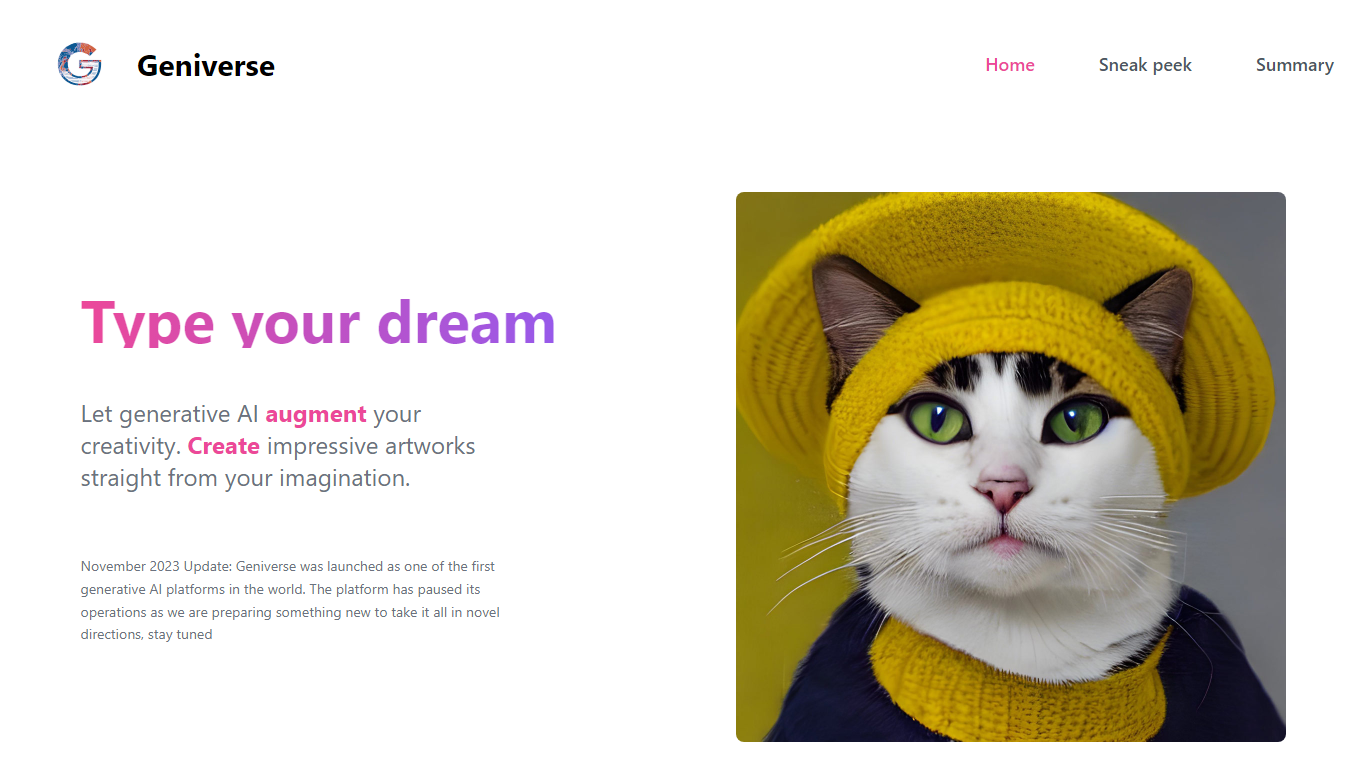

What is Geniverse?
Geniverse lets you create artwork from text prompts through its Human-latent Interface (HLI), an interactive workspace for tuning generative models without writing code. The site still hosts product demos, team bios, and a public roadmap, though a November 2023 notice states the platform paused active operations while the team prepares a new direction.
Where most prompt tools hide model controls behind presets, Geniverse centers on tunable generative models you adjust through the HLI rather than a code editor. It also ties into an open-source hub on GitHub where community models and utilities plug into the same interface and API, which is a different bet than closed, all-in-one image apps.
It fits digital artists who want hands-on control over generative models, plus developers who prefer uploading models to a shared hub instead of wiring pipelines from scratch. The Discord channel remains linked for community discussion while the product is on pause.
Blend AI Studio
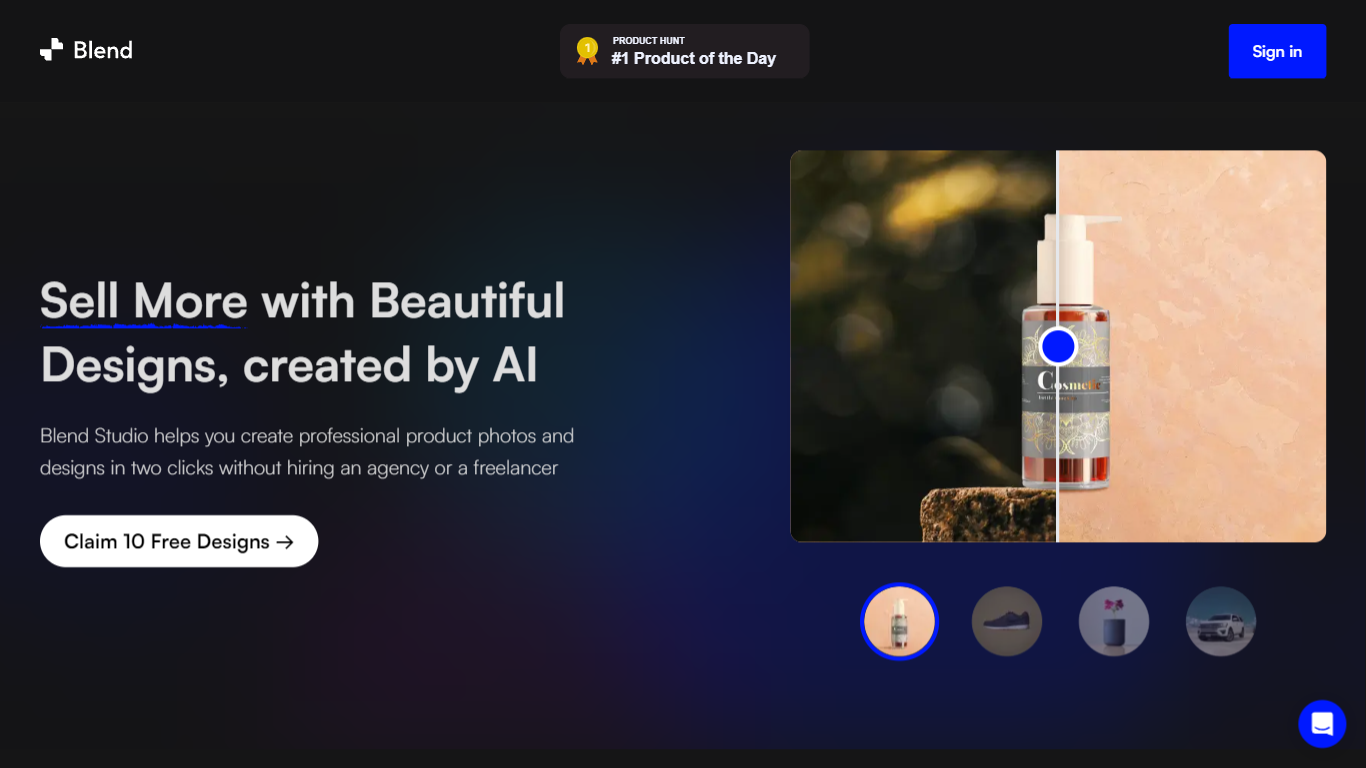
What is Blend AI Studio?
Blend AI Studio turns flat product uploads into studio shots, on-model try-on images, lifestyle scenes, and short product videos for ecommerce listings without booking a photographer. Upload a product image, pick a workflow like studio shots, ghost mannequin, or virtual try-on, and export listing-ready visuals through the web app or mobile apps.
Where general editors like Canva or Photoroom spread across social graphics and one-off cutouts, Blend keeps the workflow tied to seller tasks: marketplace white backgrounds, ghost mannequin apparel shots, batch catalog processing, and credit-priced limits per feature type on paid plans. That trade-off favors merchants shipping hundreds of SKUs over designers building broad brand decks.
Fashion, beauty, home goods, and high-volume catalog teams use it for Amazon, Etsy, Shopify, and DTC storefronts. BlendIt Studios reports 10M+ images created, 3.5M sellers on the platform, and a 4.8-star App Store rating on the homepage.
Geniverse Upvotes
Blend AI Studio Upvotes
Geniverse Top Features
Human-latent Interface (HLI) for tuning generative AI models through an interactive UI instead of code
Text-to-art prompt workflow with demo examples like generate_from_prompt on the homepage
Open-source hub on GitHub (thegeniverse/geniverse_hub) for uploading models used in the HLI and API
Open-source library with a simple API for plugging generative AI into programming pipelines
Discord community channel linked from the homepage for sharing work and feedback
Team includes researchers with ICCV and NeurIPS publication credits listed on the site
Blend AI Studio Top Features
PRO includes 1,000 monthly credits with 100 AI model shots, 100 lifestyle shots, and 100 studio shots
Batch-edit up to 20 product photos for background removal in one pass on the mobile app
Generate AI product videos up to 10 seconds on PRO or 30 seconds on MAX
Create ghost mannequin, recolor, dimension overlays, and AI backgrounds from a single upload
MAX triples PRO credits and adds custom AI influencer model creation plus cheaper add-on credits
Access 1,000+ templates and DesignGPT outputs priced from 100 to 2,000 credits per run
Geniverse Category
- Design
Blend AI Studio Category
- Design
Geniverse Pricing Type
- Freemium
Blend AI Studio Pricing Type
- Freemium