Ghibli Generator vs Canva-Text to Image
In the clash of Ghibli Generator vs Canva-Text to Image, which AI Image Generation tool emerges victorious? We assess reviews, pricing, alternatives, features, upvotes, and more.
When we put Ghibli Generator and Canva-Text to Image head to head, which one emerges as the victor?
Let's take a closer look at Ghibli Generator and Canva-Text to Image, both of which are AI-driven image generation tools, and see what sets them apart. In the race for upvotes, Canva-Text to Image takes the trophy. Canva-Text to Image has 108 upvotes, and Ghibli Generator has 6 upvotes.
Feeling rebellious? Cast your vote and shake things up!
Ghibli Generator
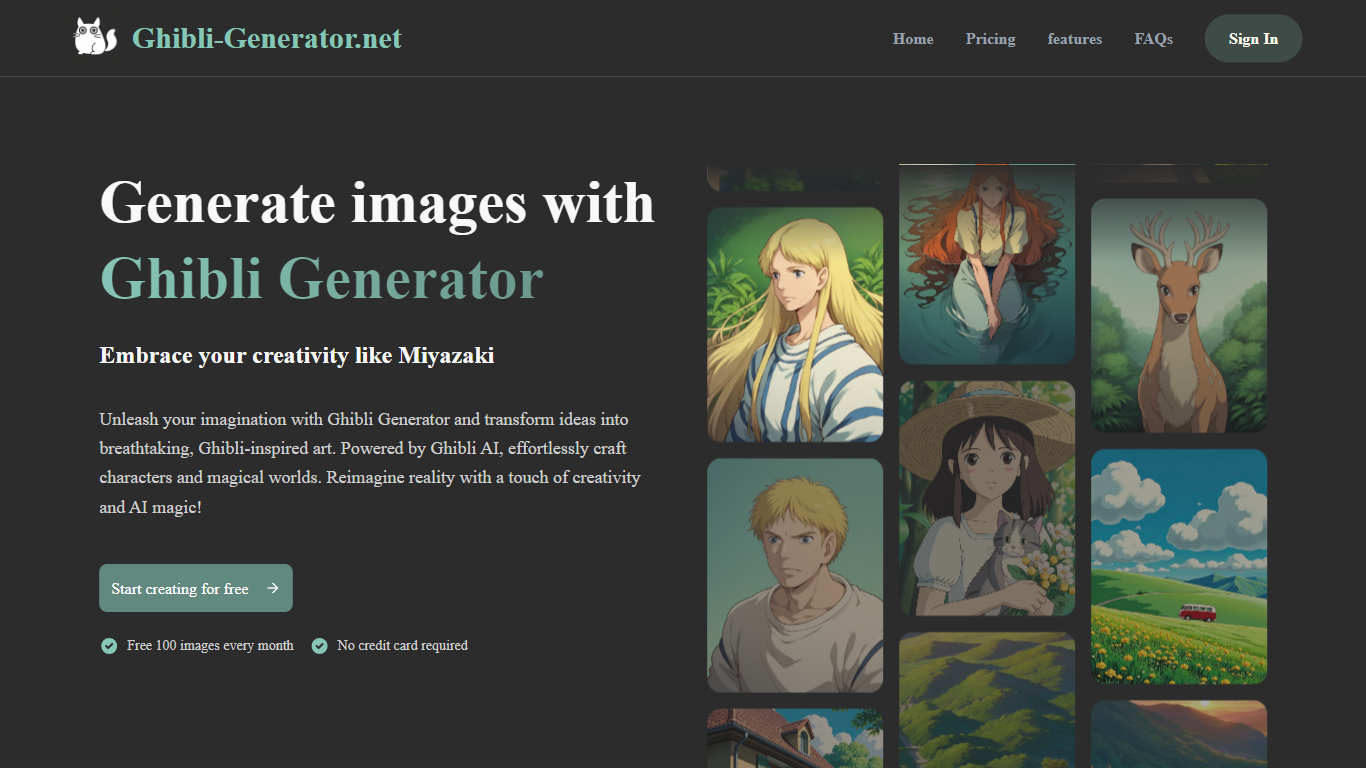

What is Ghibli Generator?
Ghibli Generator is an AI-powered image creation tool that transforms text prompts into enchanting art inspired by Studio Ghibli's signature style. It enables users to generate characters, landscapes, and scenes that capture the warmth and whimsy of Ghibli films. The tool is designed for both casual users and creative professionals who want to quickly visualize ideas without needing advanced drawing skills.
Beyond creating new images, Ghibli Generator offers features to edit existing photos by applying Ghibli-style elements and a style transfer option that converts regular photos into Ghibli-like artwork. This expands its use from pure generation to creative enhancement of personal images.
The tool appeals to a broad audience including concept artists, illustrators, fans of animation, and hobbyists interested in nostalgic art. Its simple interface makes it accessible to anyone curious about creating art in this beloved style.
Ghibli Generator stands out by focusing exclusively on the Ghibli aesthetic, using AI trained specifically to replicate the studio's watercolor textures, lighting, and composition. This specialization ensures that outputs have a distinct look that generic AI art tools often lack.
Technically, it leverages a custom-trained Ghibli AI model that interprets text prompts and images to produce high-quality visuals with emotional depth. The model captures subtle artistic details that define the Ghibli style, making the generated art feel authentic and expressive.
The platform remains free to use, encouraging wide adoption and experimentation. Its combination of original image generation, photo editing, and style transfer makes it a versatile tool for anyone looking to explore or create Ghibli-inspired art.
Overall, Ghibli Generator offers a unique creative experience that brings the magic of Studio Ghibli's art to users through AI, making it easy to produce charming and imaginative visuals with minimal effort.
Canva-Text to Image
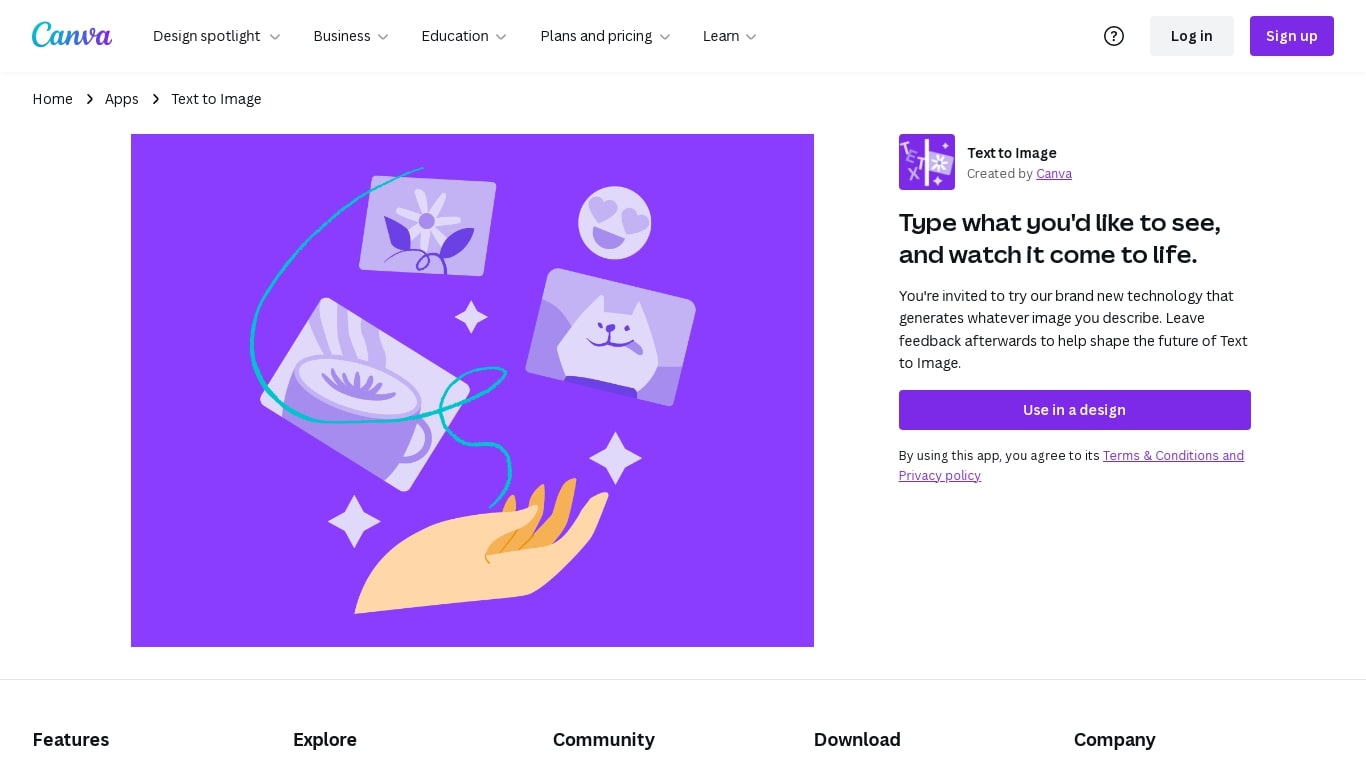
What is Canva-Text to Image?
Canva Text to Image turns a written prompt into a finished visual without leaving the Canva editor. You describe what you want, pick from 10+ preset art styles like Photo, Vibrant, Sketch, or Retrowave, and set an aspect ratio. The tool generates several variations in seconds, and you can drop any result straight into a presentation, social post, or poster layout.
Where standalone generators like Midjourney or DALL-E hand you a file to download and edit elsewhere, Canva keeps everything in one workflow. Background removal, Magic Edit prompt-based retouching, text overlays, and export to PNG, JPG, PDF, or PPTX all sit in the same canvas. That trade-off means less raw control over model parameters, but a much faster path from prompt to publishable design.
Content creators use it for social graphics and thumbnails, entrepreneurs for quick branding assets, and hobbyists for concept sketches. You can also upload a reference photo and generate new images that keep the original layout or subject. Pro and Business plans unlock higher AI generation allowances, Magic Expand for extending image borders, and a content planner for scheduling posts.
Free accounts include up to 200 Standard AI uses or 20 Premium AI uses per year. Canva runs automated prompt checks to block inappropriate content, and commercial use is permitted under Canva's AI Product Terms, though you are responsible for trademark and public figure rights.
Ghibli Generator Upvotes
Canva-Text to Image Upvotes
Ghibli Generator Top Features
🎨 Generate original Ghibli-style images from text prompts for quick creativity
🖼️ Edit existing photos by adding Ghibli-inspired elements to enhance visuals
🔄 Apply style transfer to convert regular photos into Ghibli-like artwork
🌟 Capture authentic watercolor textures and lighting unique to Ghibli films
👩🎨 User-friendly interface suitable for both beginners and professionals
Canva-Text to Image Top Features
Choose from 10+ preset art styles including Photo, Vibrant, 3D Render, Cinematic, and Retrowave
Free plan includes up to 200 Standard AI uses or 20 Premium AI uses per year
Generate from a text prompt or upload a reference photo to preserve layout and subject
Export finished designs as PNG, JPG, PDF, or PPTX without leaving Canva
Pro plan at $180 per year includes 10x the AI generation allowance of the Free tier
Magic Edit and Magic Eraser let you refine generated images with short written prompts
Ghibli Generator Category
- Image Generation
Canva-Text to Image Category
- Image Generation
Ghibli Generator Pricing Type
- Free
Canva-Text to Image Pricing Type
- Freemium