GitQuest vs GitBook
Explore the showdown between GitQuest vs GitBook and find out which AI Developer tool wins. We analyze upvotes, features, reviews, pricing, alternatives, and more.
In a face-off between GitQuest and GitBook , which one takes the crown?
When we contrast GitQuest with GitBook , both of which are exceptional AI-operated developer tools, and place them side by side, we can spot several crucial similarities and divergences. There's no clear winner in terms of upvotes, as both tools have received the same number. Since other aitools.fyi users could decide the winner, the ball is in your court now to cast your vote and help us determine the winner.
Disagree with the result? Upvote your favorite tool and help it win!
GitQuest

What is GitQuest?
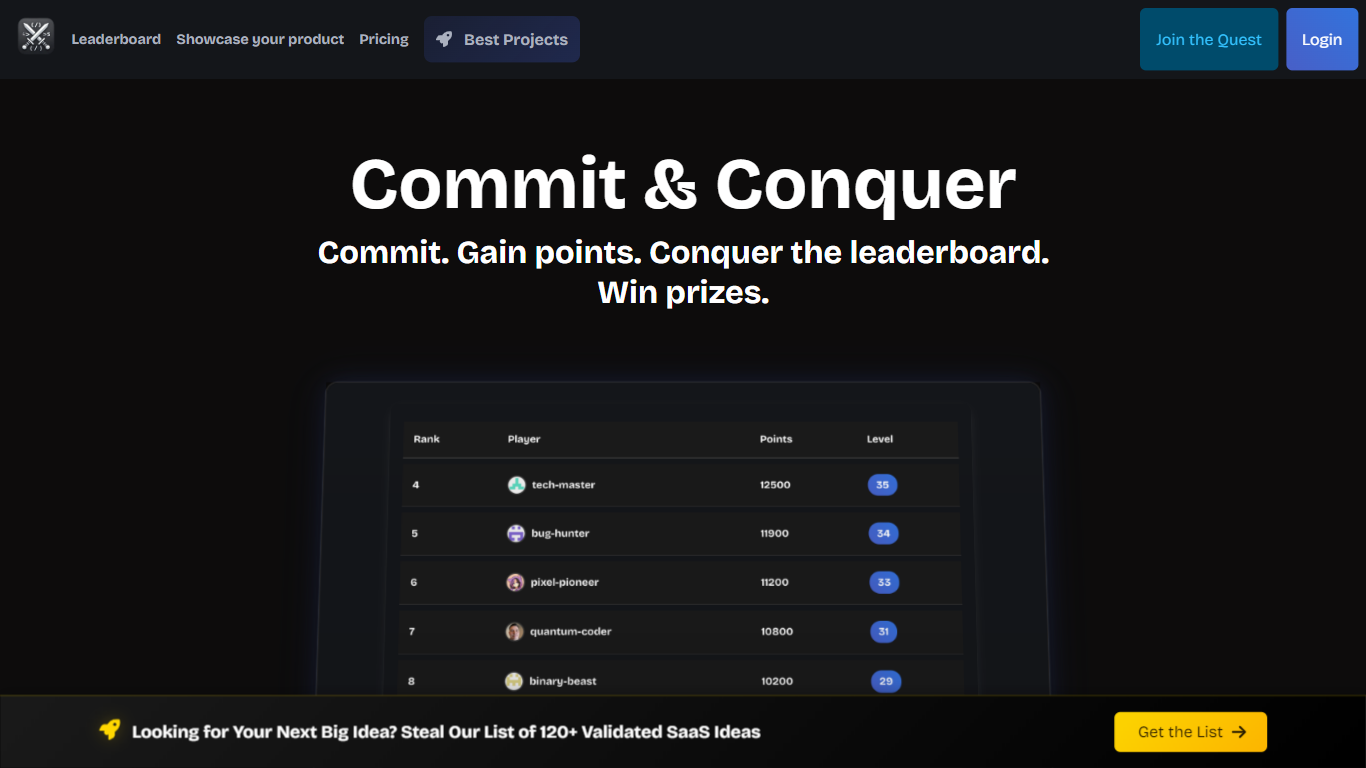
GitQuest is a platform that turns software development into a game by tracking git events and awarding points for coding activities. It motivates developers to improve their skills through friendly competition and real-time scoring based on their contributions. The platform supports individual developers and teams who want to boost productivity and collaboration by making coding more engaging. GitQuest offers challenges where users can compete, earn rewards, and gain recognition within the developer community. Its unique approach combines gamification with version control systems to create a lively environment that encourages continuous learning and active participation. The platform integrates with popular git repositories to monitor commits, pull requests, and other git events, providing a clear leaderboard and progress tracking. This makes GitQuest a useful tool for developers who enjoy competitive coding and want to foster a stronger team culture.
GitBook
What is GitBook ?
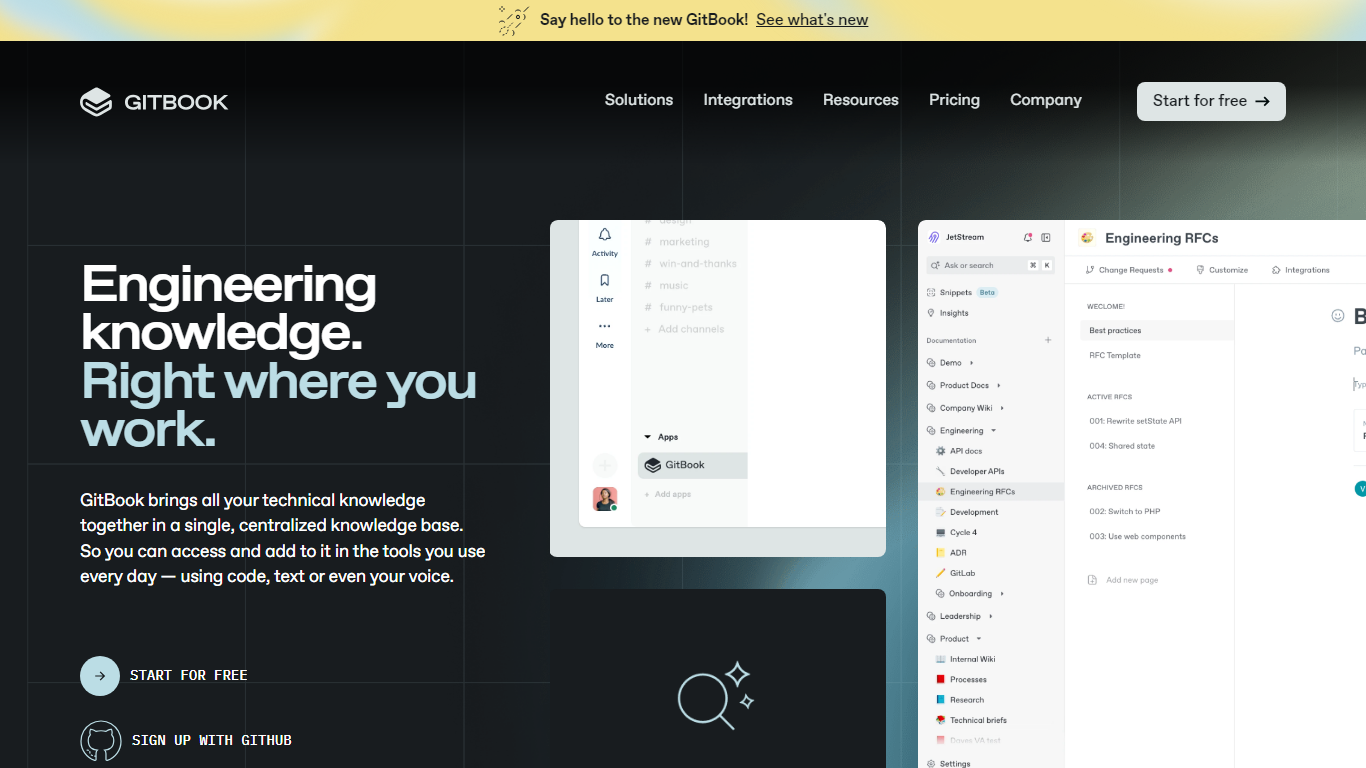
GitBook hosts product and API documentation with a block editor, GitHub and GitLab sync, and interactive API playgrounds. Teams publish branded docs sites, preview deployments, and add LLM optimizations so AI tools can cite accurate answers from your content.
Most doc tools stop at publishing pages. GitBook layers an AI Assistant sidebar on Ultimate plans, AI insights that flag knowledge gaps, and a GitBook Agent that writes and updates docs from Slack, Linear, and GitHub. Its MCP server at mcp.gitbook.com also lets coding agents publish docs directly from your IDE.
Engineering and product teams use it for public docs, developer portals, and help centers. The free plan covers individuals with Git sync and API playgrounds, while Premium starts at $65 per site per month plus $12 per user on annual billing.
GitQuest Upvotes
GitBook Upvotes
GitQuest Top Features
🎯 Real-time scoring based on git activity to track progress instantly
🏆 Competitive challenges that motivate developers to improve skills
📊 Leaderboards that foster friendly competition among teams and individuals
🎁 Rewards system to recognize top contributors and encourage participation
🔗 Integration with popular git platforms for seamless event tracking
GitBook Top Features
Free plan includes GitHub and GitLab sync with interactive API playgrounds
Premium starts at $65 per site per month plus $12 per user on annual billing
Ultimate adds an AI Assistant sidebar and GitBook Agent for $249 per site per month
GitBook MCP server lets coding agents publish docs from Cursor, Claude, and Codex
Block editor supports custom blocks, preview deployments, and LLM optimizations
Ultimate plan includes adaptive content and authenticated access controls
Enterprise adds SAML SSO, white-glove migration, and dedicated support
GitQuest Category
- Developer
GitBook Category
- Developer
GitQuest Pricing Type
- Freemium
GitBook Pricing Type
- Freemium