Gitya vs Gorilla Terminal
In the clash of Gitya vs Gorilla Terminal, which AI Code Assistant tool emerges victorious? We assess reviews, pricing, alternatives, features, upvotes, and more.
When we put Gitya and Gorilla Terminal head to head, which one emerges as the victor?
Let's take a closer look at Gitya and Gorilla Terminal, both of which are AI-driven code assistant tools, and see what sets them apart. The upvote count favors Gitya, making it the clear winner. Gitya has 7 upvotes, and Gorilla Terminal has 6 upvotes.
Feeling rebellious? Cast your vote and shake things up!
Gitya

What is Gitya?
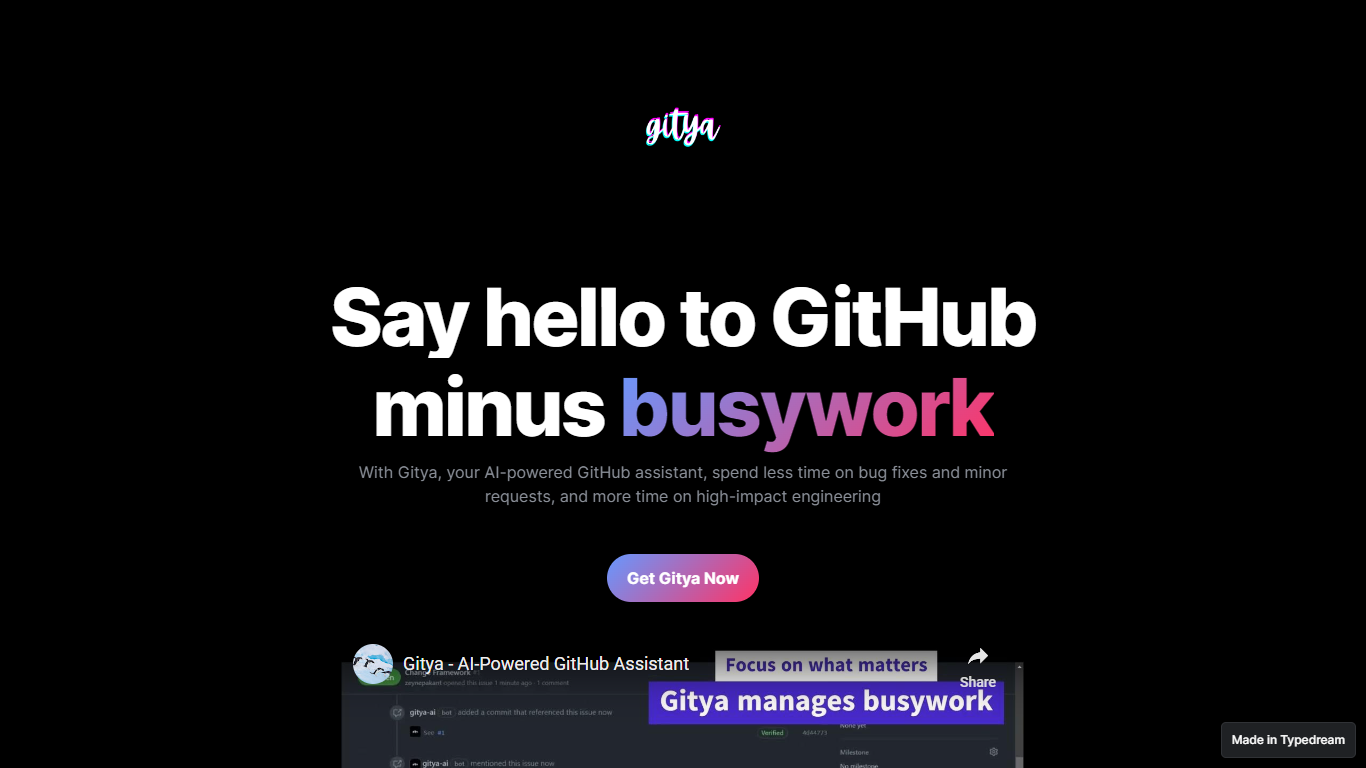
Gitya is a code assistant built as a GitHub App for repository workflow automation. It focuses on minor bug fixes, small requests, and pull request handling inside GitHub. The product positions itself as a way to spend less time on busywork and more on high-impact engineering. KocDigital develops Gitya as a standalone assistant for GitHub-native teams.
Most code assistants plug into your IDE and suggest completions line by line. Gitya instead runs as a GitHub App and automates work at the issue and pull request layer. Ticket automation starts when you label an issue with gitya, which tells the assistant to pick up minor tasks tied to that ticket. That label-driven trigger is a narrower, repo-centric approach than general copilots that do not manage GitHub issues directly.
Software engineers and development teams who manage bugs and reviews inside GitHub are the core audience. The landing page highlights automated pull request reviews and responses alongside issue automation for smaller fixes. New users request access through an email signup linked from the homepage rather than an on-site checkout flow.
Gorilla Terminal

What is Gorilla Terminal?
Gorilla Terminal pulls stock data, SEC filings, macro indicators, and earnings call transcripts into one terminal-style dashboard in your browser. Search by ticker and you get charts, quarterly reports, insider trades, Twitter sentiment, and live futures without hopping between Bloomberg tabs and scattered finance sites.
Most research terminals either dump raw data tables or lean on generic summaries. Gorilla Terminal focuses on earnings calls: it runs sentiment analysis on what executives actually said, flags positive and negative statements, and lets you filter by quarter. That transcript-first angle is the trade-off. You get deeper call breakdowns than a charting site, but the product is built for equity research rather than crypto or forex.
Portfolio managers, solo investors, and finance students use this investment research tool to prep for earnings season, scan sector averages, and stress-test holdings with value-at-risk and regression tools. The macro panel covers CPI, unemployment, retail sales, and consumer sentiment in one click.
Gitya Upvotes
Gorilla Terminal Upvotes
Gitya Top Features
Installs as a GitHub App inside your existing GitHub workflow
Label any issue with gitya to trigger automated handling of minor tasks
Automated pull request reviews and responses for open PRs
Built by KocDigital, with a public demo video on YouTube
Access starts through an email signup form linked from the homepage
Gorilla Terminal Top Features
Earnings call transcripts with AI sentiment scoring and positive/negative statement filters per quarter
Macro dashboard covering CPI, unemployment, retail sales, and consumer sentiment in one view
Stock search returns charts, 10-Ks, 10-Qs, insider buying, and Twitter sentiment on one page
Value-at-risk and regression analysis for portfolio risk modeling
Industry average metrics across revenue growth, margins, and tax rates by sector
Pro plan at $29 per month, down from a listed $49 per month on the pricing page
7-day pass at $9.99 for short-term access without a monthly commitment
Gitya Category
- Code Assistant
Gorilla Terminal Category
- Code Assistant
Gitya Pricing Type
- Freemium
Gorilla Terminal Pricing Type
- Paid