Glimmer AI vs Quarterly Business Review | Plus
When comparing Glimmer AI vs Quarterly Business Review | Plus, which AI Presentation tool shines brighter? We look at pricing, alternatives, upvotes, features, reviews, and more.
In a comparison between Glimmer AI and Quarterly Business Review | Plus, which one comes out on top?
When we put Glimmer AI and Quarterly Business Review | Plus side by side, both being AI-powered presentation tools, The upvote count shows a clear preference for Quarterly Business Review | Plus. Quarterly Business Review | Plus has 8 upvotes, and Glimmer AI has 6 upvotes.
Does the result make you go "hmm"? Cast your vote and turn that frown upside down!
Glimmer AI

What is Glimmer AI?
Glimmer AI is a presentation generator that turns a written or spoken brief into a slide deck with visuals. You describe the topic, the tool builds the deck with GPT-3 copy and DALL-E 2 images, then lets you revise slides through text or microphone commands before exporting to PPTX or PDF.
Most AI deck builders stop at a first draft you still have to fix slide by slide. Glimmer AI bakes voice and text editing into the same workflow, so you can say what to change instead of hunting through menus. The site also advertises a public API, viewer analytics, mixed-reality viewing, and team collaboration on its roadmap, though those pieces are not live yet.
The product is still on a waitlist ahead of its stable release, which makes it a fit for early adopters who want to test a voice-driven deck builder before committing to a paid presentation suite. Marketers, educators, and founders who pitch often and want faster first drafts are the clearest audience today.
Quarterly Business Review | Plus
What is Quarterly Business Review | Plus?
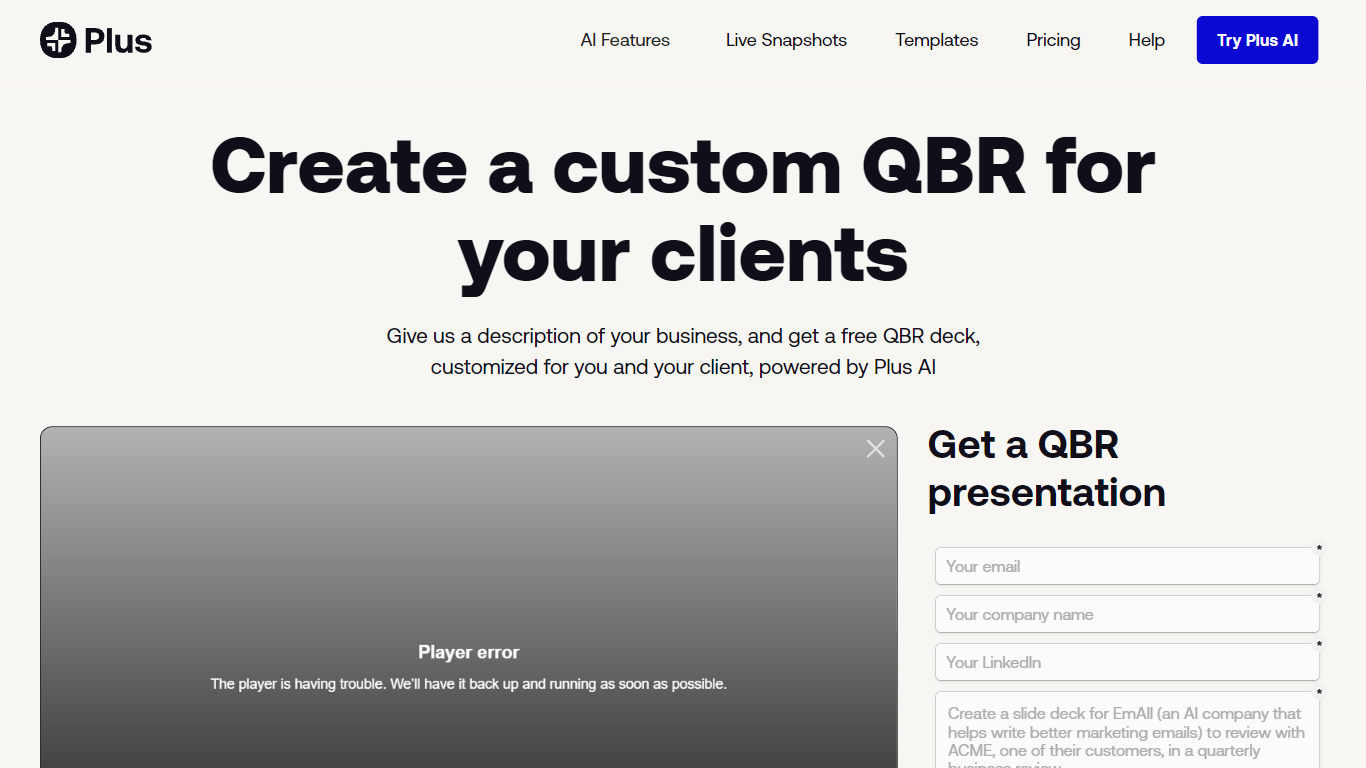
Quarterly Business Review | Plus is a client reporting workflow from Plus AI that drafts a customized QBR slide deck from a short description of your business and the client work you want to highlight. You sign up, describe the engagement, and Plus AI builds an easy-to-digest quarterly review deck you can edit in Google Slides or PowerPoint.
Most presentation tools give you generic templates. This Plus AI use case targets agency and services teams who repeat the same QBR structure every quarter but need client-specific narrative and metrics each time. You still use the Plus AI add-in inside Slides or PowerPoint rather than exporting to a separate design app.
Consultants, account managers, and customer success leads use it to skip blank-slide setup and send polished QBR decks faster. Paid Plus AI plans add higher monthly AI credit limits, document uploads, and team branding controls beyond the free sample deck offer.
Glimmer AI Upvotes
Quarterly Business Review | Plus Upvotes
Glimmer AI Top Features
Builds full slide decks from a single text or voice prompt using GPT-3 and DALL-E 2
Edit slides afterward with typed commands or microphone input inside the same session
Export finished decks to PPTX or PDF with one click
Waitlist members receive a unique code for free credits at the stable release
Roadmap lists a public API, viewer analytics, mixed-reality viewing, and team collaboration
Quarterly Business Review | Plus Top Features
Creates a client-specific QBR deck from a short business description
Works as a Google Slides and PowerPoint add-in via Plus AI
Basic plan includes 1,500 AI credits per month at $10 per user annually
Pro plan includes 3,000 AI credits per month and document uploads
Team plan adds custom branding with logo, colors, and fonts at $30 per user annually
Every paid plan starts with a 7-day trial including 1,000 AI credits
Glimmer AI Category
- Presentation
Quarterly Business Review | Plus Category
- Presentation
Glimmer AI Pricing Type
- Freemium
Quarterly Business Review | Plus Pricing Type
- Freemium