Glitter AI vs AutoOptimize
When comparing Glitter AI vs AutoOptimize, which AI Automation tool shines brighter? We look at pricing, alternatives, upvotes, features, reviews, and more.
In a comparison between Glitter AI and AutoOptimize, which one comes out on top?
When we put Glitter AI and AutoOptimize side by side, both being AI-powered automation tools, The upvote count is neck and neck for both Glitter AI and AutoOptimize. The power is in your hands! Cast your vote and have a say in deciding the winner.
Don't agree with the result? Cast your vote and be a part of the decision-making process!
Glitter AI


What is Glitter AI ?
Glitter AI turns screen recordings, videos, and live walkthroughs into polished step-by-step guides and SOPs. Record a process with the desktop app or browser extension, narrate as you go, and the platform captures screenshots, transcribes your speech, and writes the documentation for you.
You can also upload existing videos, including Zoom recordings, mobile screen captures, or footage of physical tasks, and Glitter converts them into editable guides. The guide editor lets you polish steps, screenshots, and copy before sharing via link, PDF, HTML, Markdown, or embed.
It supports 99 languages for recording and one-click translation. Teams at companies like Google, Walmart, and Salesforce use it for employee onboarding, IT runbooks, customer help articles, and compliance SOPs. The platform is SOC 2 Type II certified.
AutoOptimize
What is AutoOptimize?
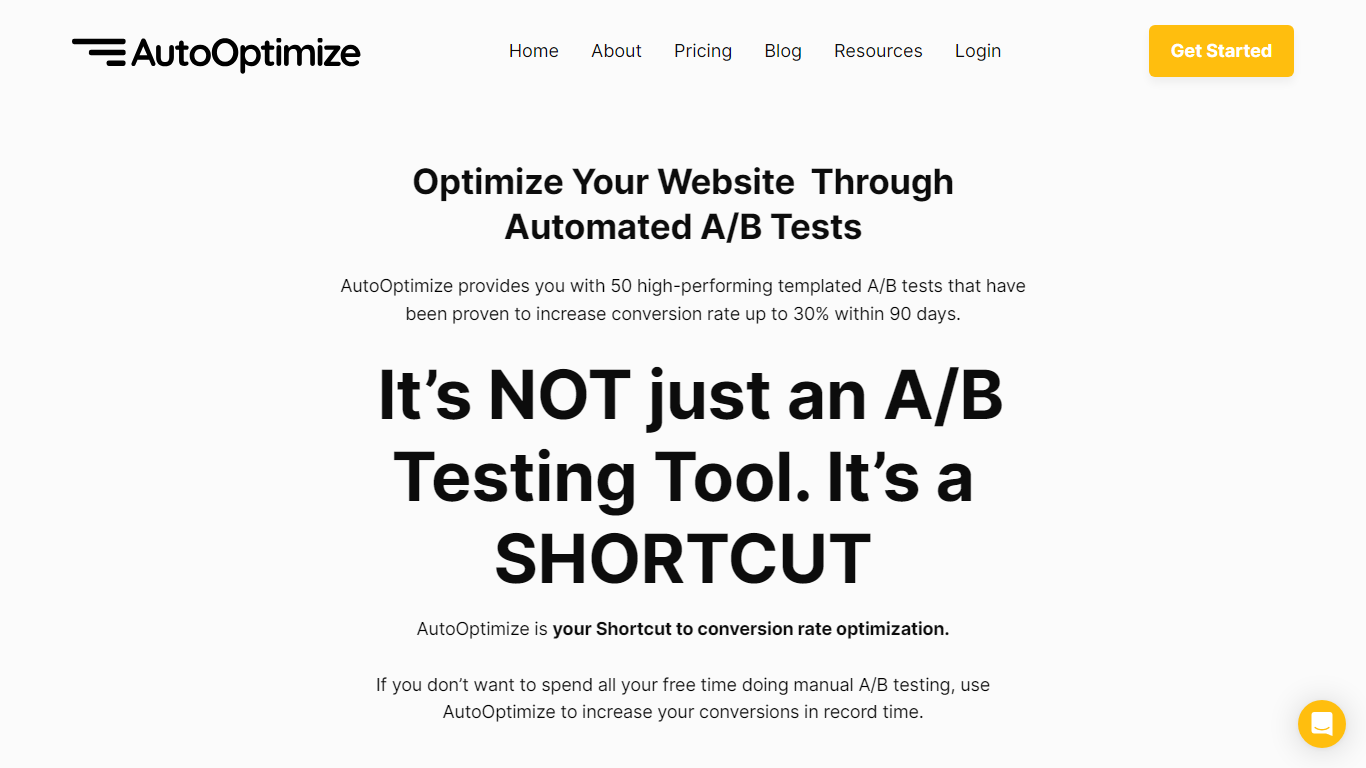
Maximize your website's potential with AutoOptimize’s advanced A/B testing tool! Designed to streamline conversion rate optimization, our platform offers 50 ready-to-use templated A/B tests that have demonstrated up to 30% increase in conversions within just 90 days. No extensive manual testing or hiring expensive CRO professionals—AutoOptimize is your affordable, automated shortcut to better performance.
AutoOptimize is not only about A/B testing; it’s the ultimate time-saving solution compatible with every platform, ensuring you get quick results. The tool provides real-time data, built-in AI features, and dedicated support, all without the need for coding skills. Plus, it’s cloud-based with advanced 256-bit encryption, promising easy organization and top-notch security.
Struggling with rising ad costs, neglected landing page optimizations, or instabilities on ad platforms? AutoOptimize tackles these challenges head-on. Easily set the service in motion in four straightforward steps, then watch as your website optimization takes care of itself, reducing ad costs, increasing revenue, and lowering customer acquisition costs.
Glitter AI Upvotes
AutoOptimize Upvotes
Glitter AI Top Features
Record your screen with desktop app or browser extension and get a guide with screenshots and text automatically
Upload any existing video and convert it into a step-by-step guide with AI step detection
Translate guides into any of 99 languages with a single click
Export to PDF, HTML, Markdown, or embed in Confluence, Notion, Zendesk, and more
SOC 2 Type II certified with on-device blur to redact sensitive data before upload
AutoOptimize Top Features
Pre-Built A/B Tests: Simplifies the optimization process with 50 high-performance templates.
No-Code Solution: Easy to use without any technical expertise making it accessible for anyone.
Real-Time Data: Offers valuable insights with real-time project tracking and notifications.
Dedicated Support: Provides thorough onboarding and continuous customer assistance.
Increased Security: Ensures data protection with advanced 256-bit encryption for peace of mind.
Glitter AI Category
- Automation
AutoOptimize Category
- Automation
Glitter AI Pricing Type
- Freemium
AutoOptimize Pricing Type
- Freemium