Glitter AI vs BeforeSunset AI
In the contest of Glitter AI vs BeforeSunset AI, which AI Automation tool is the champion? We evaluate pricing, alternatives, upvotes, features, reviews, and more.
If you had to choose between Glitter AI and BeforeSunset AI, which one would you go for?
When we examine Glitter AI and BeforeSunset AI, both of which are AI-enabled automation tools, what unique characteristics do we discover? Neither tool takes the lead, as they both have the same upvote count. You can help us determine the winner by casting your vote and tipping the scales in favor of one of the tools.
Think we got it wrong? Cast your vote and show us who's boss!
Glitter AI


What is Glitter AI ?
Glitter AI turns screen recordings, videos, and live walkthroughs into polished step-by-step guides and SOPs. Record a process with the desktop app or browser extension, narrate as you go, and the platform captures screenshots, transcribes your speech, and writes the documentation for you.
You can also upload existing videos, including Zoom recordings, mobile screen captures, or footage of physical tasks, and Glitter converts them into editable guides. The guide editor lets you polish steps, screenshots, and copy before sharing via link, PDF, HTML, Markdown, or embed.
It supports 99 languages for recording and one-click translation. Teams at companies like Google, Walmart, and Salesforce use it for employee onboarding, IT runbooks, customer help articles, and compliance SOPs. The platform is SOC 2 Type II certified.
BeforeSunset AI
What is BeforeSunset AI?
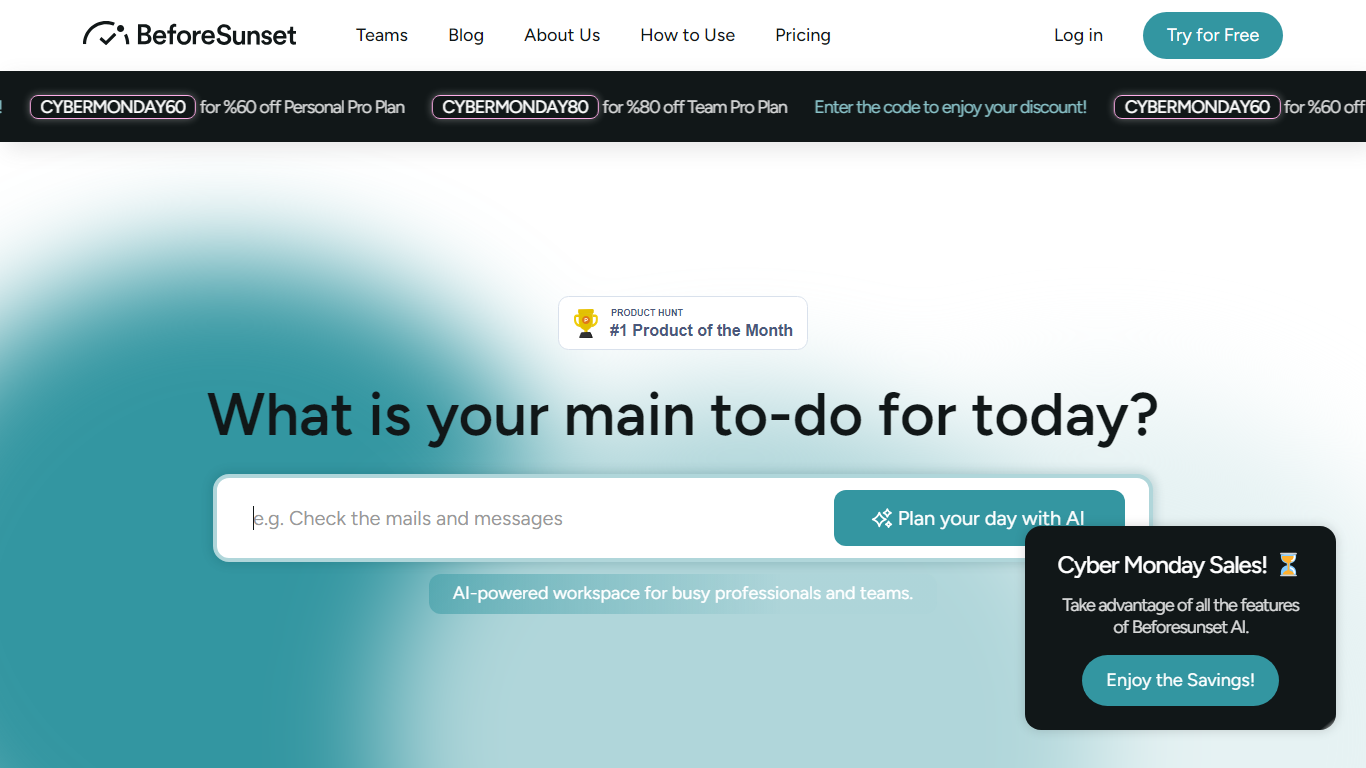
BeforeSunset AI is an automation-focused daily planner that turns rough notes into a time-blocked schedule. You type or speak what you need to get done, and the app breaks it into tasks, slots them on a calendar, and keeps priorities, due dates, and recurring items in one workspace across web, iOS, and Android.
Where most planners stop at lists, BeforeSunset AI pairs scheduling with Oasis, a built-in focus mode that wraps Pomodoro timers, ambient sounds, notes, and AI-generated backgrounds around a single task. The homepage also promotes Unlock, a separate iOS app for turning broad intentions into guided steps, while the classic planner at app.beforesunset.ai remains the full task and calendar product.
The workflow fits solopreneurs, students, founders, and busy professionals who want less manual calendar shuffling. Create My Tasks handles natural-language capture, Plan My Day arranges the calendar, and weekly or monthly views plus task auto-moving keep plans intact when days slip.
Glitter AI Upvotes
BeforeSunset AI Upvotes
Glitter AI Top Features
Record your screen with desktop app or browser extension and get a guide with screenshots and text automatically
Upload any existing video and convert it into a step-by-step guide with AI step detection
Translate guides into any of 99 languages with a single click
Export to PDF, HTML, Markdown, or embed in Confluence, Notion, Zendesk, and more
SOC 2 Type II certified with on-device blur to redact sensitive data before upload
BeforeSunset AI Top Features
Type or speak your day in plain language and AI generates tasks with subtasks, categories, and time estimates
Plan My Day arranges todos into a time-blocked calendar by priority and duration
Oasis focus mode pairs Pomodoro timers, ambient sounds, notes, and AI-generated workspace backgrounds
Pro plan costs $8 per month billed annually ($96 per year) with unlimited AI assistant credits
Team Pro at $12 per member per month adds a shared workspace, unlimited members, and team analytics
Weekly and monthly calendar views with task auto-moving when your schedule shifts
Native iOS and Android apps sync with the web app at app.beforesunset.ai
Glitter AI Category
- Automation
BeforeSunset AI Category
- Automation
Glitter AI Pricing Type
- Freemium
BeforeSunset AI Pricing Type
- Freemium